You are using an outdated browser. Please
upgrade your browser to improve your experience.

To access Mobile Banking , you must be a Charter Bank Online Banking Customer

Charter Bank Corpus Christi
by Charter Bank CC
What is it about?
To access Mobile Banking , you must be a Charter Bank Online Banking Customer.
App Store Description
To access Mobile Banking , you must be a Charter Bank Online Banking Customer.
To sign up for Online Banking and receive access to Mobile Banking, customers can apply by visiting the bank's website, any branch location or by phone.
Sign up for Mobile Banking by simply downloading the Charter Bank Mobile App from the Apple Store.
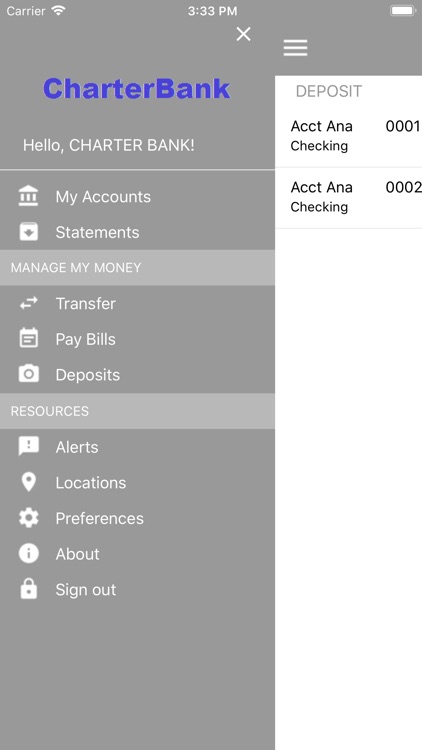
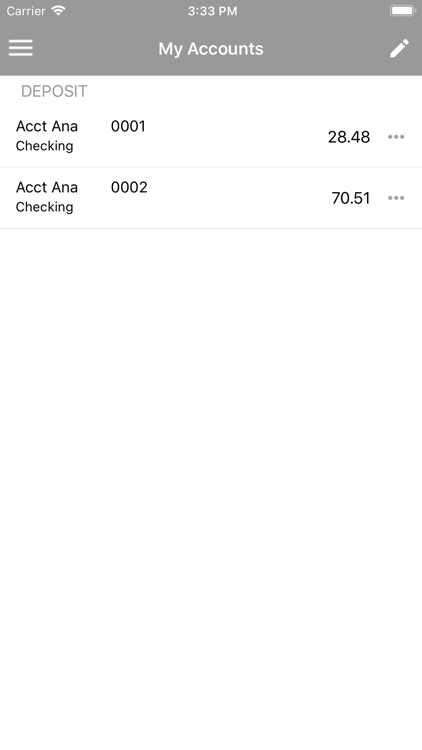
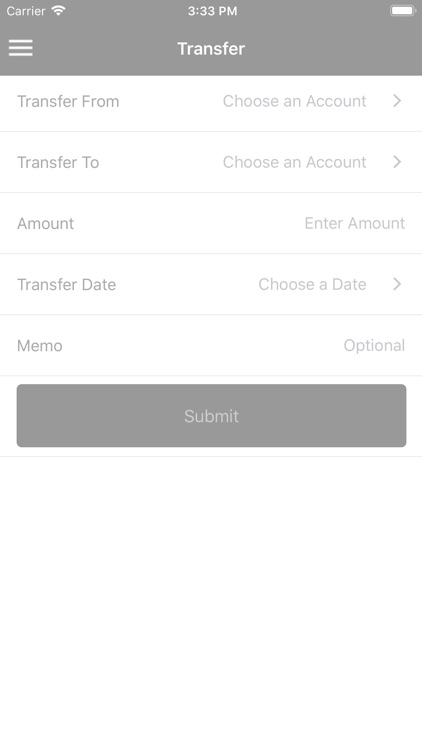
Our Mobile Banking is a solution that enables bank customers to use their iPhone or iPad to initiate routine transactions and conduct research anytime from anywhere. Customers can view account balances and transaction history, view account alerts, initiate account transfers and pay bills.
Customers can also make check deposits using their mobile device and our Remote Deposit Anywhere Service. This service can be requested by contacting the bank.
Charter Bank Mobile Banking supports all account types, including Checking, Savings, Money Market, Certificate of Deposits, and Loans.
Charter Bank Mobile Banking allows you to access your account any time from anywhere using your iPhone or iPad.
*connectivity and usage rates may apply. Contact your wireless provider for more details.
Disclaimer:
AppAdvice does not own this application and only provides images and links contained in the iTunes Search API, to help our users find the best apps to download. If you are the developer of this app and would like your information removed, please send a request to takedown@appadvice.com and your information will be removed.
AppAdvice does not own this application and only provides images and links contained in the iTunes Search API, to help our users find the best apps to download. If you are the developer of this app and would like your information removed, please send a request to takedown@appadvice.com and your information will be removed.
