You are using an outdated browser. Please
upgrade your browser to improve your experience.

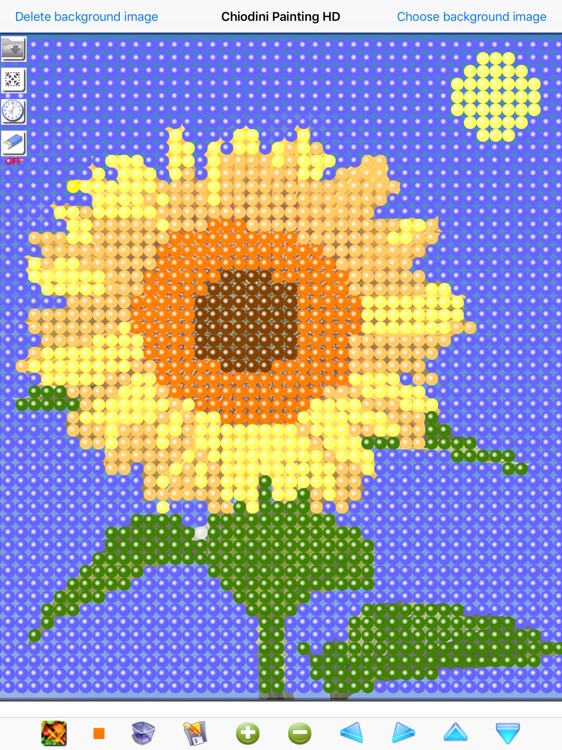
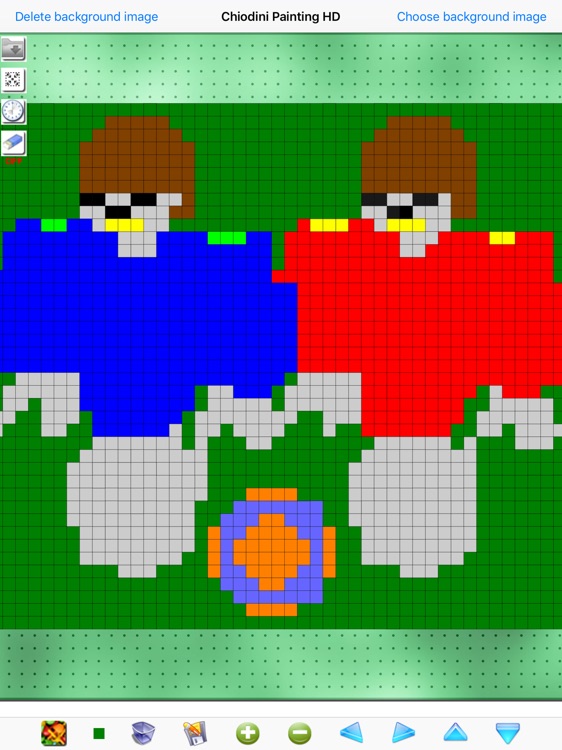
"Chiodini Painting HD" is a famous table game based on the insertion of colored tacks in the appropriate spaces provided in the "perforated board" for realizing figures/drawings/images

Chiodini Painting HD
by Gianluca Natalini
What is it about?
"Chiodini Painting HD" is a famous table game based on the insertion of colored tacks in the appropriate spaces provided in the "perforated board" for realizing figures/drawings/images.
App Details
Version
3.2
Rating
(19)
Size
8Mb
Genre
Family Puzzle
Last updated
July 18, 2025
Release date
July 8, 2010
More info
App Screenshots
App Store Description
"Chiodini Painting HD" is a famous table game based on the insertion of colored tacks in the appropriate spaces provided in the "perforated board" for realizing figures/drawings/images.
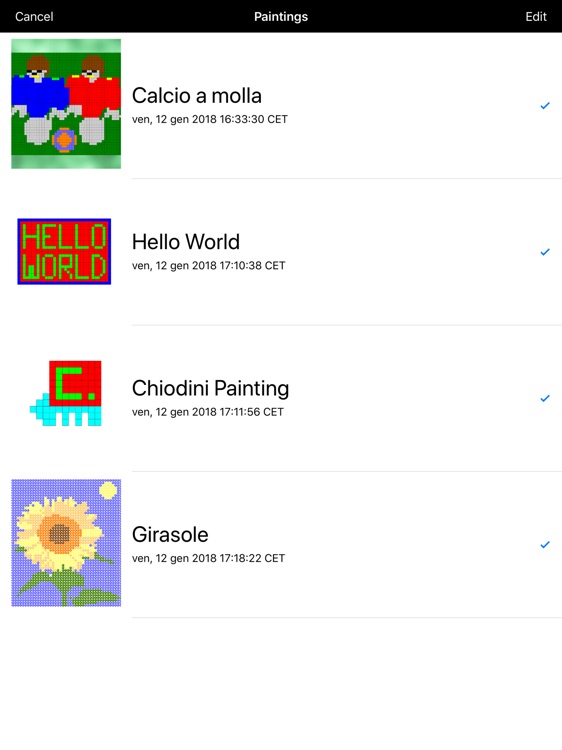
With "Chiodini Painting HD" you can draw what you want or by entering freely 2500 possible tacks or using a photo (semitransparent) and applying the tacks over it.
For example, you can:
1) Choose an image from your "Photo Album" (you can choose all the photos you've saved on the device - if you want you can also use "Finger Painting HD" to design the background images)
2) Use colored tacks over the image (choosing the colored tacks with the same colors of the background image)
3) Remove the background image and save / print / send with an email your painting
Features:
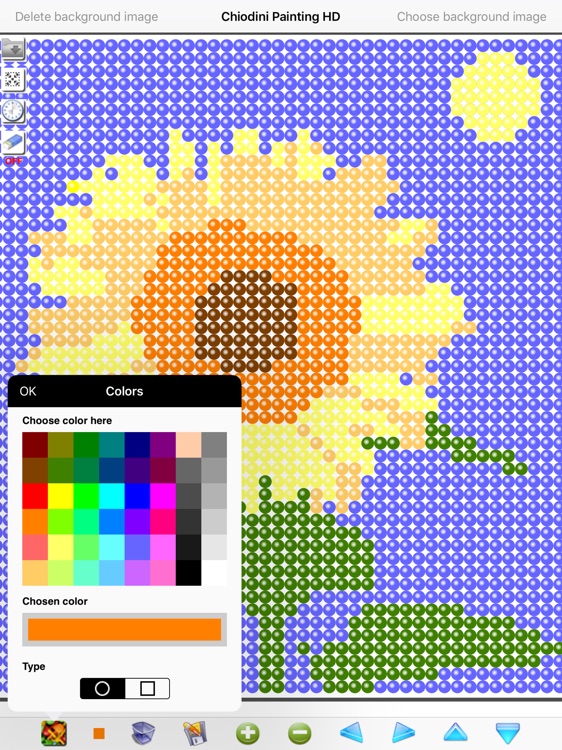
1) 2500 tacks (colors selectable from color palette)
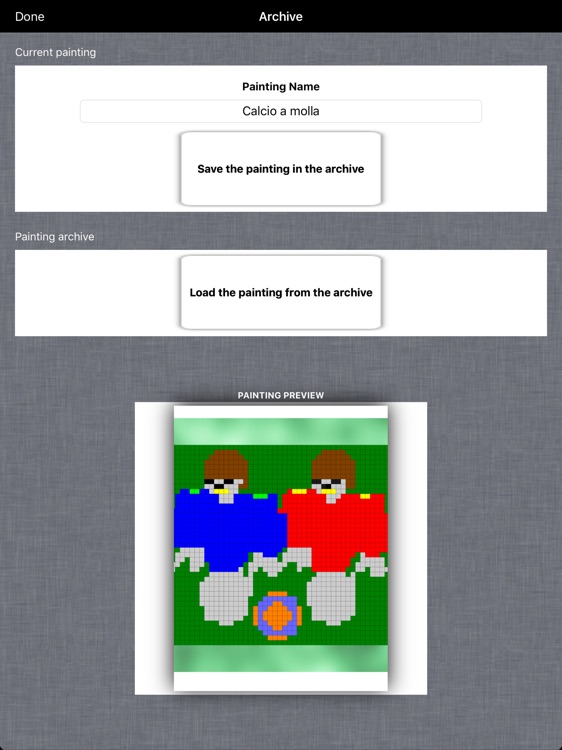
2) Automatic saving of the current painting
3) TIME MACHINE: with the ability to go back in time from the last to the first changes (also in the subsequent sessions of using the program)
4) Automatic loading at boot of the last painting (current painting)
5) Pan, Zoom (to increase the details or the view or move the view in the painting area)
6) Save design as JPG
7) Ability to send work via email
8) Draw in full-screen mode
9) Orientation: Portrait e Landscape
Disclaimer:
AppAdvice does not own this application and only provides images and links contained in the iTunes Search API, to help our users find the best apps to download. If you are the developer of this app and would like your information removed, please send a request to takedown@appadvice.com and your information will be removed.
AppAdvice does not own this application and only provides images and links contained in the iTunes Search API, to help our users find the best apps to download. If you are the developer of this app and would like your information removed, please send a request to takedown@appadvice.com and your information will be removed.
