You are using an outdated browser. Please
upgrade your browser to improve your experience.
This app is a complete set of the publicly-available CIA maps from CIA

CIA Maps
by Darren Gates
What is it about?
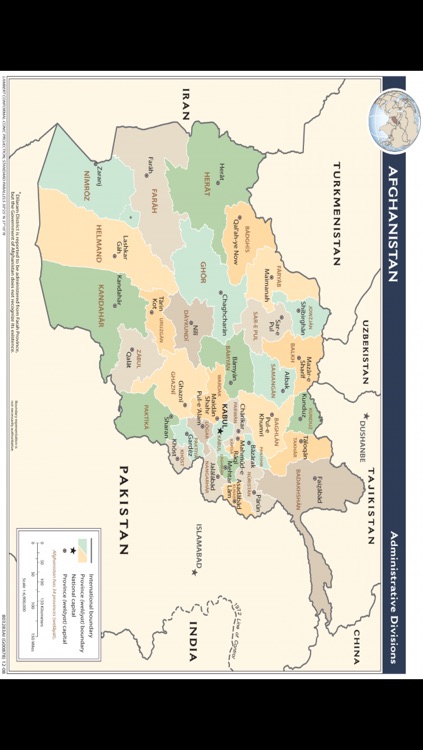
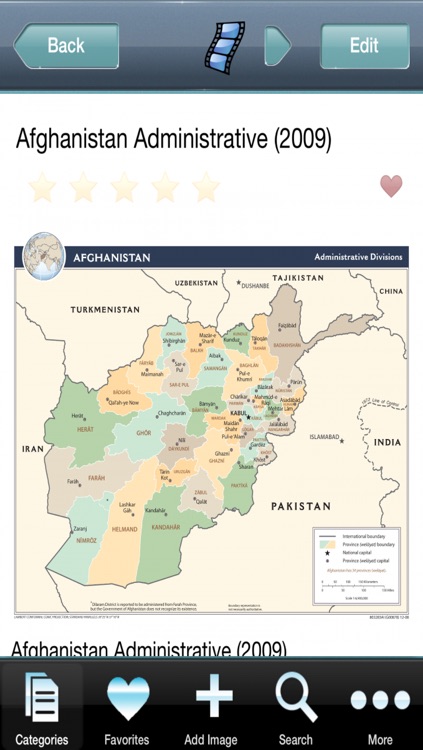
This app is a complete set of the publicly-available CIA maps from CIA.gov. All maps are high-resolution and 100% public domain.
App Screenshots
App Store Description
This app is a complete set of the publicly-available CIA maps from CIA.gov. All maps are high-resolution and 100% public domain.
All images are stored locally on your device (Internet connection is NOT required). All images are public domain.
A subset of the overall feature list for this application includes:
- Advanced search for all images. The top 100 images are returned by the search engine. If you need a more finely-tuned search, simply add more terms into the search field.
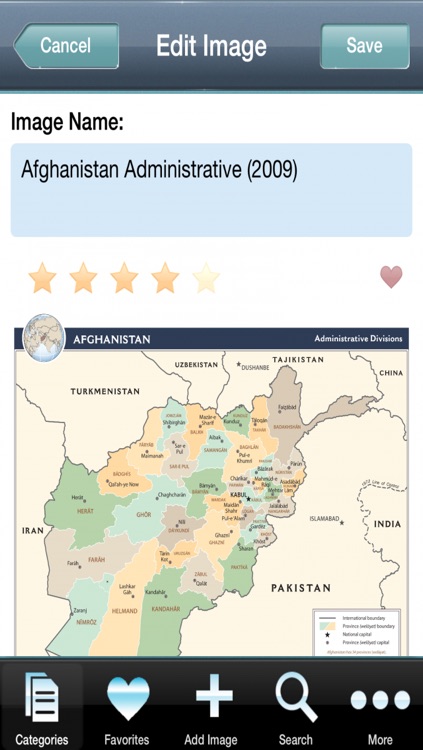
- Add/edit/remove images, and access items you added using My Images. If you find that an image that you'd like to add a more complete description to, you can edit it using your on-screen keypad, or add your own images that you may have available.
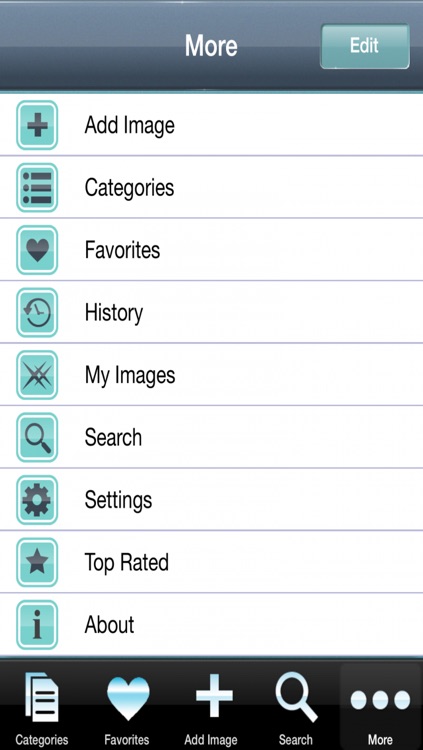
- Rate images on a 5-star system. Once rated, the image is much easier to access later since you can just tap on the "Top Rated" button (in the "More" section)
- Mark your favorite images, and save them in the Favorites area. This is similar to the "Top Rated" feature, but with more direct access since the button is always-visible at the bottom of the screen.
- E-mail any image to a friend, and CC or BCC it, too.
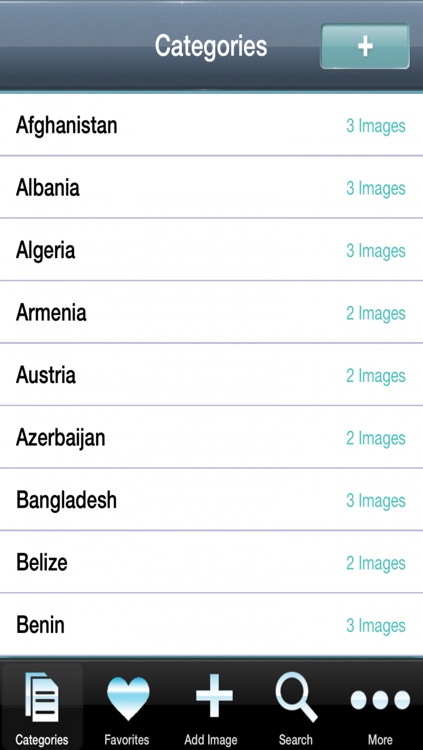
- Rename categories and add/remove categories. We've given you a starting point to help you categorize and organize your images, but you can always add more, or change the default categorization. Also, you can put any image in up to 2 categories, if desired.
- "View All" images for access to every item in the database.
- Use a simple "finger swipe" gesture to move from one image to another, or use the previous/next buttons.
- Insert a textual comment about the image.
- The history feature keeps a log of what you've seen.
- A Settings screen allows you to change the relative font sizes and the size of the history table.
Disclaimer:
AppAdvice does not own this application and only provides images and links contained in the iTunes Search API, to help our users find the best apps to download. If you are the developer of this app and would like your information removed, please send a request to takedown@appadvice.com and your information will be removed.
AppAdvice does not own this application and only provides images and links contained in the iTunes Search API, to help our users find the best apps to download. If you are the developer of this app and would like your information removed, please send a request to takedown@appadvice.com and your information will be removed.
