You are using an outdated browser. Please
upgrade your browser to improve your experience.
CIRCUS mimics the way you paint (physically)

CIRCUS
by Andreas Pihlstrom
What is it about?
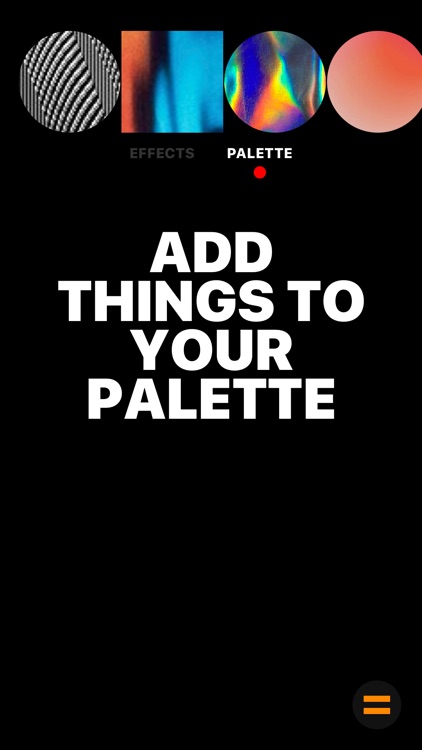
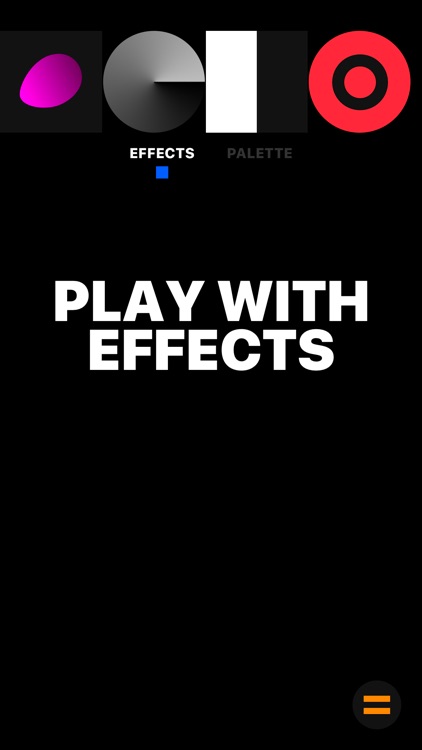
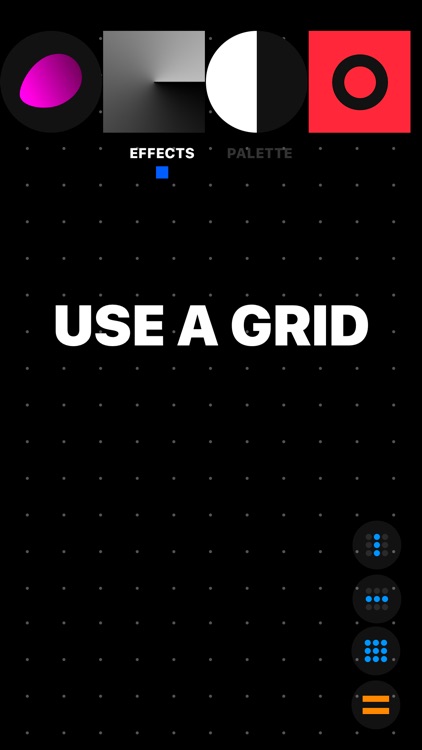
CIRCUS mimics the way you paint (physically). You decide on what colors to put on your palette, get all the tools to scratch, brush, fade etc, and last but not least—the canvas to paint on.
App Screenshots
App Store Description
CIRCUS mimics the way you paint (physically). You decide on what colors to put on your palette, get all the tools to scratch, brush, fade etc, and last but not least—the canvas to paint on.
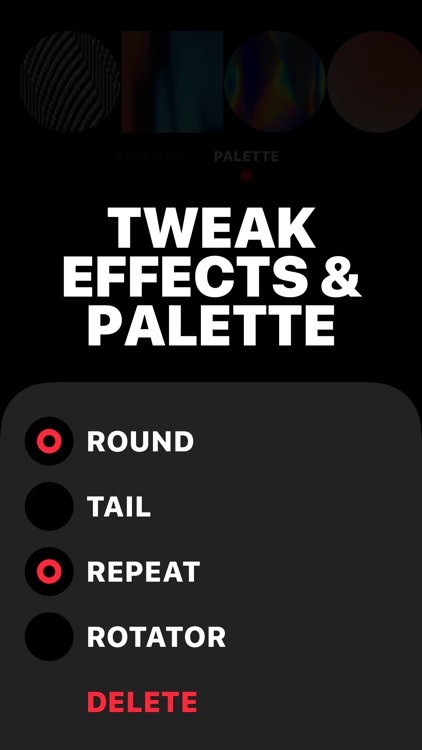
CIRCUS is this, but slightly different. You can draw with entire photos, parts of photos, any color, your own defined shapes, different parts of the canvas, rotating objects, blurry materials, transparent images, distortions effects, masks etc etc etc. Whatever you load your palette with, I'm sure the result will be amazing ;-)
················································
Upcoming release:
• iPad support
• More tools (effects)
• More hidden gestures
················································
Please tag your paintings with #madewithcircus so we all can look at your amazing work!
For updates and other things: @suprb (Instagram & Twitter)
Happy painting,
Andreas
Disclaimer:
AppAdvice does not own this application and only provides images and links contained in the iTunes Search API, to help our users find the best apps to download. If you are the developer of this app and would like your information removed, please send a request to takedown@appadvice.com and your information will be removed.
AppAdvice does not own this application and only provides images and links contained in the iTunes Search API, to help our users find the best apps to download. If you are the developer of this app and would like your information removed, please send a request to takedown@appadvice.com and your information will be removed.
