You are using an outdated browser. Please
upgrade your browser to improve your experience.
With clAirAudient you can connect your current audio input to your current audio output

clAirAudient
by Steven Obua
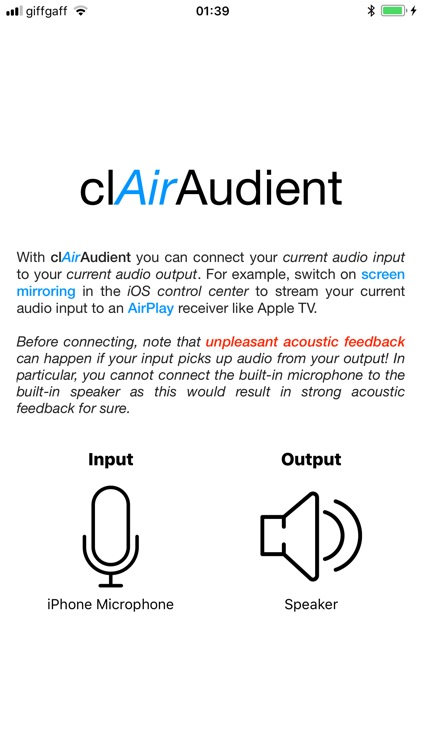
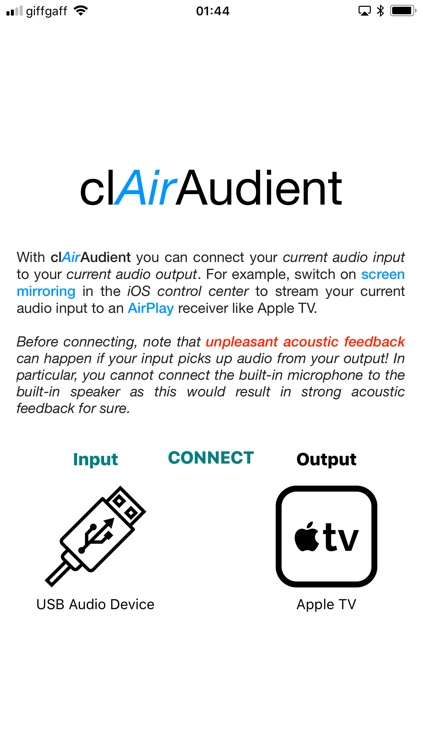
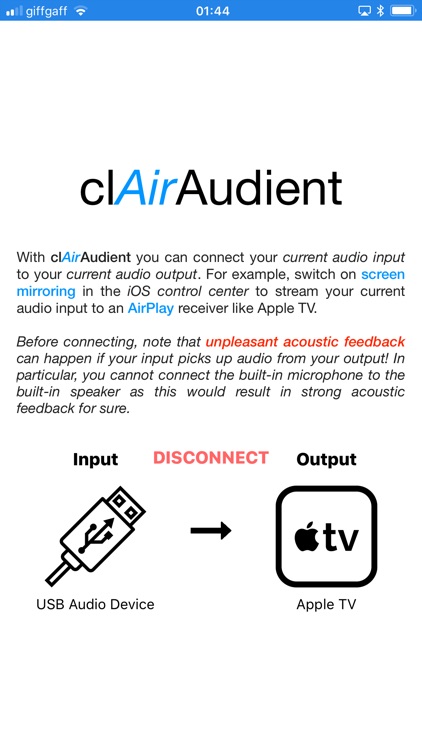
What is it about?
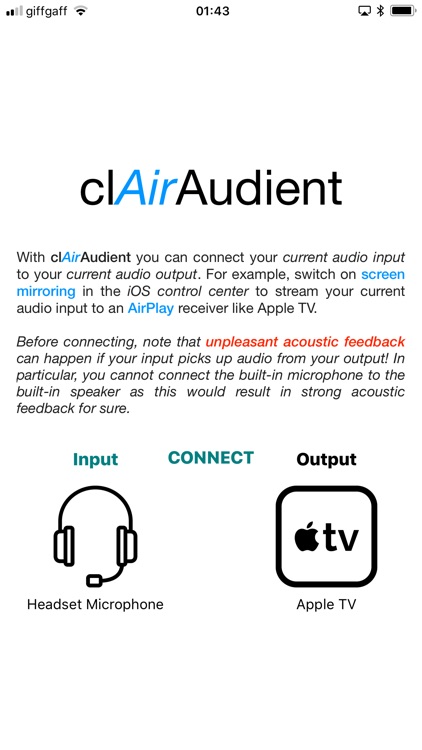
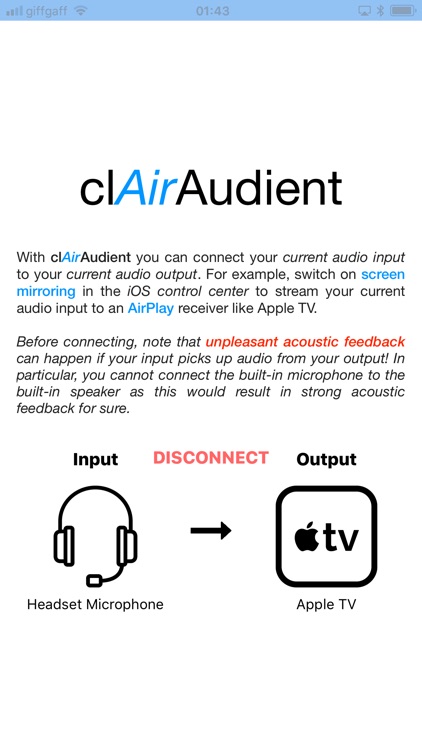
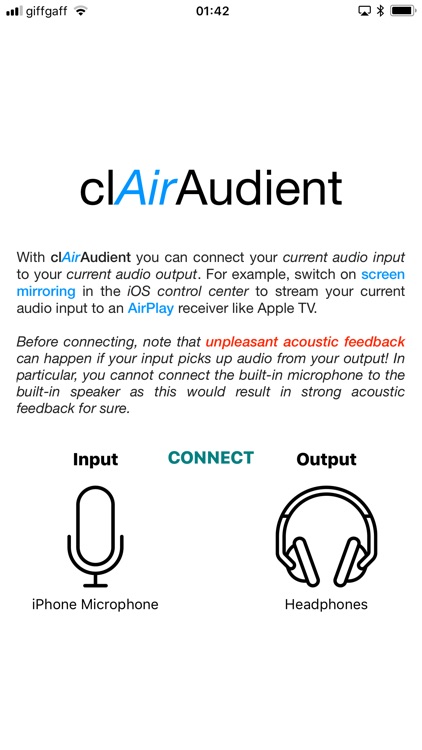
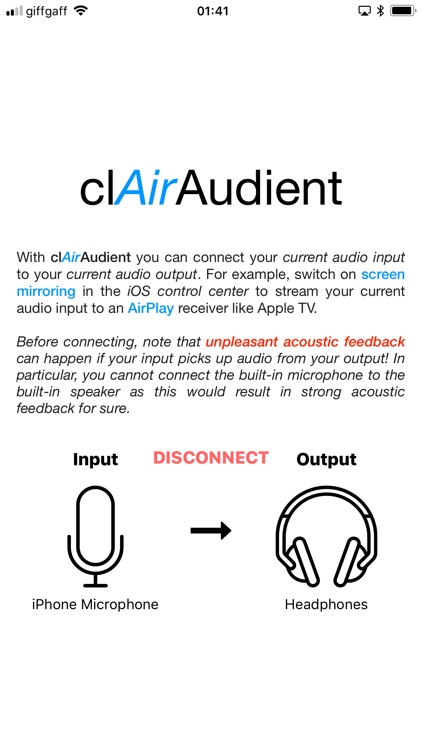
With clAirAudient you can connect your current audio input to your current audio output. For example, switch on screen mirroring in the iOS control center to stream your current audio input to an AirPlay receiver like Apple TV.
App Screenshots
App Store Description
With clAirAudient you can connect your current audio input to your current audio output. For example, switch on screen mirroring in the iOS control center to stream your current audio input to an AirPlay receiver like Apple TV.
You can let clAirAudient run in the background, which opens up all sorts of potential applications in combination with other apps.
For more information on how to use clAirAudient, visit http://recursivemind.com/clairaudient/index.html
Disclaimer:
AppAdvice does not own this application and only provides images and links contained in the iTunes Search API, to help our users find the best apps to download. If you are the developer of this app and would like your information removed, please send a request to takedown@appadvice.com and your information will be removed.
AppAdvice does not own this application and only provides images and links contained in the iTunes Search API, to help our users find the best apps to download. If you are the developer of this app and would like your information removed, please send a request to takedown@appadvice.com and your information will be removed.
