You are using an outdated browser. Please
upgrade your browser to improve your experience.

When your phone is accidentally dropped in a swimming pool, pool or in a river while camping

Clear Tune - Clean Speaker
by John Bonacci


What is it about?
When your phone is accidentally dropped in a swimming pool, pool or in a river while camping.
App Screenshots
App Store Description
When your phone is accidentally dropped in a swimming pool, pool or in a river while camping.
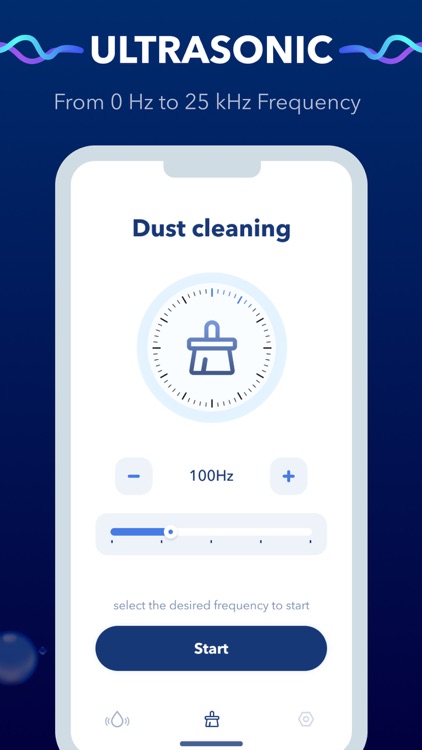
Clear Tune will help remove water from your speaker and also fix & boost sound.
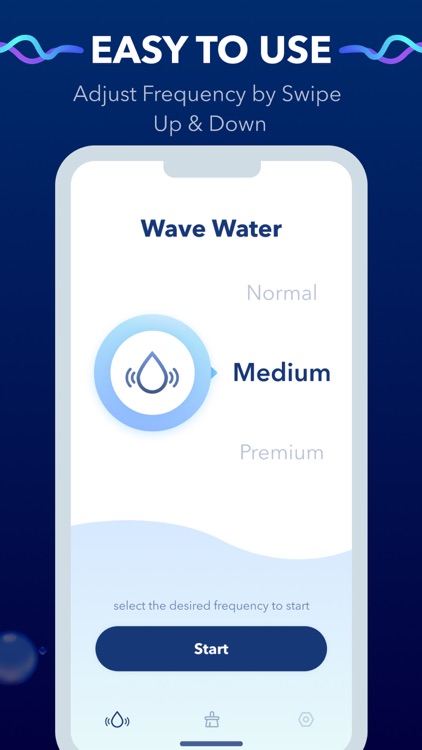
We use the sound of 50 Hertz to 30.000 Hertz to help the phone eject water. Clear Tune provides different levels of low, medium and high vibration to meet the strictly set frequency of play sounds
Clear Tune cleans your speaker quickly and it is easy to use.
How to use:
- Place your smartphone facing the screen downwards.
- Turn up the volume to maximum.
- Choose the Model you need.
Notes:
If for some reason the request to grant access was denied when you first started the program, go to Settings - Privacy - Microphone and allow the sound level meter to access the microphone, after which the program will run normally.
This app includes an optional auto-renewable subscription of three types i.e Month, 6 Month & Year.
- Month $3.99;
- 6 Month $19.99;
- Year $29.99;
Monthly subscription begins with a free trial period, then an auto-renewable monthly subscription when trial ends. Payment will be charged to your Apple account at confirmation of purchase and will automatically renew (at the duration/price selected) unless auto-renew is turned off at least 24 hrs before the end of the current period. Account will be charged for renewal within 24-hours prior to the end of the current period. Current subscription may not be cancelled during the active subscription period; however, you can manage your subscription and/or turn off auto-renewal by visiting your Apple Account Settings after purchase. Any unused portion of the free initial period will be forfeited when you purchase a subscription.
Privacy Policy: https://sites.google.com/view/clear-tune
Terms of Use: https://sites.google.com/view/cleartune-terms
Disclaimer:
AppAdvice does not own this application and only provides images and links contained in the iTunes Search API, to help our users find the best apps to download. If you are the developer of this app and would like your information removed, please send a request to takedown@appadvice.com and your information will be removed.
AppAdvice does not own this application and only provides images and links contained in the iTunes Search API, to help our users find the best apps to download. If you are the developer of this app and would like your information removed, please send a request to takedown@appadvice.com and your information will be removed.
