You are using an outdated browser. Please
upgrade your browser to improve your experience.

ASP's ClickClock Terminal app allows your employees to clock in and out iPad and iPhones

ClickClock Terminal
by ASP Microcomputers
What is it about?
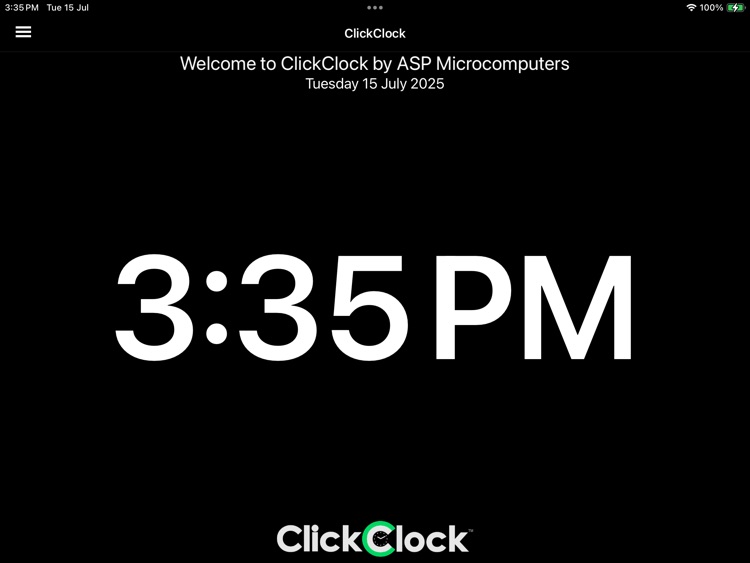
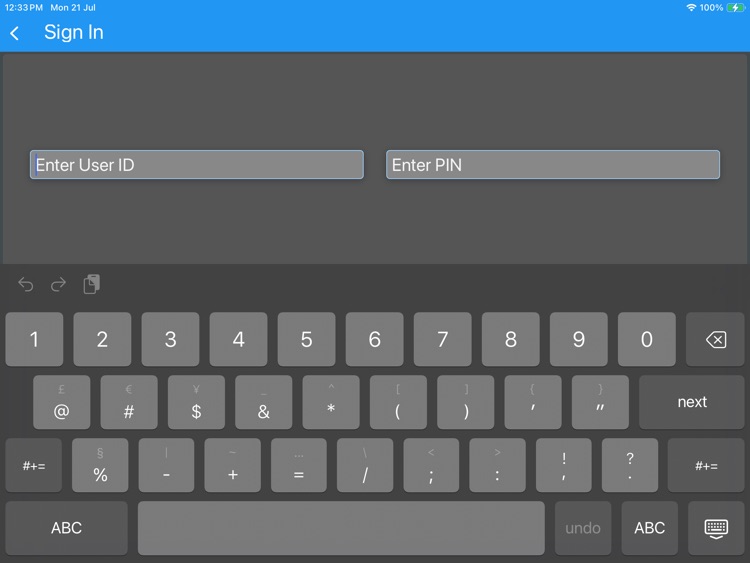
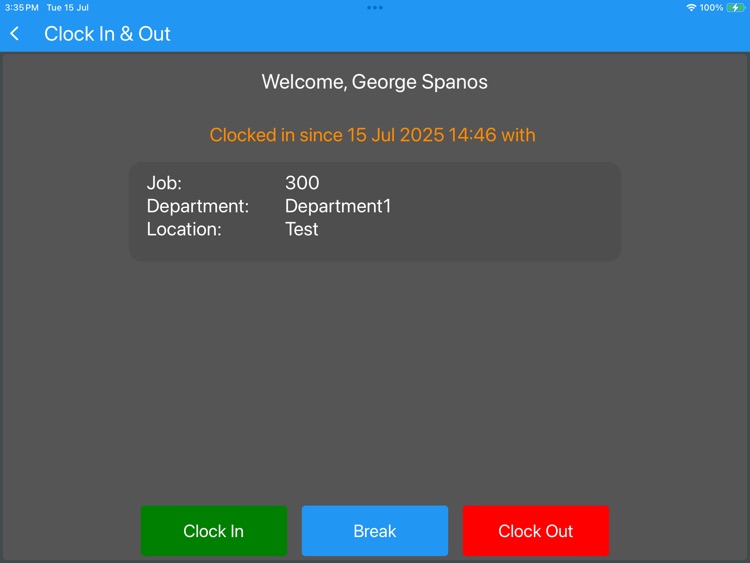
ASP's ClickClock Terminal app allows your employees to clock in and out iPad and iPhones.
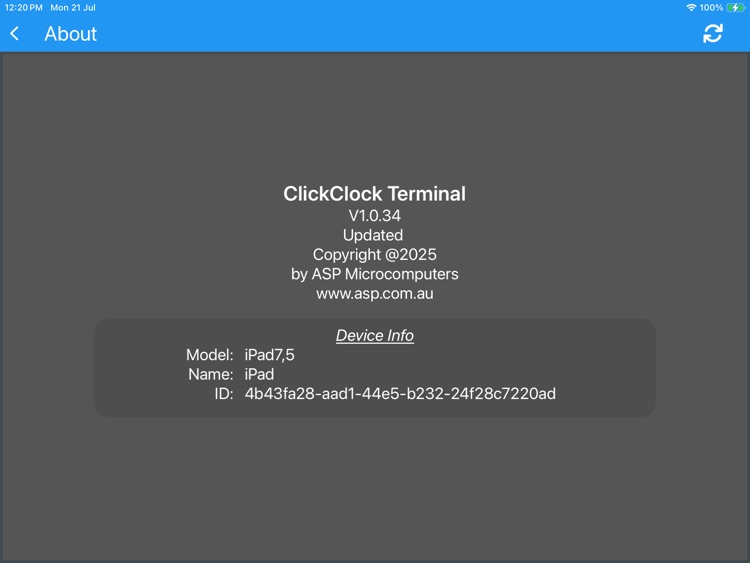
App Screenshots
App Store Description
ASP's ClickClock Terminal app allows your employees to clock in and out iPad and iPhones.
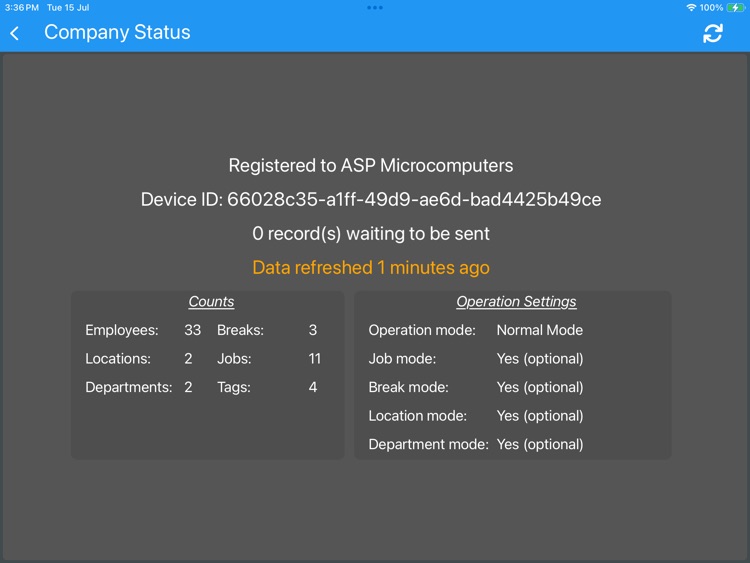
The ClickClock ecosystem consists of several parts – the https://www.clickclock.com.au web site (for management, configuration, and administration), a mobile tablet or phone app, and interfaces to your Time and Attendance system and/or Job Tracking system.
ClickClock devices can prompt for the job that the user is working on, or the location, or the department, or any combination.
Your Time and Attendance and/or Job Tracking program then connects to the cloud database via the internet to download this data.
All ClickClock devices connect to ClickClock Cloud via the internet to get most of their configuration settings, and also to store collected data.
Disclaimer:
AppAdvice does not own this application and only provides images and links contained in the iTunes Search API, to help our users find the best apps to download. If you are the developer of this app and would like your information removed, please send a request to takedown@appadvice.com and your information will be removed.
AppAdvice does not own this application and only provides images and links contained in the iTunes Search API, to help our users find the best apps to download. If you are the developer of this app and would like your information removed, please send a request to takedown@appadvice.com and your information will be removed.
