You are using an outdated browser. Please
upgrade your browser to improve your experience.

Start banking wherever you are with our Mobile Banking app

Columbia Commercial Mobile
by Umpqua Bank

What is it about?
Start banking wherever you are with our Mobile Banking app!
App Screenshots


App Store Description
Start banking wherever you are with our Mobile Banking app!
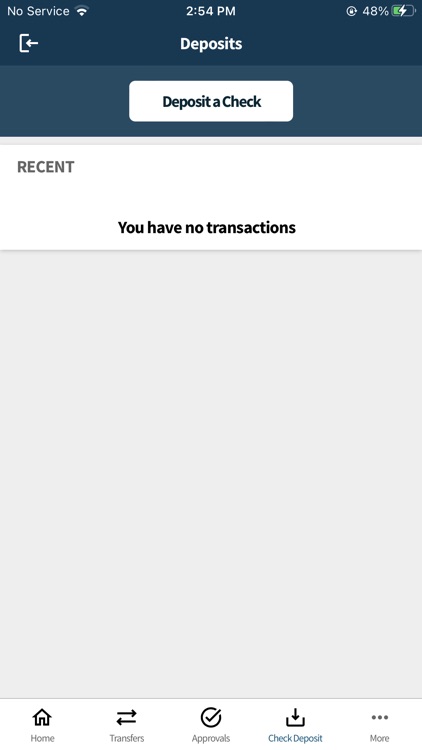
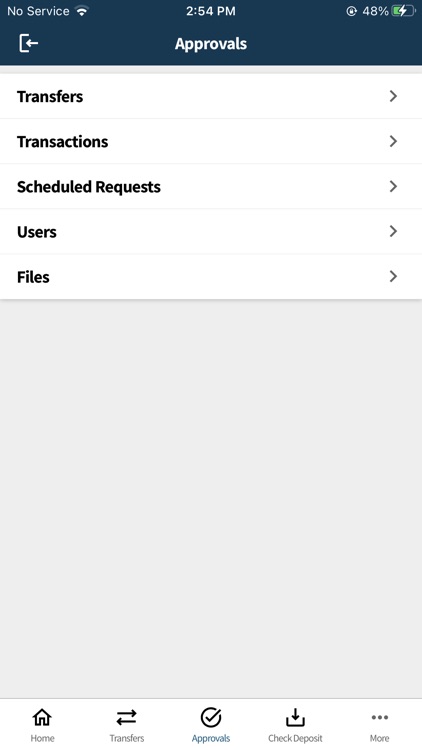
We’re bringing the bank to your business with Umpqua Bank’s Commercial Mobile Banking! Available to Commercial Online Banking customers, Commercial Mobile allows you to make deposits, check balances, make transfers, and pay bills.
Available features include:
Accounts - Check your latest deposit account balances and search recent transactions by date, amount, or check number.
Transfers - Easily transfer funds between your deposit accounts.
Bill Pay - View, pay, or cancel bill payments to your existing vendors and payees.
Mobile Deposit - Deposit checks to permitted accounts. Snap, Tap, and Go.
To take advantage of Umpqua Commercial Mobile, you must be enrolled in Commercial Online Banking. As Mobile Banking and Mobile Deposit are permittable services, please verify with your Company Administrator that you have appropriate permissions before using Umpqua Commercial Mobile.
If you are a Company Administrator and are not able to sign on or permit Umpqua Commercial Mobile to your users, have questions, or would like assistance getting started, please contact Customer Service at 866-563-1010.
All features may not be available in the tablet application.
Disclaimer:
AppAdvice does not own this application and only provides images and links contained in the iTunes Search API, to help our users find the best apps to download. If you are the developer of this app and would like your information removed, please send a request to takedown@appadvice.com and your information will be removed.
AppAdvice does not own this application and only provides images and links contained in the iTunes Search API, to help our users find the best apps to download. If you are the developer of this app and would like your information removed, please send a request to takedown@appadvice.com and your information will be removed.
