You are using an outdated browser. Please
upgrade your browser to improve your experience.

Add your purchased or scanned comic books to the app via the document browser, airdrop, from a mac or from another iPadOS app

Comic Scroll
by DC-Matic
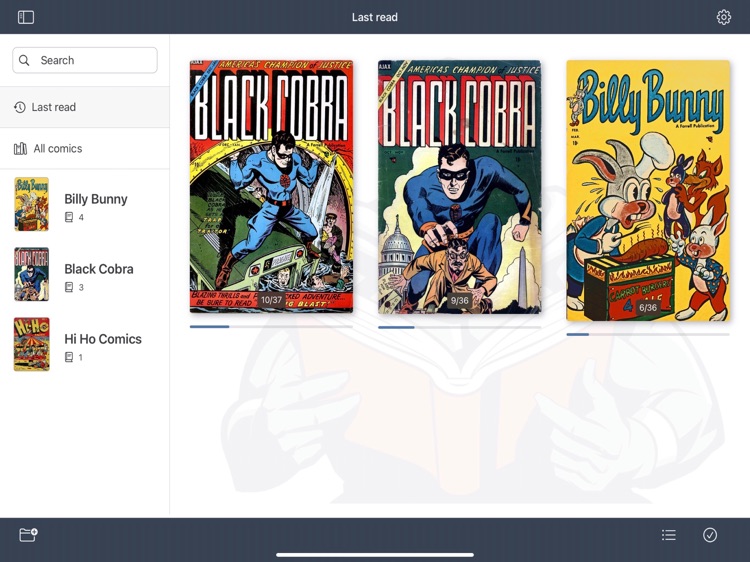
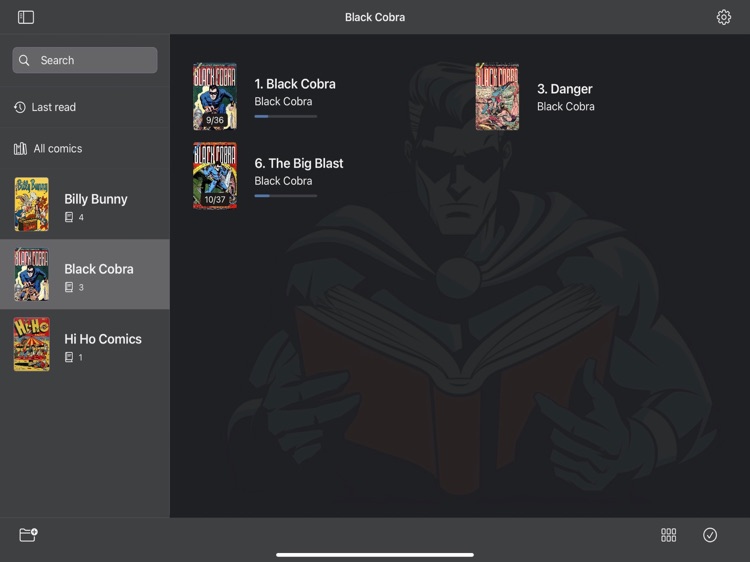
What is it about?
Add your purchased or scanned comic books to the app via the document browser, airdrop, from a mac or from another iPadOS app.
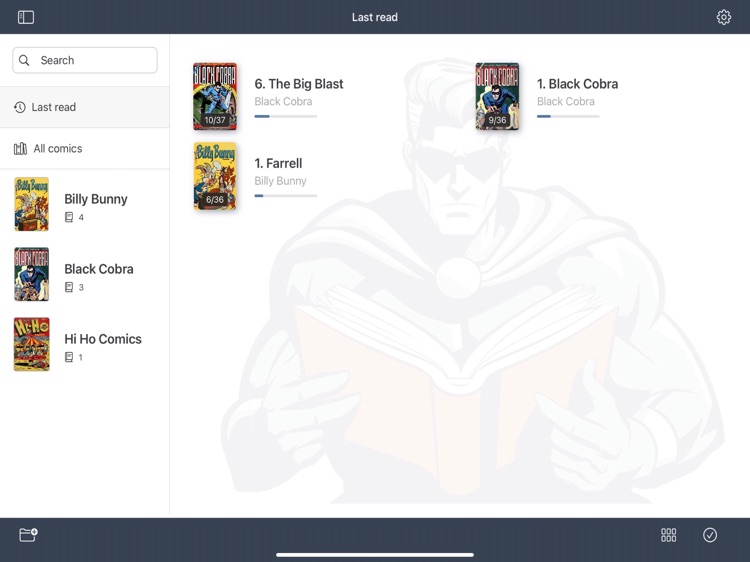
App Screenshots


App Store Description
Add your purchased or scanned comic books to the app via the document browser, airdrop, from a mac or from another iPadOS app.
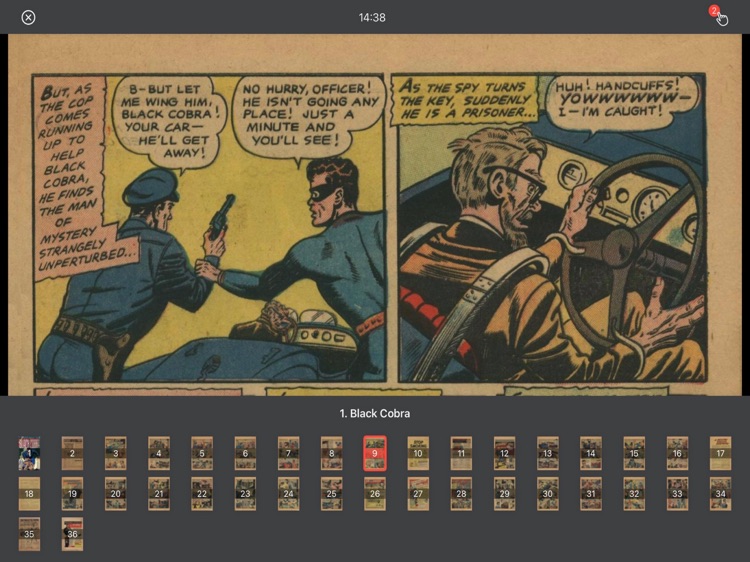
Scroll through your pages in landscape mode, to view the pages as large as possible (portrait mode is also supported).
Just tap on the bottom of the screen to scroll one page down, or at the top of the screen to scroll one page up.
Tap in the center of the screen, or long press the screen to pop over the menu.
Each page is scaled to take advantage of the full width of your device, but you can zoom out to optimise the width.
Supported file types: pdf, cbz ,cbr, rar, zip
Supported languages: english, dutch, french, german, portuguese, arabic, chinese (hong kong), italian, swedish, turkish, spanish, chinese (simplified), chinese (traditional), croatian, czech, danish, finnish, hebrew, hindi, greek, hungarian, indonesian, japanese, korean, malay, norwegian, polish, romanian, russian, slovak, thai, ukrainian, vietnamese and catalan.
Disclaimer:
AppAdvice does not own this application and only provides images and links contained in the iTunes Search API, to help our users find the best apps to download. If you are the developer of this app and would like your information removed, please send a request to takedown@appadvice.com and your information will be removed.
AppAdvice does not own this application and only provides images and links contained in the iTunes Search API, to help our users find the best apps to download. If you are the developer of this app and would like your information removed, please send a request to takedown@appadvice.com and your information will be removed.
