You are using an outdated browser. Please
upgrade your browser to improve your experience.
The ContactsPush app enables you to easily and conveniently transfer your contacts from a smartphone to the DECT handsets of a Gigaset fixed line phone

ContactsPush
by Gigaset Communications GmbH
What is it about?
The ContactsPush app enables you to easily and conveniently transfer your contacts from a smartphone to the DECT handsets of a Gigaset fixed line phone.
App Screenshots

App Store Description
The ContactsPush app enables you to easily and conveniently transfer your contacts from a smartphone to the DECT handsets of a Gigaset fixed line phone.
All you need for this is an Internet-capable Gigaset phone such as an A510 IP, A540 IP, AS690 IP, C430(A) IP, C530(A) IP, C610(A) IP, C430A GO, C530A GO, C570A GO, CL690A SCB, CL750A GO, E630A GO, S850A GO, SL400A GO, SL450A GO, DL500A, DX600A, DX 800A or GO-Box 100.
It is this easy:
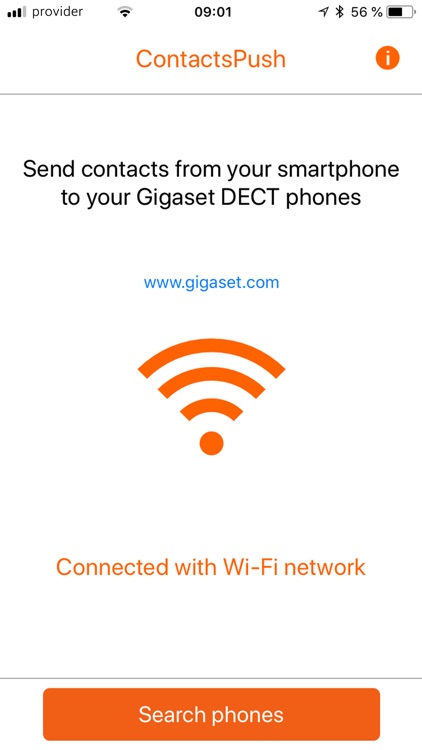
-Connect your smartphone to the local network
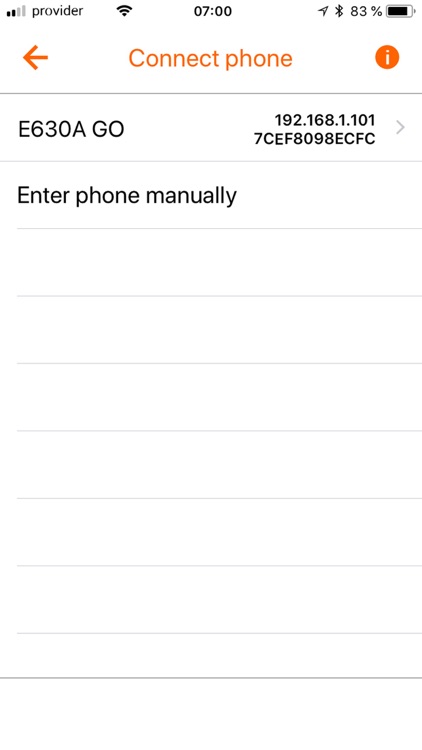
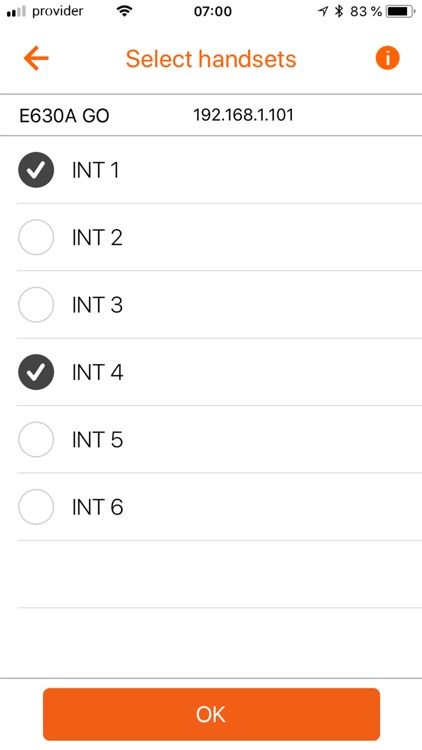
-The app shows you the phone systems1) addressable in the local network and the handsets of the fixed line phone you have selected
-You can manually select individual contacts or transfer your directory to up to six handsets
-Click the Filter button to search for particular contacts
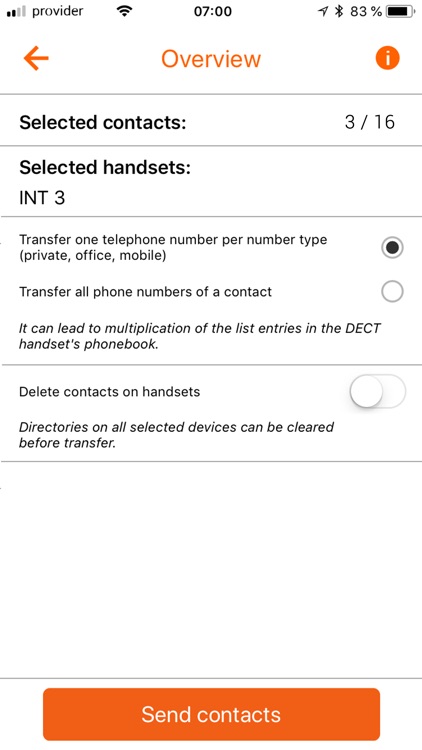
-Select whether all the numbers for a contact or only one phone number per number type (Private, Office, Mobile) are/is transferred
-You can also specify whether you want to delete all the entries on your fixed line phone before the transfer
1) Internet access (www.gigaset-config.com) is required for this. If you are temporarily without Internet access, simply press the Paging button briefly on the base station of your IP phone to display the IP address on your DECT handset. Then enter this manually in the app.
Disclaimer:
AppAdvice does not own this application and only provides images and links contained in the iTunes Search API, to help our users find the best apps to download. If you are the developer of this app and would like your information removed, please send a request to takedown@appadvice.com and your information will be removed.
AppAdvice does not own this application and only provides images and links contained in the iTunes Search API, to help our users find the best apps to download. If you are the developer of this app and would like your information removed, please send a request to takedown@appadvice.com and your information will be removed.
