You are using an outdated browser. Please
upgrade your browser to improve your experience.
An Angle Conversion Calculator for the iPhone/iPod Touch and iPad

Conversion Factors - Angle
by M Holmberg
What is it about?
An Angle Conversion Calculator for the iPhone/iPod Touch and iPad.
App Screenshots
App Store Description
An Angle Conversion Calculator for the iPhone/iPod Touch and iPad.
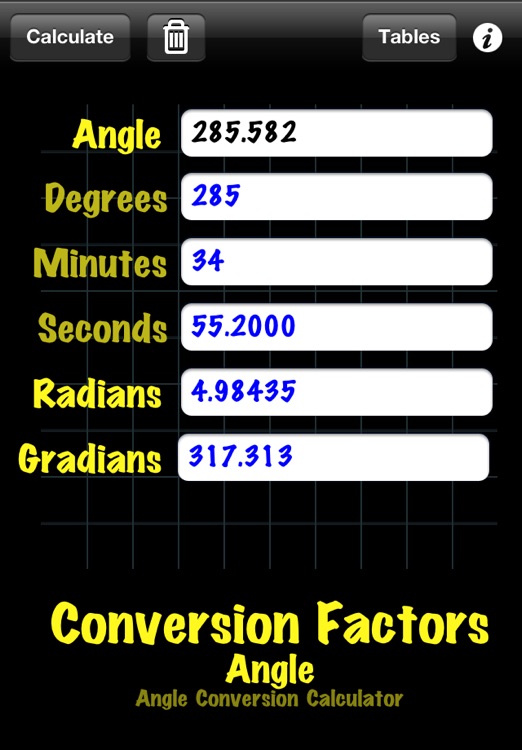
Calculate the degrees, minutes, seconds, radians and gradians for any angle. Enter the angle in a decimal format such as 124.5º or as 124º 30' or in radians or gradians, your choice. Only one imput is required in any of the input fields, or up to three fields in the case of entering angles in degree, minute, and second.
Features:
. Only one input is required to calculate the various formats of measuring angles. In the case of degrees, minutes and seconds, up to 3 fields may be used for entering the angular measure. The app calculates as the angles are entered.
. Field clear button
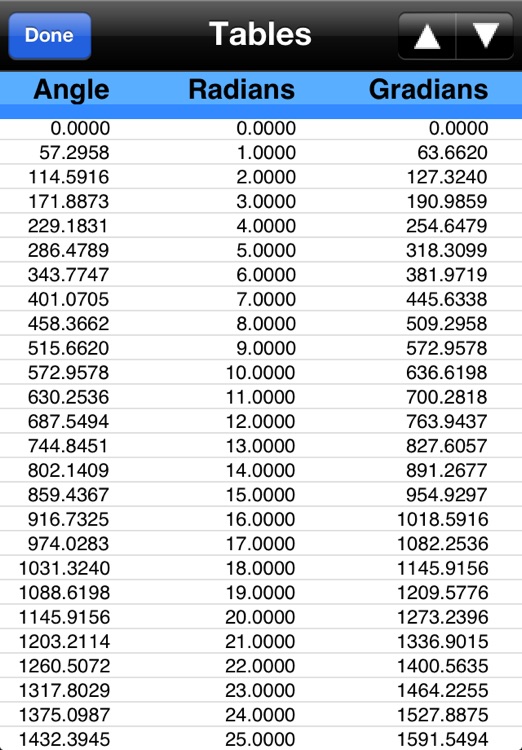
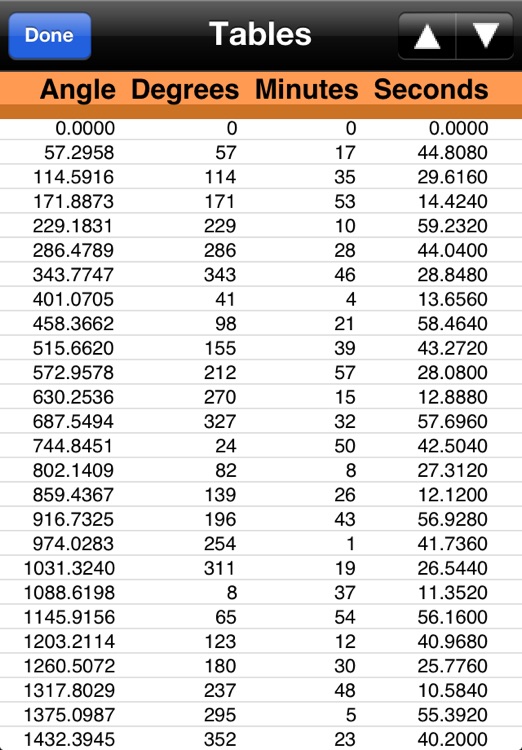
.Tables of angle calculations in programable increments.
.Table paging controls
. Automatic calculation for field entry or if preferred, a manual calculate button
. Calculation color setting. The colors: red, green, blue or black may be set for the calculated fields to help distinguish between the user entered field and calculated fields. The user entered field color is black.
App Settings:
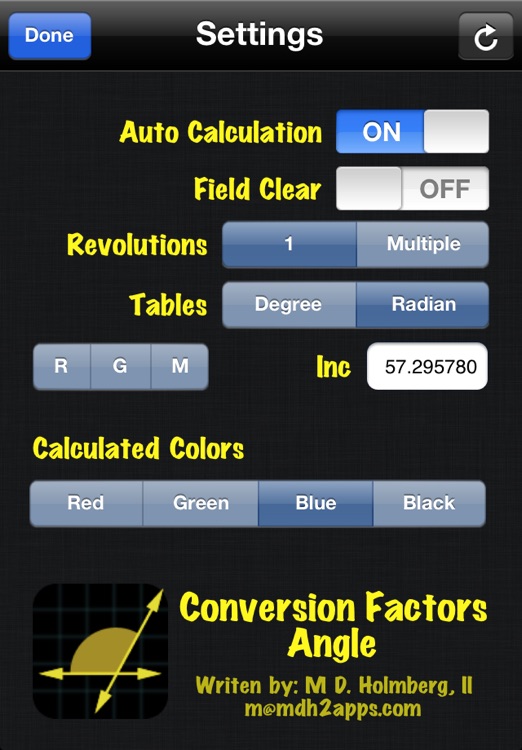
.Auto calculation may be set to on or off. When set to on, calculation is performed automatically as each digit of an angle is entered. When set to off, the user must tap the calculate button.
.Field Clear. Because of the close relationship of degrees, minutes and seconds, the user may elect to initialize the minutes and seconds fields when the degree field is tapped.
.Revolutions, If desired calculated angles may be kept to 0º - 259º range, The multiple settings ignores this range.
.Tables may be set to Degree or Radian. The first calculates angles in the degree minute and second format, or if using the radian settings, the tables are generated with radian and gradians.
.Tables work closely with the inc setting, this increment factor is set for generating tables with various degrees sensitivity. For example, an inc settings of '1' will generate a table for each degree. A setting of 45 (the default) with generate tables at each 45 degrees, that is 0, 45, 90, 135, etc. Also values less that 1 may be used, .5 will generate a table of angles at each half degree, or, each 30-second.
.Also included in the settings are the macro buttons R, G, M, these buttons are preprogrammed to set the table settings for generating tables with increments for reporting radians, gradians, and degrees in a logical manner without needing to enter the correct conversion factors. Just tap the button; the tables are setup and ready to be generated.
. Reset settings button. The settings panel has a reset button to restore the app to the installed defaults. These defaults are: Auto Calculation = ON, Field Clear = OFF, Revolutions = 1, Tables = Radian, Inc = 45, Calculated Colors = RED.
Disclaimer:
AppAdvice does not own this application and only provides images and links contained in the iTunes Search API, to help our users find the best apps to download. If you are the developer of this app and would like your information removed, please send a request to takedown@appadvice.com and your information will be removed.
AppAdvice does not own this application and only provides images and links contained in the iTunes Search API, to help our users find the best apps to download. If you are the developer of this app and would like your information removed, please send a request to takedown@appadvice.com and your information will be removed.
