You are using an outdated browser. Please
upgrade your browser to improve your experience.

Convert multiple units at one place

Convert Guru
by Yogeshkumar Maisuriya
What is it about?
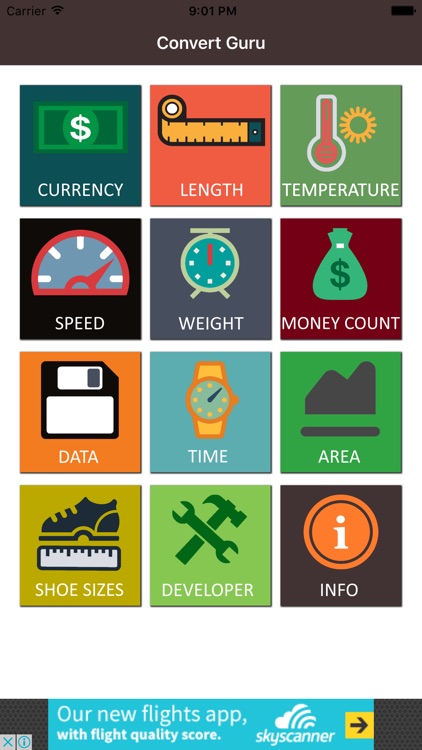
Convert multiple units at one place. Easy to use application where the user can convert currency, Length, Temperature, Speed, Weight, Money Count, Data, Time, Area, Shoe sizes.
App Screenshots

App Store Description
Convert multiple units at one place. Easy to use application where the user can convert currency, Length, Temperature, Speed, Weight, Money Count, Data, Time, Area, Shoe sizes.
Currency
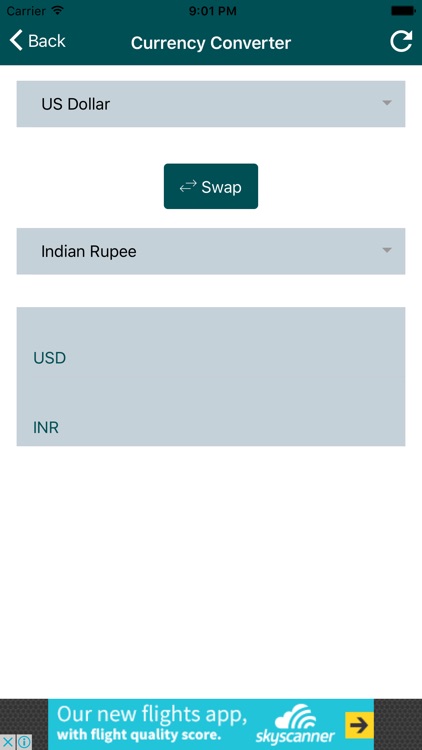
Select the currency from you want to convert to your desired currency. You will get updated value for both currencies. You can compare them even when you does not have the internet connectivity.
Length
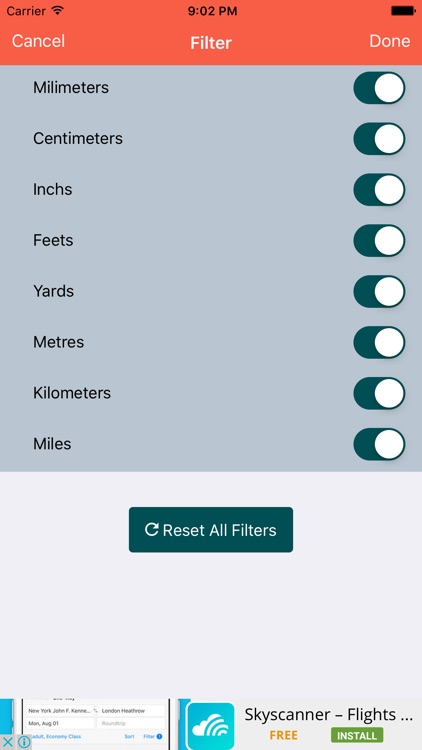
Select the Length Unit first from the dropdown and enter the value for the of a Unit that you know and see all results for different units. Tap on setting icon on top right corner to limit unit options.
Temperature
Select the Temperature Unit first from the dropdown and enter the value for the of a Unit that you know and see all results for different units. Tap on setting icon on top right corner to limit unit options.
Speed
Select the Speed Unit first from the dropdown and enter the value for the of a Unit that you know and see all results for different speed units. Tap on setting icon on top right corner to limit unit options.
Weight
Select the Weight unit first from the dropdown and enter the value for the of a Unit that you know and see all results for different units. Tap on setting icon on top right corner to limit unit options.
Money Count
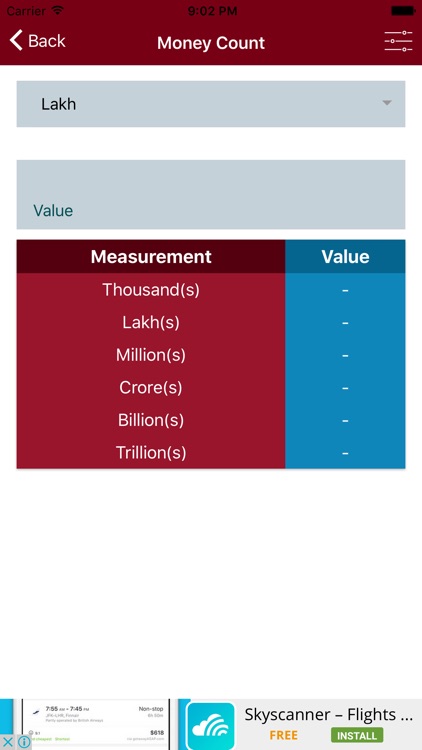
Select the Money Unit first from the dropdown and enter the value for the of a Unit that you know and see all results for different units. Tap on setting icon on top right corner to limit unit options.
Data
Select the Data Unit first from the dropdown and enter the value for the of a Unit that you know and see all results for different units. Tap on setting icon on top right corner to limit unit options.
Time
Select the Time Unit first from the dropdown and enter the value for the of a Unit that you know and see all results for different units. Tap on setting icon on top right corner to limit unit options.
Area
Select the Area Unit first from the dropdown and enter the value for the of a Unit that you know and see all results for different units. Tap on setting icon on top right corner to limit unit options.
Shoe Sizes
Select the Brand first then select from options Men, Women, Kids, country wise shoe size chart is available for all three.
Disclaimer:
AppAdvice does not own this application and only provides images and links contained in the iTunes Search API, to help our users find the best apps to download. If you are the developer of this app and would like your information removed, please send a request to takedown@appadvice.com and your information will be removed.
AppAdvice does not own this application and only provides images and links contained in the iTunes Search API, to help our users find the best apps to download. If you are the developer of this app and would like your information removed, please send a request to takedown@appadvice.com and your information will be removed.
