You are using an outdated browser. Please
upgrade your browser to improve your experience.

All changes are saved automatically, so you can review your history at any time

Counter: History & Widgets
by Danylo Horielov


What is it about?
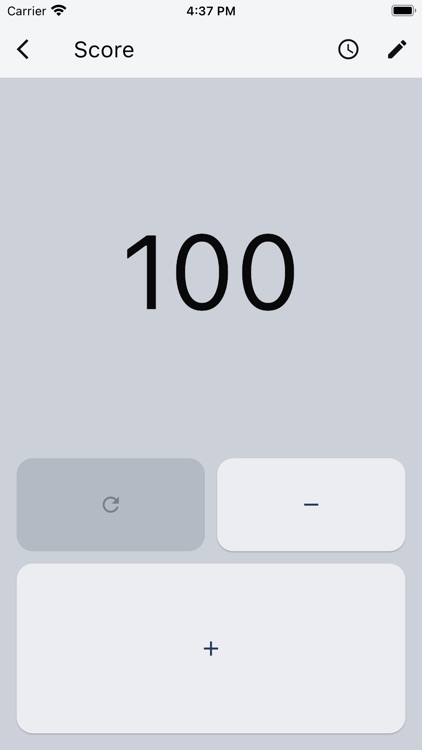
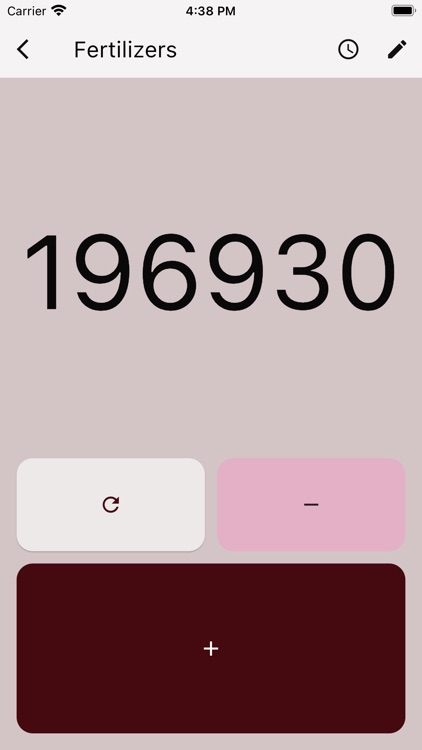
All changes are saved automatically, so you can review your history at any time. Personalize the app by choosing themes and button styles. You can also adjust each counter’s card, changing its size, type, or rearranging the increment/decrement buttons. Organize counters into folders and track your progress with home screen widgets – all free and without ads.
App Screenshots


App Store Description
All changes are saved automatically, so you can review your history at any time. Personalize the app by choosing themes and button styles. You can also adjust each counter’s card, changing its size, type, or rearranging the increment/decrement buttons. Organize counters into folders and track your progress with home screen widgets – all free and without ads.
Main functions and features:
- Create counters with different parameters. Customize their appearance, including size and type.
- Organize counters into folders to keep things tidy.
- Review your activity in history: a grouped overview for all counters, folder-specific history, or a detailed log for each counter.
- Add widgets to the home screen.
- Personalize the app with a wide range of free themes.
- Use volume buttons in the details screen to quickly increment or decrement counter.
- View counters in list or grid format (grid view available on larger screens). Sort counters by name, value, and other parameters.
- No ads or paid features. You can support the developer if you wish.
And this is just the beginning! We’re always open to your feedback and suggestions to make the app even better.
Disclaimer:
AppAdvice does not own this application and only provides images and links contained in the iTunes Search API, to help our users find the best apps to download. If you are the developer of this app and would like your information removed, please send a request to takedown@appadvice.com and your information will be removed.
AppAdvice does not own this application and only provides images and links contained in the iTunes Search API, to help our users find the best apps to download. If you are the developer of this app and would like your information removed, please send a request to takedown@appadvice.com and your information will be removed.
