You are using an outdated browser. Please
upgrade your browser to improve your experience.
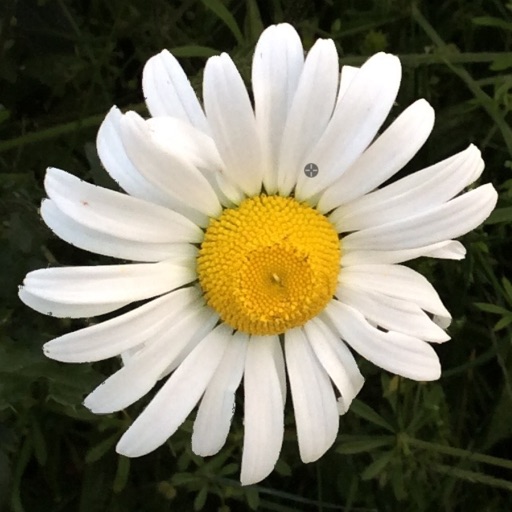
Crop images by simply double tapping on the region of interest

Crazy Cropper - Cut and Trim
by Joshua Lubins
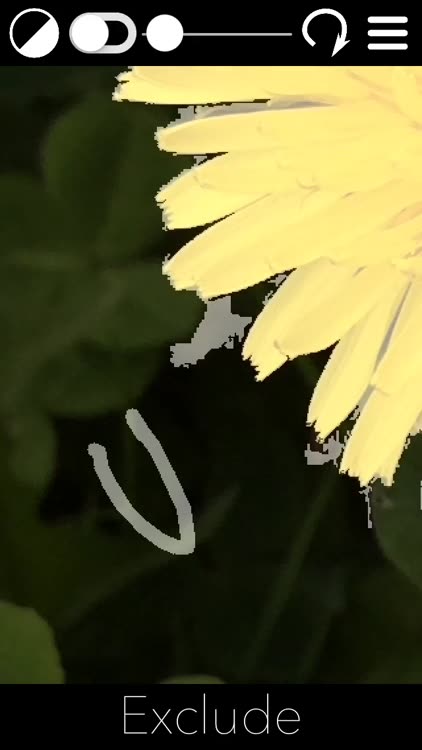


What is it about?
Crop images by simply double tapping on the region of interest. The background is suppressed to the very boundary of the object. No more rectangular crops with residual background and no need to draw custom boundaries around objects. There are three optional parameters to adjust and an eraser section to touch-up on the crop area with your finger.
App Screenshots

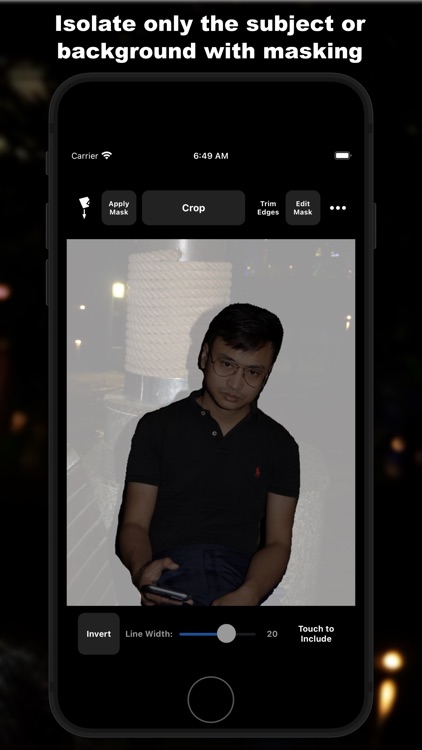

App Store Description
Crop images by simply double tapping on the region of interest. The background is suppressed to the very boundary of the object. No more rectangular crops with residual background and no need to draw custom boundaries around objects. There are three optional parameters to adjust and an eraser section to touch-up on the crop area with your finger.
Works best if the objects are large, closed boundary and has a high contrast from the background. Results could be saved in the Photos App, Documents folder or shared on social media. To get a PNG file with a transparent background, save in and navigate to Crazy Cropper's Documents folder in iTunes.
Install Crazy Cropper now to start cropping your pictures.
Disclaimer:
AppAdvice does not own this application and only provides images and links contained in the iTunes Search API, to help our users find the best apps to download. If you are the developer of this app and would like your information removed, please send a request to takedown@appadvice.com and your information will be removed.
AppAdvice does not own this application and only provides images and links contained in the iTunes Search API, to help our users find the best apps to download. If you are the developer of this app and would like your information removed, please send a request to takedown@appadvice.com and your information will be removed.
