You are using an outdated browser. Please
upgrade your browser to improve your experience.

Cloud Backup lets you access docs, music, videos and pictures stored on your Windows PC or Apple Mac from anywhere

Currys Cloud Backup
by Livedrive

What is it about?
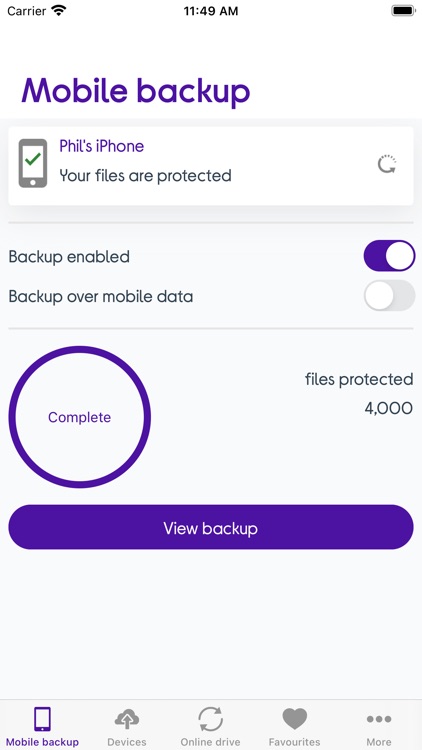
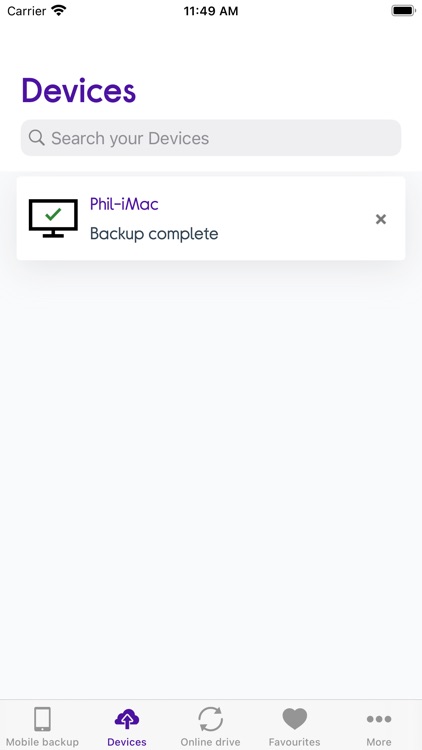
Cloud Backup lets you access docs, music, videos and pictures stored on your Windows PC or Apple Mac from anywhere. Our desktop software will automatically back up your important files to your online account, and our iOS app enables you to access those files securely from anywhere.
App Screenshots

App Store Description
Cloud Backup lets you access docs, music, videos and pictures stored on your Windows PC or Apple Mac from anywhere. Our desktop software will automatically back up your important files to your online account, and our iOS app enables you to access those files securely from anywhere.
Plus the app can automatically upload the pictures and videos on your iPhone or iPad to your Cloud Backup account.
With the Cloud Backup app you can:
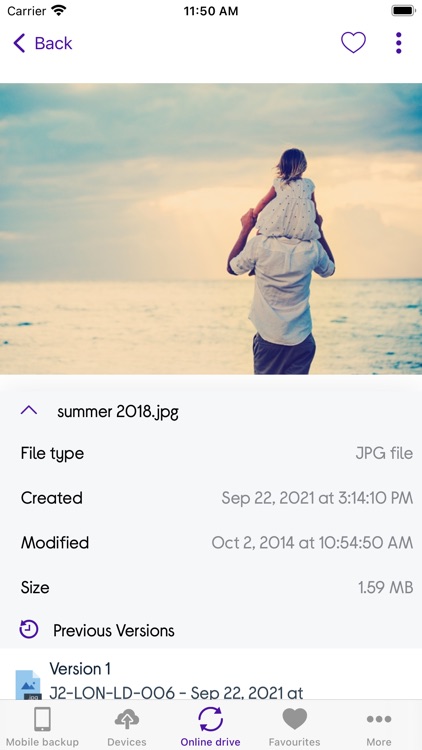
- View and edit your documents anywhere
- Automatically back up all the photos and videos on your iPhone or iPad
- View your photos in full screen slideshow mode
- Listen to your favourite songs in seconds
- Stream video content anywhere
- Share files with friends and family
Please note: You need a Currys Cloud Backup account to use this app.
Disclaimer:
AppAdvice does not own this application and only provides images and links contained in the iTunes Search API, to help our users find the best apps to download. If you are the developer of this app and would like your information removed, please send a request to takedown@appadvice.com and your information will be removed.
AppAdvice does not own this application and only provides images and links contained in the iTunes Search API, to help our users find the best apps to download. If you are the developer of this app and would like your information removed, please send a request to takedown@appadvice.com and your information will be removed.
