You are using an outdated browser. Please
upgrade your browser to improve your experience.

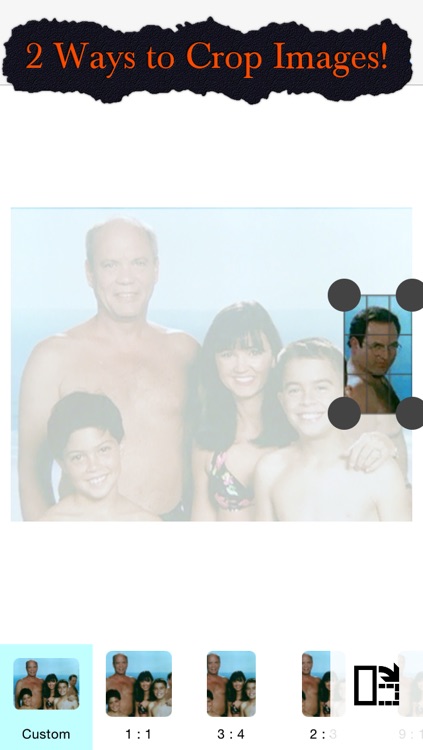
Cut & Paste has two unique ways to crop your photos:

Cut and Paste - Copy part of one image and place it into another one of your photos
by Billy Core

What is it about?
Cut & Paste has two unique ways to crop your photos:
App Screenshots
App Store Description
Cut & Paste has two unique ways to crop your photos:
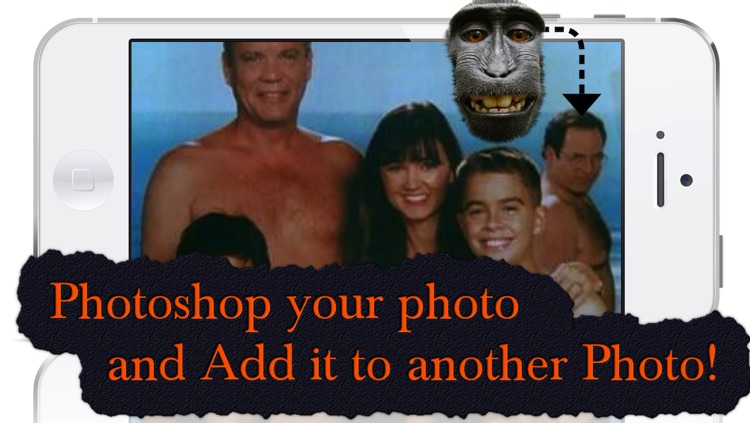
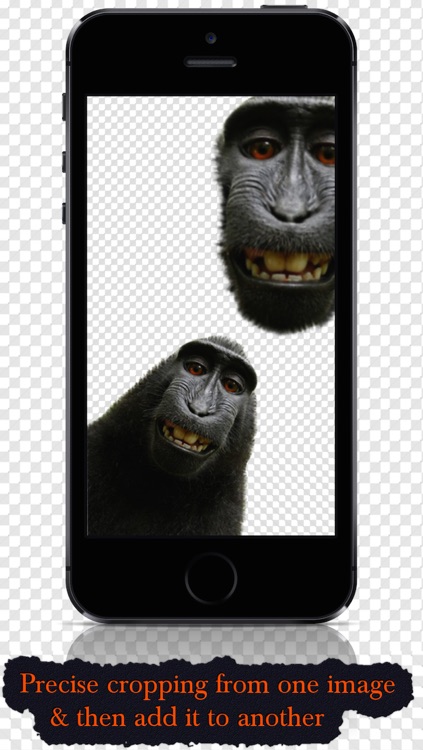
1. Select an exact portion of a photo and place it into another one of your images. Quickly & simply select a portion of one of your images and place it into another one of your photos. The cropping selection process can be more precise than is typically seen in a cropping app by adding more selection points. Check out the screen shots - images like these can be created in seconds.
2. Crop out a portion of a photo and create a new photo of just the selected portion. This is a great way to remove any unwanted portions of a photo or zoom into any portion of photo you love.
Disclaimer:
AppAdvice does not own this application and only provides images and links contained in the iTunes Search API, to help our users find the best apps to download. If you are the developer of this app and would like your information removed, please send a request to takedown@appadvice.com and your information will be removed.
AppAdvice does not own this application and only provides images and links contained in the iTunes Search API, to help our users find the best apps to download. If you are the developer of this app and would like your information removed, please send a request to takedown@appadvice.com and your information will be removed.
