You are using an outdated browser. Please
upgrade your browser to improve your experience.
CVA Access – With CVA Access, the information and features you need to confidently manage your business with your cooperative is at your fingertips

CVA Access
by WinField

What is it about?
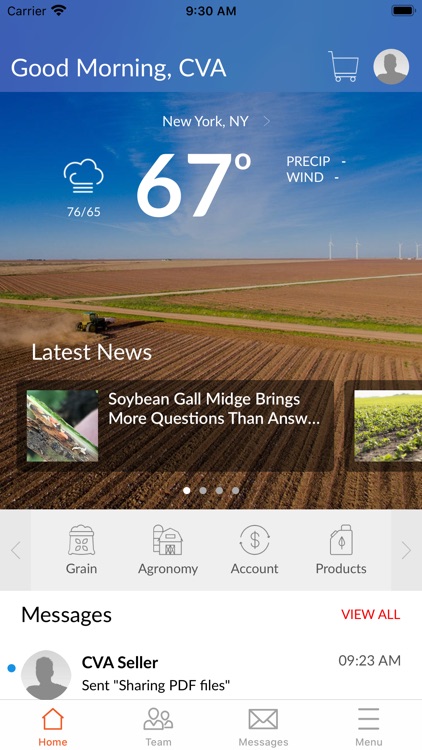
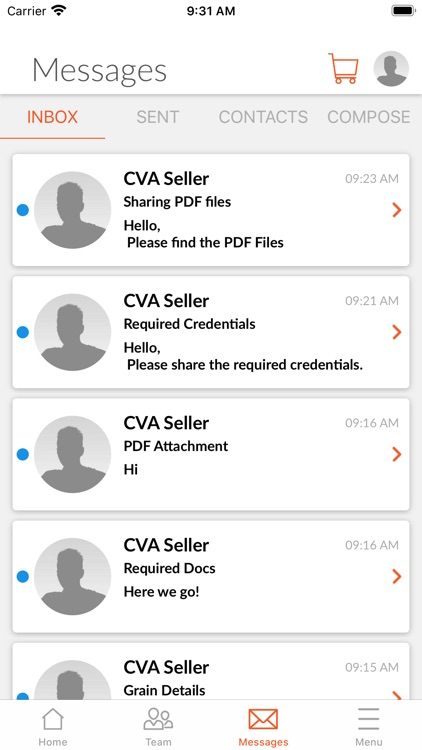
CVA Access – With CVA Access, the information and features you need to confidently manage your business with your cooperative is at your fingertips. The Grower Mobile App connects applications including your Account information, Weather, Grain (Cash Bids and Future) and Product Catalog while providing key data insights from the WinField United R7 Field Monitoring Tool and R7 Field Forecasting Tool. The app includes messaging, locations, and CVA team roster with quick access to call or text.
App Details
Version
7.1
Rating
(2)
Size
204Mb
Genre
Business
Last updated
August 14, 2021
Release date
June 23, 2020
More info
App Screenshots


App Store Description
CVA Access – With CVA Access, the information and features you need to confidently manage your business with your cooperative is at your fingertips. The Grower Mobile App connects applications including your Account information, Weather, Grain (Cash Bids and Future) and Product Catalog while providing key data insights from the WinField United R7 Field Monitoring Tool and R7 Field Forecasting Tool. The app includes messaging, locations, and CVA team roster with quick access to call or text.
CVA Account
This is a logged-in experience due to connecting with your CVA account information. After the account information has been reviewed and verified, you will receive an email to notify you that your account has been activated. Once you have received this email, you can go back to the app and login to your account.
Disclaimer:
AppAdvice does not own this application and only provides images and links contained in the iTunes Search API, to help our users find the best apps to download. If you are the developer of this app and would like your information removed, please send a request to takedown@appadvice.com and your information will be removed.
AppAdvice does not own this application and only provides images and links contained in the iTunes Search API, to help our users find the best apps to download. If you are the developer of this app and would like your information removed, please send a request to takedown@appadvice.com and your information will be removed.
