You are using an outdated browser. Please
upgrade your browser to improve your experience.

Upload an image or snap a photo with your device camera, then choose a canvas size

DabitZ
by Gary Weldon
What is it about?
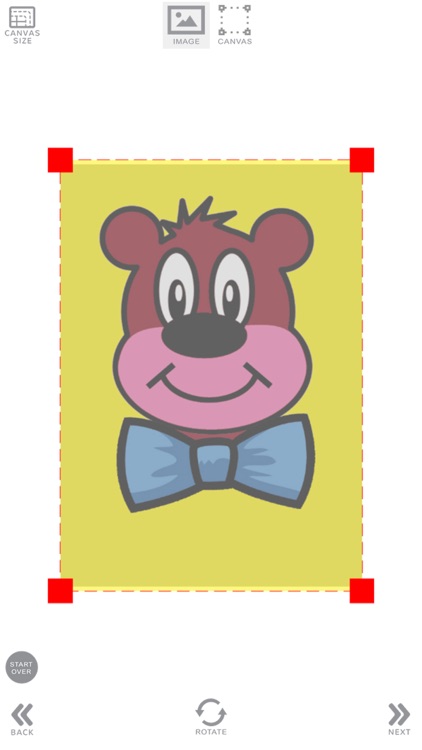
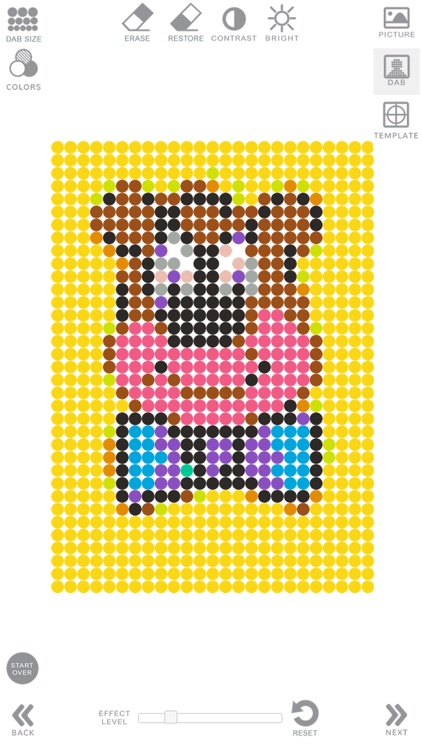
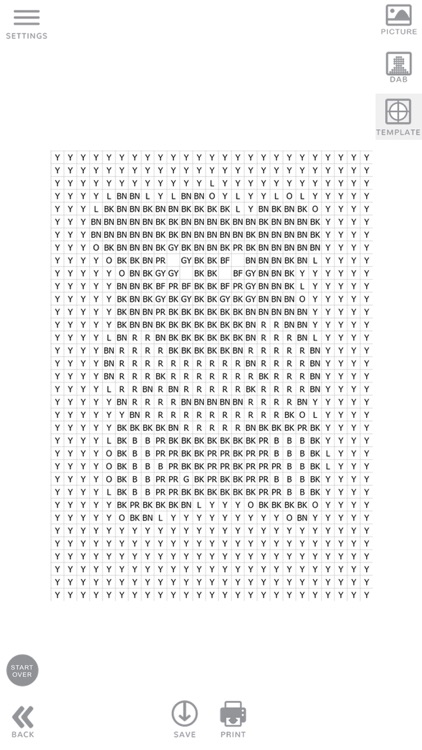
Upload an image or snap a photo with your device camera, then choose a canvas size. Edit your image by erasing areas, or changing the brightness or contrast. This will affect how colors are rendered in the final image. When finished editing, Select the Dab view to preview what your image will look like when hand-colored. Print out your design template. You're ready to color! Design template color codes correspond to Dabber™ pens, available at national retailers or online.
App Screenshots
App Store Description
Upload an image or snap a photo with your device camera, then choose a canvas size. Edit your image by erasing areas, or changing the brightness or contrast. This will affect how colors are rendered in the final image. When finished editing, Select the Dab view to preview what your image will look like when hand-colored. Print out your design template. You're ready to color! Design template color codes correspond to Dabber™ pens, available at national retailers or online.
Disclaimer:
AppAdvice does not own this application and only provides images and links contained in the iTunes Search API, to help our users find the best apps to download. If you are the developer of this app and would like your information removed, please send a request to takedown@appadvice.com and your information will be removed.
AppAdvice does not own this application and only provides images and links contained in the iTunes Search API, to help our users find the best apps to download. If you are the developer of this app and would like your information removed, please send a request to takedown@appadvice.com and your information will be removed.
