You are using an outdated browser. Please
upgrade your browser to improve your experience.

DataCrafter is a powerful and versatile iOS app designed for creating, managing, and visualizing your own custom datasets

DataCrafter
by OGUZHAN AKYOL

What is it about?
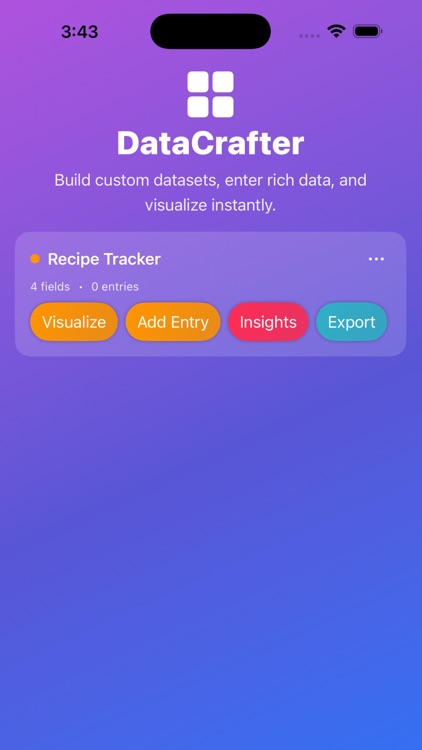
DataCrafter is a powerful and versatile iOS app designed for creating, managing, and visualizing your own custom datasets. It empowers users to define their own data structures, input rich information, and instantly generate charts, insights, and exports—making it perfect for personal projects, professional tracking, research, and productivity management. With a clean and colorful interface, DataCrafter combines flexibility with ease-of-use, ensuring that anyone can craft a dataset that perfectly matches their unique needs.
App Screenshots
App Store Description
DataCrafter is a powerful and versatile iOS app designed for creating, managing, and visualizing your own custom datasets. It empowers users to define their own data structures, input rich information, and instantly generate charts, insights, and exports—making it perfect for personal projects, professional tracking, research, and productivity management. With a clean and colorful interface, DataCrafter combines flexibility with ease-of-use, ensuring that anyone can craft a dataset that perfectly matches their unique needs.
Key Features:
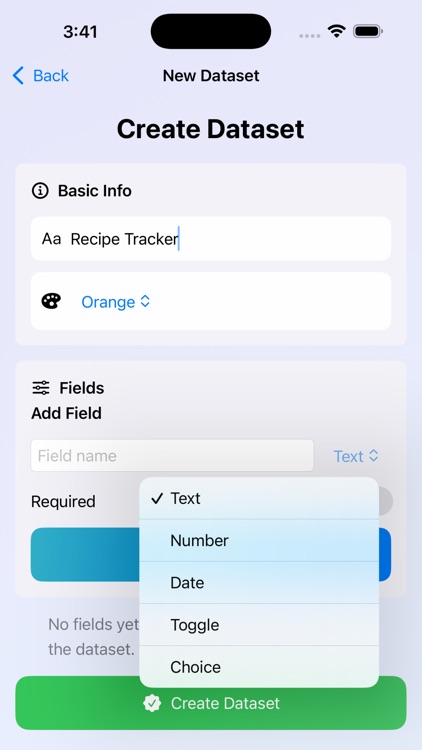
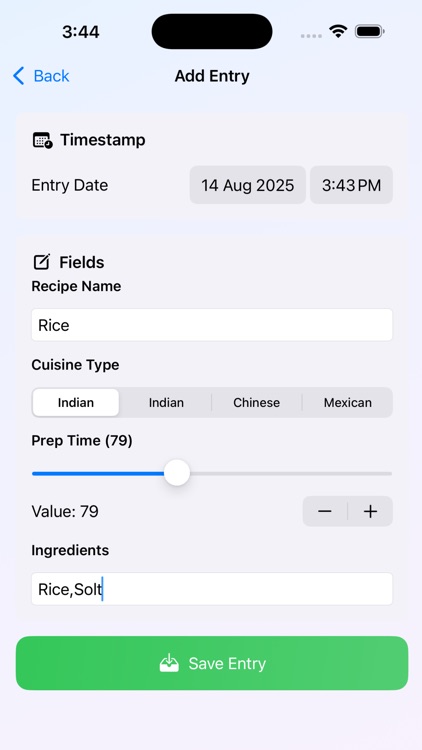
Custom Dataset Builder: Define datasets with your own fields, types, and rules including text, numbers, choices, and date fields.
Multiple Input Types: Support for text fields, numeric ranges, toggles, and dropdown selections for precise and varied data entry.
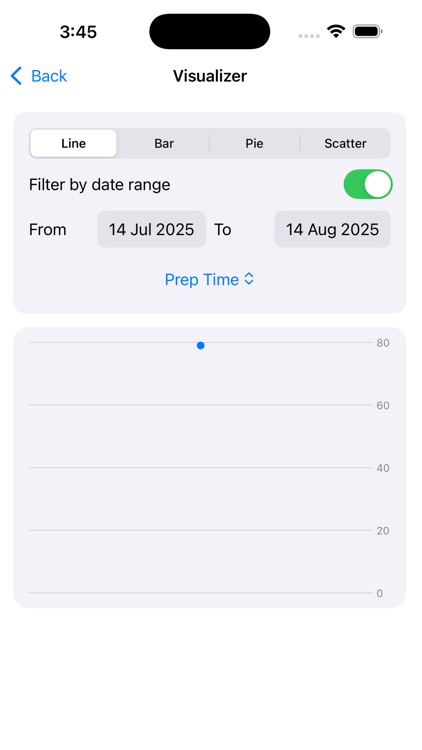
Instant Visualization: Generate bar charts, line graphs, and histograms directly from your dataset entries.
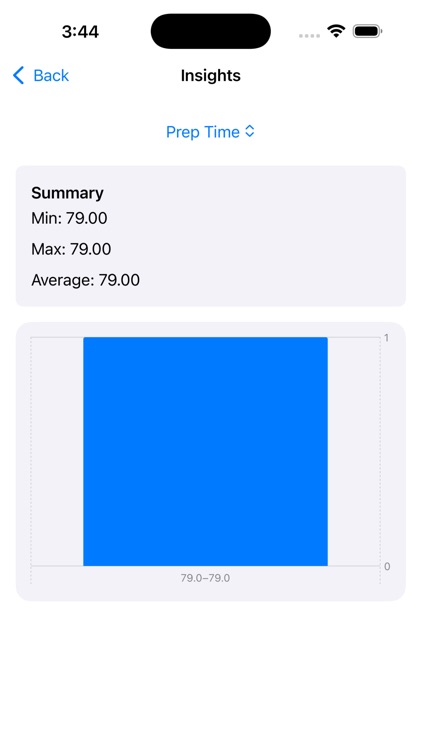
Insight Generation: See trends, averages, and summaries calculated automatically from your collected data.
Quick Add Feature: Easily add new entries to your dataset with a streamlined input form.
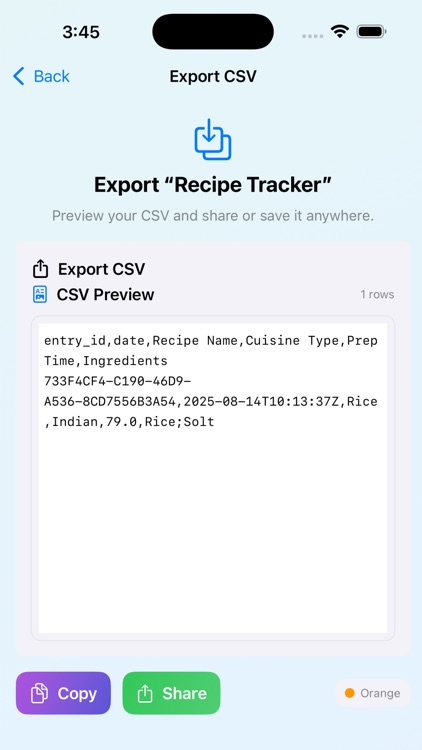
Export Capability: Export your datasets to CSV for use in spreadsheets or sharing with others.
Theming & Organization: Assign color-coded themes to datasets for quick recognition and better visual organization.
Local Storage: All data is saved securely on your device using UserDefaults, keeping your information private and accessible offline.
How to Use:
Create a Dataset: Tap “Create Dataset” on the dashboard, name it, choose a theme color, and define your data fields.
Add Fields: Choose the type of each field—Text, Number, Choice, or Date—and set optional constraints such as required status, numeric ranges, or choice options.
Save & Start Logging: Once saved, open your dataset and begin adding entries through the quick add form or the detailed entry form.
Visualize Data: Access the “Visualize” option to instantly see your entries transformed into charts and graphs.
Gain Insights: Check the “Insights” section for trends, totals, and averages.
Export Data: Use the “Export” function to save your dataset in CSV format for external analysis or sharing.
Why It’s Useful:
DataCrafter adapts to your purpose—whether you are tracking expenses, recording workouts, logging mood changes, managing tasks, or running a small research project. By allowing complete customization of fields and instant visualization of results, it provides both flexibility and actionable insight. Its offline storage keeps data secure and accessible, making it ideal for both personal and professional use.
Disclaimer:
AppAdvice does not own this application and only provides images and links contained in the iTunes Search API, to help our users find the best apps to download. If you are the developer of this app and would like your information removed, please send a request to takedown@appadvice.com and your information will be removed.
AppAdvice does not own this application and only provides images and links contained in the iTunes Search API, to help our users find the best apps to download. If you are the developer of this app and would like your information removed, please send a request to takedown@appadvice.com and your information will be removed.
