You are using an outdated browser. Please
upgrade your browser to improve your experience.

Information regarding end of service

docomo video contents
by 株式会社NTTドコモ
What is it about?
Information regarding end of service
App Screenshots
App Store Description
Information regarding end of service
Thank you for using " docomo video contents ".
"docomo video contents" will be discontinued as of June 30, 2020 (Tuesday) 10:00 (JST).
You will not be able to use the "docomo video contents" application after the service ends.
We would like to thank our customers for their patronage.
・ Schedule of end of service end
Tuesday, June 30, 2020 10:00 (JST)
We will continue to improve our services to our customers, and we appreciate your understanding.
I will find what I want to try.
Stream over 1,000 easy to watch videos of recipes and places to go that are 1 to 2 minutes in length and all free.
docomo video contents, “Video media in which I will find what I want to try,” enables you to watch high resolution videos created and/or directed by professionals all for free and without registering.
The video lineup of docomo video contents
Easy way to use docomo video contents
The video lineup of docomo video contents
■Pets
・Lots of cute videos of cats, dogs, rabbits, and other animals
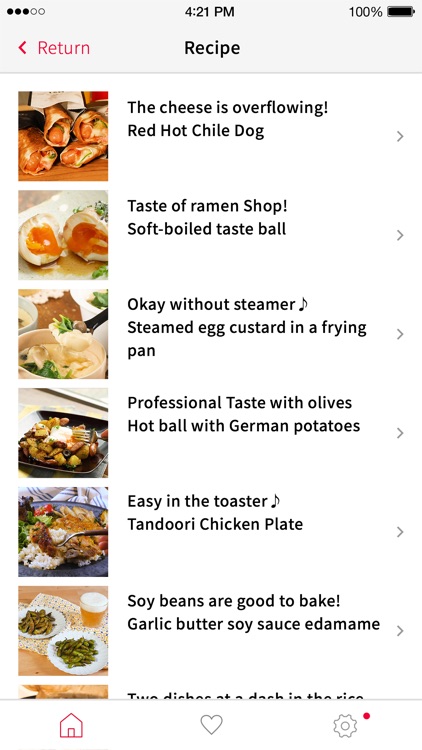
■Recipes
・Recipes created by professional gastronomes like ABC Cooking Studio
■Going out
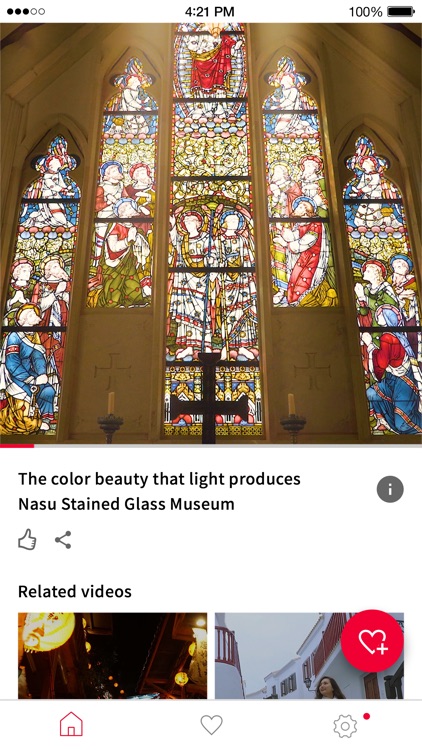
・Spots to go out to in Japan, such as around Tokyo, Kyoto, Hiroshima, and Kanazawa, are showcased
・Videos of trips to various places worldwide like Thailand, Taiwan, Vietnam, Hawaii, and LA in which you can enjoy experiences that are out of the ordinary
・Beautiful scenery of Japan shot with a high resolution camera
■Entertainment
・Pon Pon Anime made in collaboration with Sanrio
■Lifestyle
・Let's try DIY on the weekends!
Note: As of May 2019
Easy way to use docomo video contents
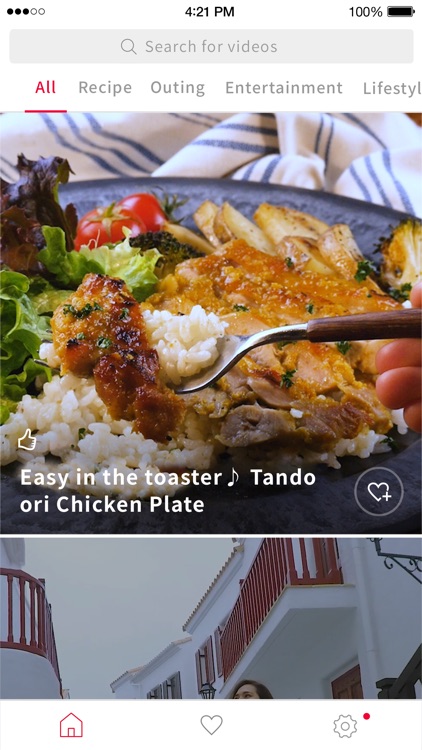
Watch videos on the Home screen
When you start docomo video contents, the Home screen will appear. By turning on the automatic playback setting, part of a video will play automatically. Tapping the video enables you to play the entire video.
Add videos to your favorites
Tap the heart shapes to clip the videos that you like. You can play those videos from your favorites list whenever you want.
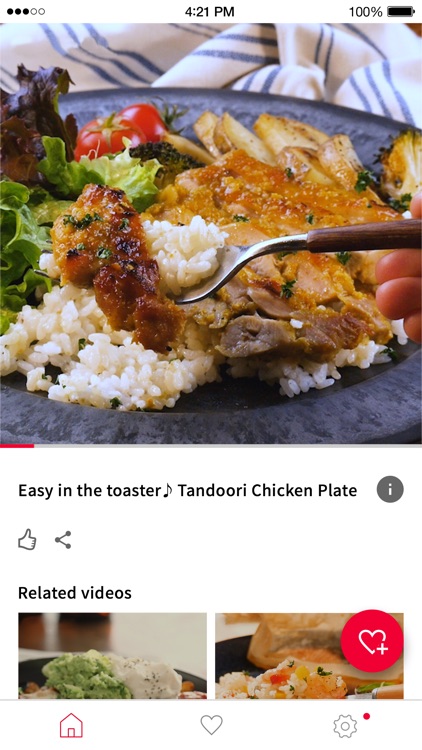
View detailed information about the video
Tap the [i] symbol on the video play screen to display detailed information about the video you are watching. You can also check recipe ingredients and method.
“Like” videos and share them with friends
You can “Like” videos that you enjoy and share them with your friends.
Tap the [Share] symbol on the video play screen to share videos on Facebook, LINE, Twitter, and other social media sites.
Disclaimer:
AppAdvice does not own this application and only provides images and links contained in the iTunes Search API, to help our users find the best apps to download. If you are the developer of this app and would like your information removed, please send a request to takedown@appadvice.com and your information will be removed.
AppAdvice does not own this application and only provides images and links contained in the iTunes Search API, to help our users find the best apps to download. If you are the developer of this app and would like your information removed, please send a request to takedown@appadvice.com and your information will be removed.
