You are using an outdated browser. Please
upgrade your browser to improve your experience.
Looking for a task manger and todo list app, DoTracker is the perfect one

DoTracker : To Do List Tracker
by sekleung chang


What is it about?
Looking for a task manger and todo list app, DoTracker is the perfect one.
App Screenshots


App Store Description
Looking for a task manger and todo list app, DoTracker is the perfect one.
If you’ve tried multiple productive apps but haven’t found one that suits you need, give DoTracker a try. This beautiful app let you manage all your tasks in a simple handy way.
DoTracker serves a very simple purpose, to easily create, view, edit and track your tasks, so you never missing fleeting ideas and everyday matters.
Why you’ll love DoTracer:
Minimalist Design:
• Eliminating unnecessary elements and simplifying the interface, you are less likely to become frustrated or overwhelmed by too many options or visual distractions
Interactive Widgets:
• A quick way to view you top tasks without opening the app, and just one tap to mark a task status as completed
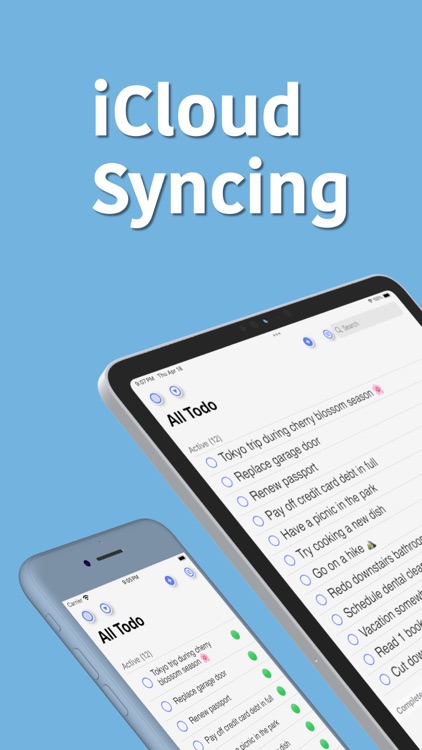
iCloud Syncing:
• Seamless iCloud synchronization across all your devices
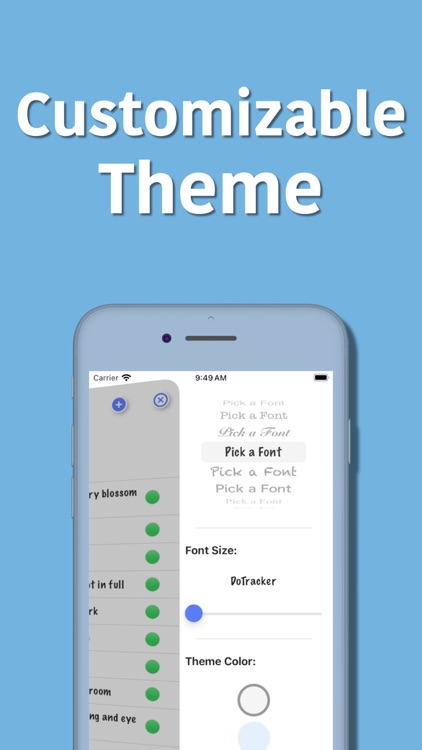
Customizable Theme:
• Providing a more user friendly experience by allow to change background color, font style and size
Search & Filter:
• Quickly locating related tasks through search and filter feature, especially useful when have a long todo list
Dark Mode Switch:
•A button to quickly switch dark mode on and off to reduce eye strain and minimize eye fatigue
[How to Use]:
• Tap “+” button to create a new task
• Tap on a row to edit a task
• Swipe left on a row to delete a task
• Tap the circle on the left to mark a task status as completed
• Tap the color dot on the right to change the priority of a task
• On a widget, tap the circle on the left to mark a task status as completed
Disclaimer:
AppAdvice does not own this application and only provides images and links contained in the iTunes Search API, to help our users find the best apps to download. If you are the developer of this app and would like your information removed, please send a request to takedown@appadvice.com and your information will be removed.
AppAdvice does not own this application and only provides images and links contained in the iTunes Search API, to help our users find the best apps to download. If you are the developer of this app and would like your information removed, please send a request to takedown@appadvice.com and your information will be removed.
