You are using an outdated browser. Please
upgrade your browser to improve your experience.

Seveno's DSApp is a smart-device based application designed to assist with capturing DataSight data

DSApp
by Aquamonix

What is it about?
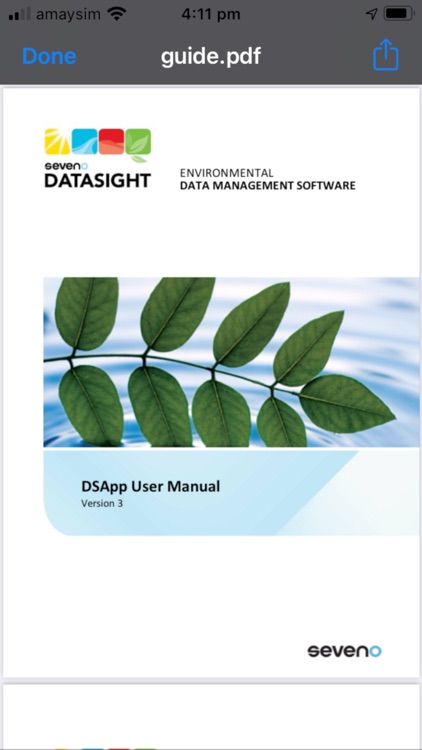
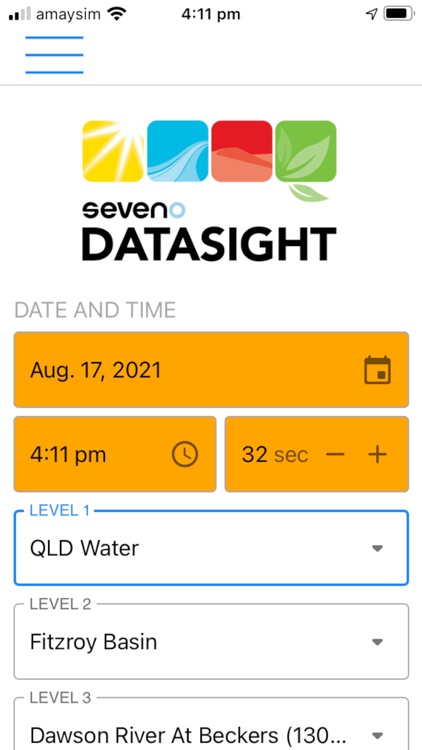
Seveno's DSApp is a smart-device based application designed to assist with capturing DataSight data. Using fully responsive and platform agnostic electronic forms, DSApp allows you to collect safety, asset management and manual measurements while in the field with the particular advantage of being able to work both online and off-line. This data is automatically ingested into a DataSight database once reconnected to the internet.
App Screenshots
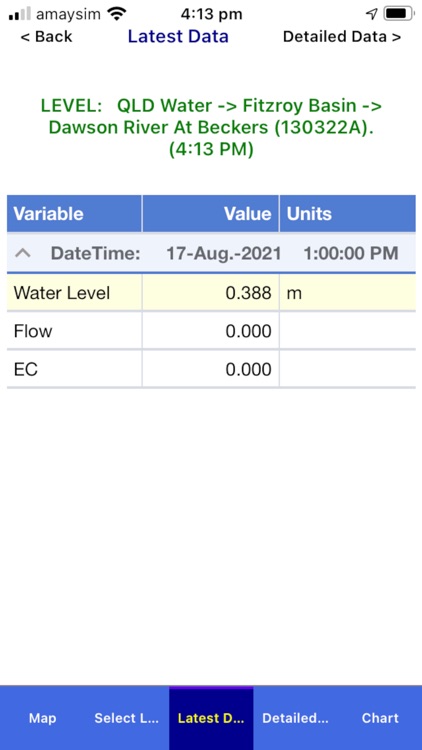

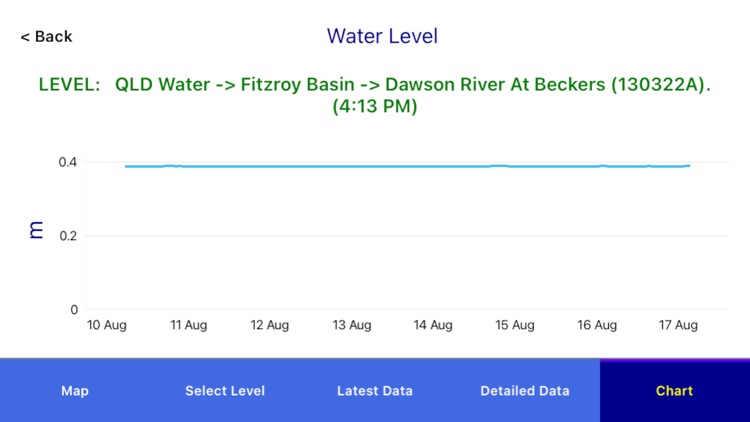
App Store Description
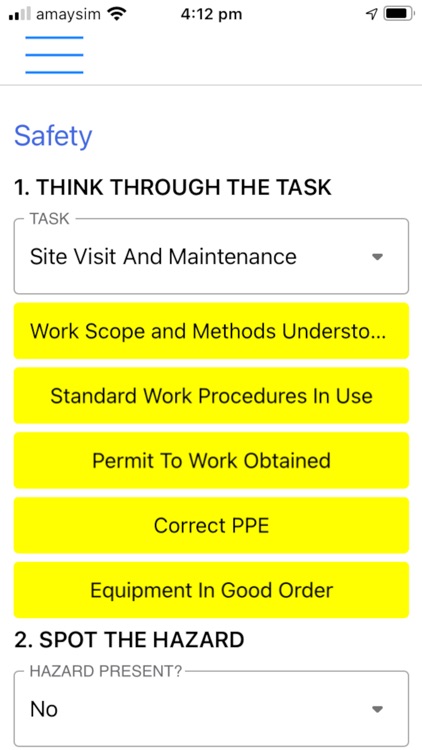
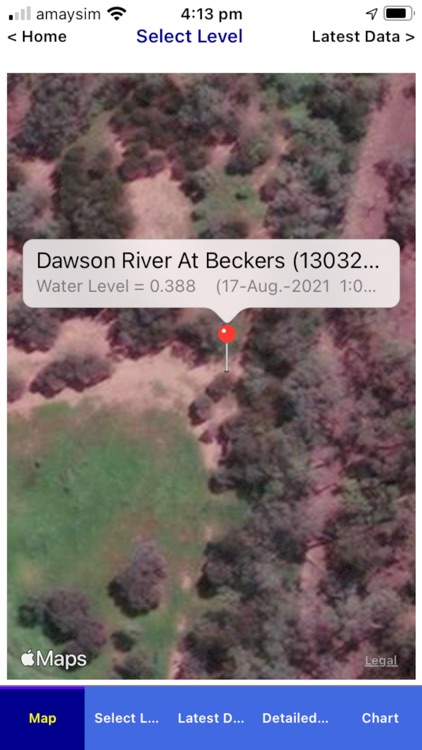
Seveno's DSApp is a smart-device based application designed to assist with capturing DataSight data. Using fully responsive and platform agnostic electronic forms, DSApp allows you to collect safety, asset management and manual measurements while in the field with the particular advantage of being able to work both online and off-line. This data is automatically ingested into a DataSight database once reconnected to the internet.
DSApp requires the purchase of a DSApp Subscription (Annual Subscription) which is available within DSApp as an in-app purchase. Once purchased, the DSApp Subscription will automatically renew in 12 months when your AppStore account will debit the same annual renewal amount unless auto-renew is turned off at least 24 hours prior to the end of the current period.
To be able to use DSApp, you will need the following:
- A device capable of running DSApp.
- A DataSight or DataSight.Cloud database.
- A DataSight database file, exported from DataSight.
- An FTP server for receiving .DSI data files uploaded from DSApp.
DSApp captures data which is then uploaded via an FTP Server to your DataSight database. DSApp creates a DataSight Input file for a given Level 3, which is sent to your nominated FTP Server as a DSI (DataSight Input) file, ready for automated or manual import into DataSight as required.
The type of field data that can be collected includes:
- Safety data, stored in the primary DataSight data table;
- Asset management data, uploaded to Level Construction; as well as
- Field parameter values, stored in the primary DataSight data table
Disclaimer:
AppAdvice does not own this application and only provides images and links contained in the iTunes Search API, to help our users find the best apps to download. If you are the developer of this app and would like your information removed, please send a request to takedown@appadvice.com and your information will be removed.
AppAdvice does not own this application and only provides images and links contained in the iTunes Search API, to help our users find the best apps to download. If you are the developer of this app and would like your information removed, please send a request to takedown@appadvice.com and your information will be removed.
