You are using an outdated browser. Please
upgrade your browser to improve your experience.

DXF Assistant is a lightweight tool for viewing and editing DXF drawings and models, designed for macOS, iPad, and iPhone devices

DXF Assistant
by 维 艾


What is it about?
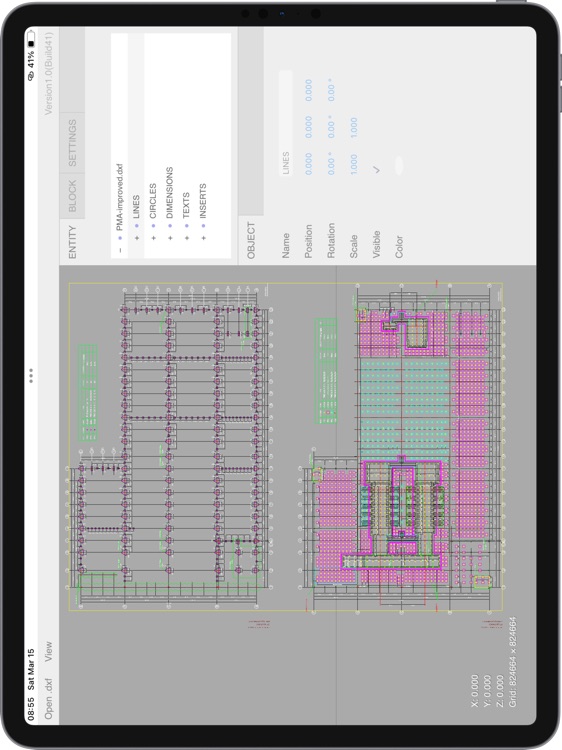
DXF Assistant is a lightweight tool for viewing and editing DXF drawings and models, designed for macOS, iPad, and iPhone devices. It offers smooth 2D and 3D navigation, enabling easy access to your DXF files anytime, anywhere.
App Screenshots



App Store Description
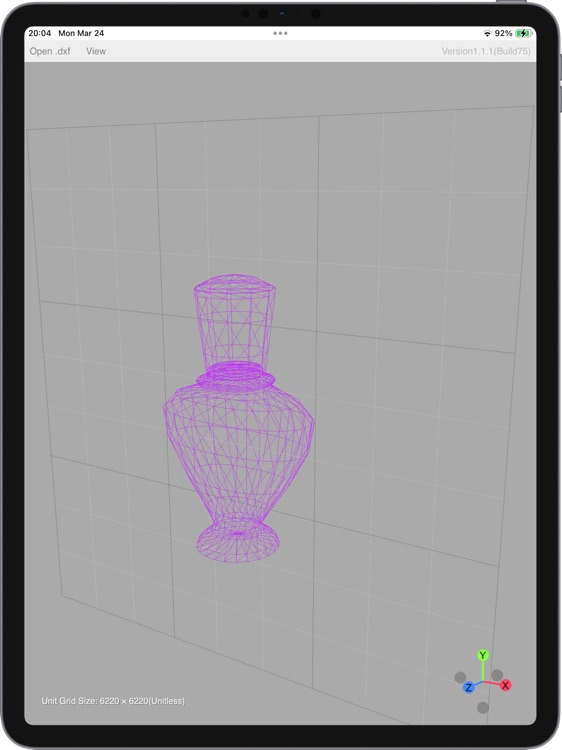
DXF Assistant is a lightweight tool for viewing and editing DXF drawings and models, designed for macOS, iPad, and iPhone devices. It offers smooth 2D and 3D navigation, enabling easy access to your DXF files anytime, anywhere.
Features:
• Open and view 2D and 3D DXF files, with support for switching between standard views: top, bottom, left, right, front, back.
• Merge and arrange multiple DXF files in one session; open multiple files simultaneously without losing context.
• Edit drawings directly: copy, delete, move, rotate, scale, undo, redo — all supported.
• Export your drawings as PDF, SVG, PNG, or JPG files with ease.
• Export a combined view of multiple DXF files into a single file.
• Supports table entities, allowing export of table content as CSV files.
• Scan DXF file for issues before laser cutting or CNC engraving, and get a shareable PDF report.
• No ads. No data collection. No tracking. Just a fast, focused productivity tool.
Pricing & Unlocks
• Free: Unlimited loading and viewing of DXF drawings. Unlimited exporting and saving of views in PNG or JPG format.
• One-time purchase: unlocks 3D mode and enables exporting and saving views in PDF and SVG formats.
• Subscription features: Load multiple DXF files in a single view, arrange drawings and models, export multiple DXF views, scan for laser cutting/CNC engraving issues, and more.
• Payment is charged to your App Store account.
• Auto-renews unless turned off 24 hours before the current period ends.
• Manage subscriptions in App Store settings.
Privacy & Purchase Terms
• Privacy Policy: https://h53d.github.io/dxf/policy.txt
• Terms of Use (EULA): https://www.apple.com/legal/internet-services/itunes/dev/stdeula/
Have questions or need support? Reach out to danjian42@gmail.com.
Disclaimer:
AppAdvice does not own this application and only provides images and links contained in the iTunes Search API, to help our users find the best apps to download. If you are the developer of this app and would like your information removed, please send a request to takedown@appadvice.com and your information will be removed.
AppAdvice does not own this application and only provides images and links contained in the iTunes Search API, to help our users find the best apps to download. If you are the developer of this app and would like your information removed, please send a request to takedown@appadvice.com and your information will be removed.
