You are using an outdated browser. Please
upgrade your browser to improve your experience.

上传需要打印的文件到致快云印系统(www

致快云印
by 广州市创迪信息科技有限责任公司

What is it about?
上传需要打印的文件到致快云印系统(www.my51y.com),并完成下单功能。
App Screenshots

App Store Description
上传需要打印的文件到致快云印系统(www.my51y.com),并完成下单功能。
登录及上传文件步骤:
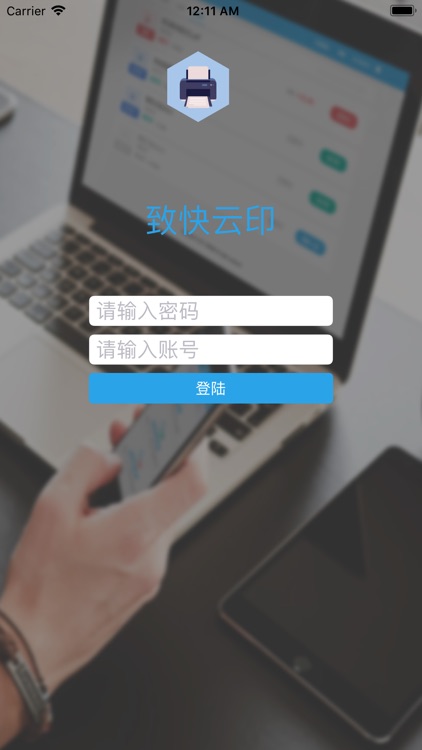
1、安装本APP并运行,输入致快云印的用户账号及密码,可登录到致快云印打印系统。
2、返回到iOS桌面,打开需要上传的文件(目前支持文件类型包括:pdf、doc、docx、ppt、pptx)
例如,可以在浏览器中访问我们的测试文件:
http://www.my51y.com/xyprint_web/modules/test.pdf
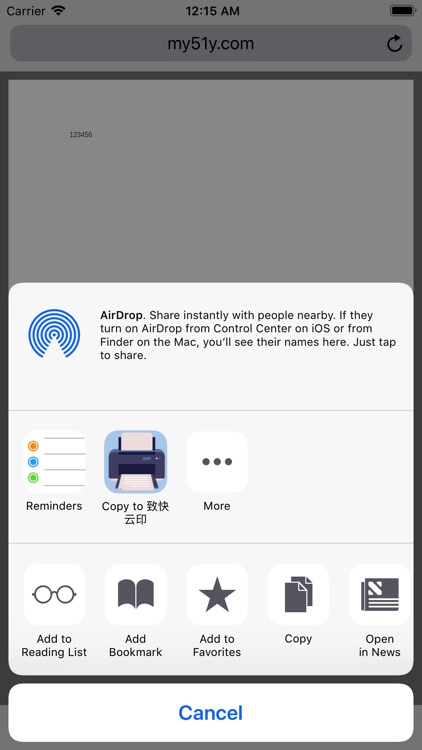
3、在浏览器中,点击“共享”按钮,选择使用致快云印程序,即可把打开的文件,共享到致快云印中。
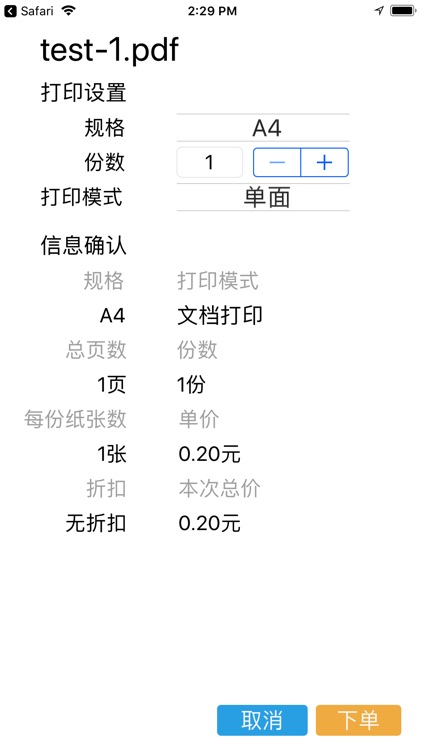
4、致快云印将会把接收到的共享文件,上传到致快云印打印系统,并让用户在致快云印APP中进行下单。
5、下单后,用户可登录致快云印打印系统(www.my51y.com),在管理订单内找到刚下的打印订单,可对订单进行支付并到终端机进行打印取件。
Disclaimer:
AppAdvice does not own this application and only provides images and links contained in the iTunes Search API, to help our users find the best apps to download. If you are the developer of this app and would like your information removed, please send a request to takedown@appadvice.com and your information will be removed.
AppAdvice does not own this application and only provides images and links contained in the iTunes Search API, to help our users find the best apps to download. If you are the developer of this app and would like your information removed, please send a request to takedown@appadvice.com and your information will be removed.
