You are using an outdated browser. Please
upgrade your browser to improve your experience.

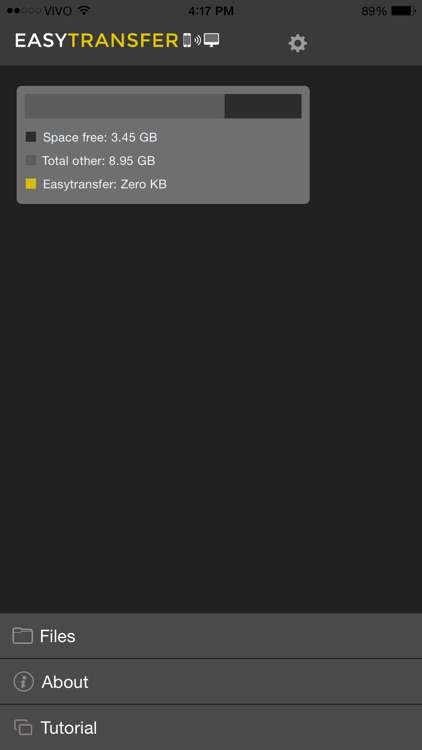
Easy Transfer has been designed in a quick way for you to download and share files with your colleagues without having to plug cables, just be connected to the same Wifi network

EasyTransfer - Transfer files your computer to device
by SMART SIDE


What is it about?
Easy Transfer has been designed in a quick way for you to download and share files with your colleagues without having to plug cables, just be connected to the same Wifi network.
App Screenshots
App Store Description
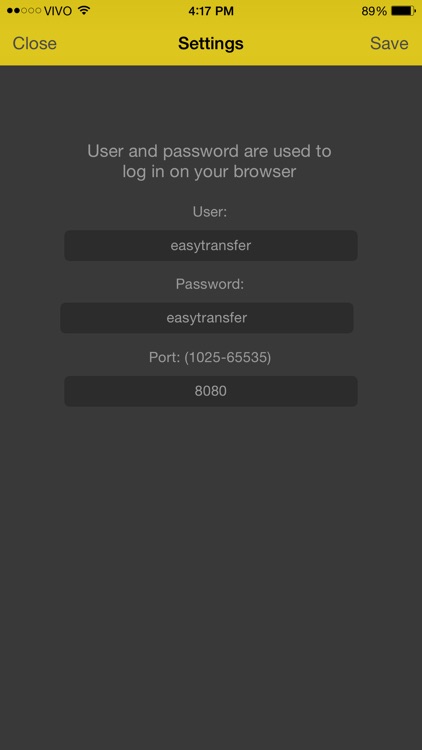
Easy Transfer has been designed in a quick way for you to download and share files with your colleagues without having to plug cables, just be connected to the same Wifi network.
Just open the app and enter the address, which is at the bottom, by the browser of your computer, tablet and smartphone. Okay, now just transfer your files.
Disclaimer:
AppAdvice does not own this application and only provides images and links contained in the iTunes Search API, to help our users find the best apps to download. If you are the developer of this app and would like your information removed, please send a request to takedown@appadvice.com and your information will be removed.
AppAdvice does not own this application and only provides images and links contained in the iTunes Search API, to help our users find the best apps to download. If you are the developer of this app and would like your information removed, please send a request to takedown@appadvice.com and your information will be removed.
