You are using an outdated browser. Please
upgrade your browser to improve your experience.
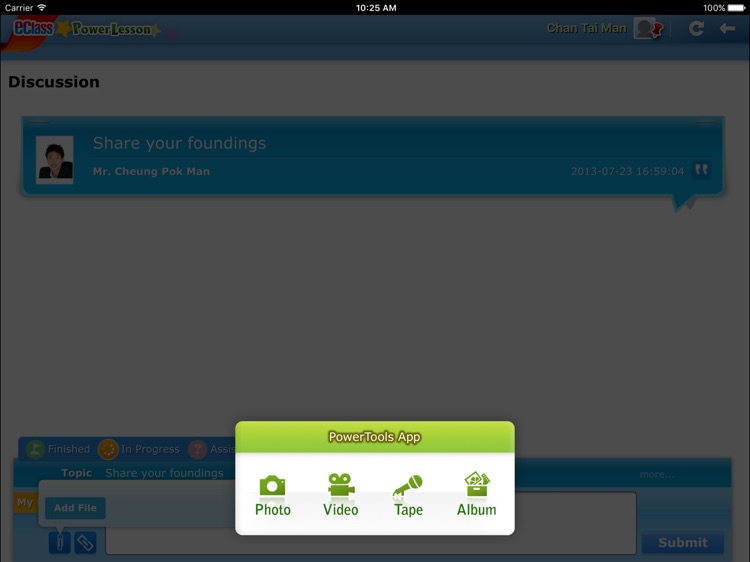
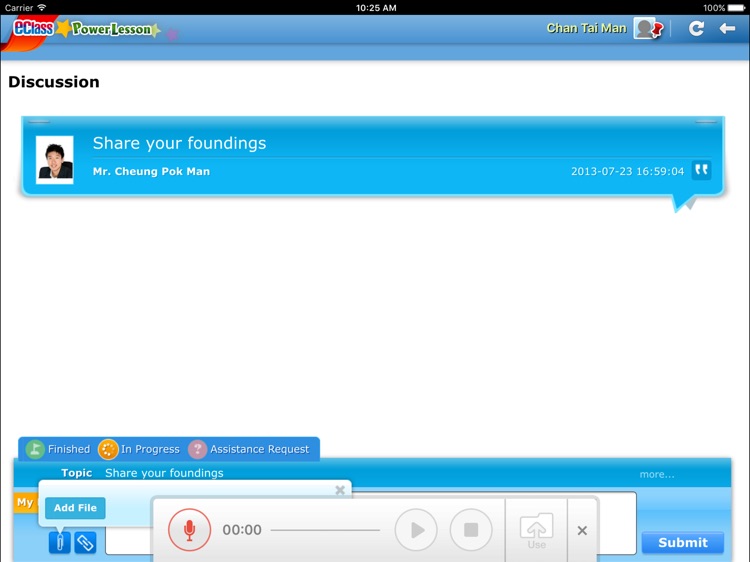
eClass PowerLesson enables teachers to conduct lessons efficiently by projecting their screens to student computers, inviting students for instant polling, discussion, audio / video recording, etc

eClass PowerLesson
by BroadLearning Education (Asia) Limited
What is it about?
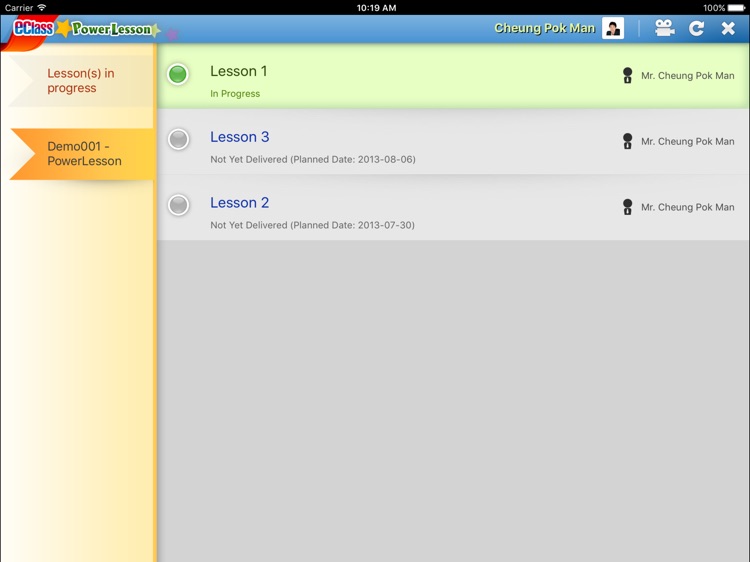
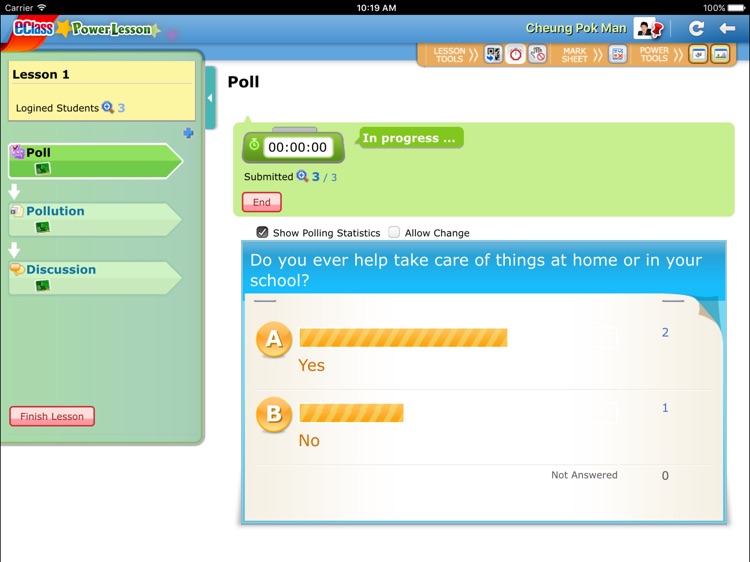
eClass PowerLesson enables teachers to conduct lessons efficiently by projecting their screens to student computers, inviting students for instant polling, discussion, audio / video recording, etc. Real-time analysis on students’ response helps teachers understand common answers / errors students make. Thus, it can cater to learner diversity and foster a close interaction between teachers and students. With eClass PowerLesson, all the lesson contents can also be recorded. Therefore, students can revise the contents after school while teachers can edit and reuse the lesson plan, or even share the resources among colleagues.
App Screenshots
App Store Description
eClass PowerLesson enables teachers to conduct lessons efficiently by projecting their screens to student computers, inviting students for instant polling, discussion, audio / video recording, etc. Real-time analysis on students’ response helps teachers understand common answers / errors students make. Thus, it can cater to learner diversity and foster a close interaction between teachers and students. With eClass PowerLesson, all the lesson contents can also be recorded. Therefore, students can revise the contents after school while teachers can edit and reuse the lesson plan, or even share the resources among colleagues.
Disclaimer:
AppAdvice does not own this application and only provides images and links contained in the iTunes Search API, to help our users find the best apps to download. If you are the developer of this app and would like your information removed, please send a request to takedown@appadvice.com and your information will be removed.
AppAdvice does not own this application and only provides images and links contained in the iTunes Search API, to help our users find the best apps to download. If you are the developer of this app and would like your information removed, please send a request to takedown@appadvice.com and your information will be removed.
