You are using an outdated browser. Please
upgrade your browser to improve your experience.

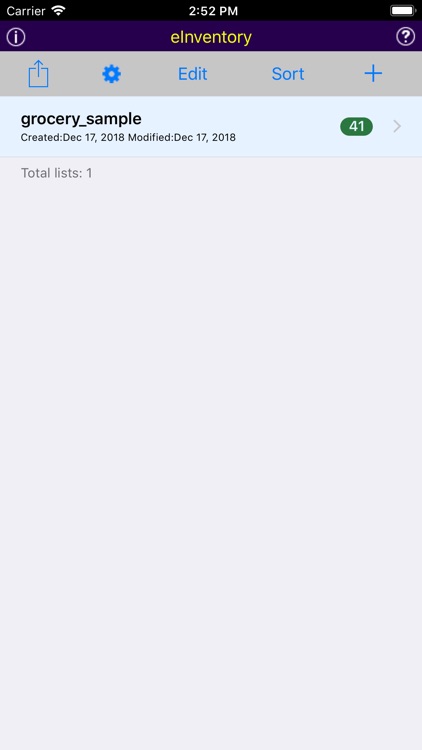
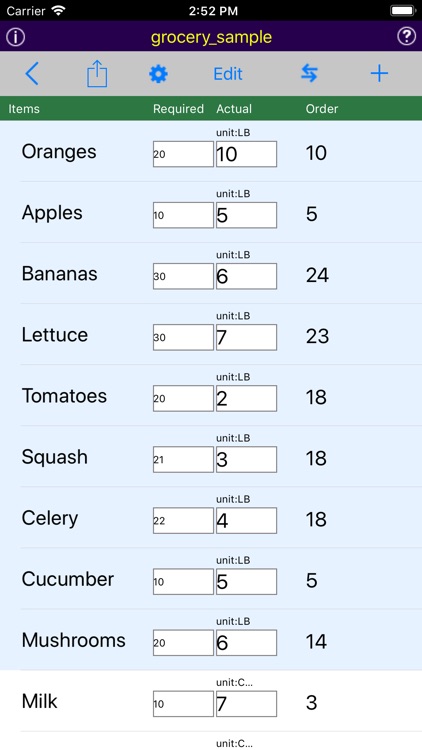
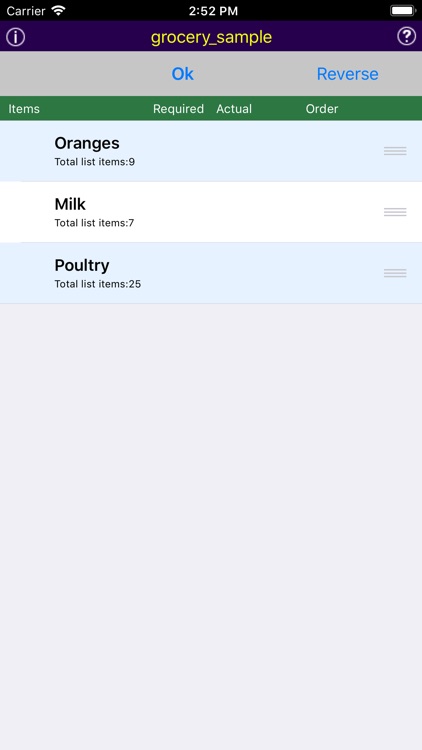
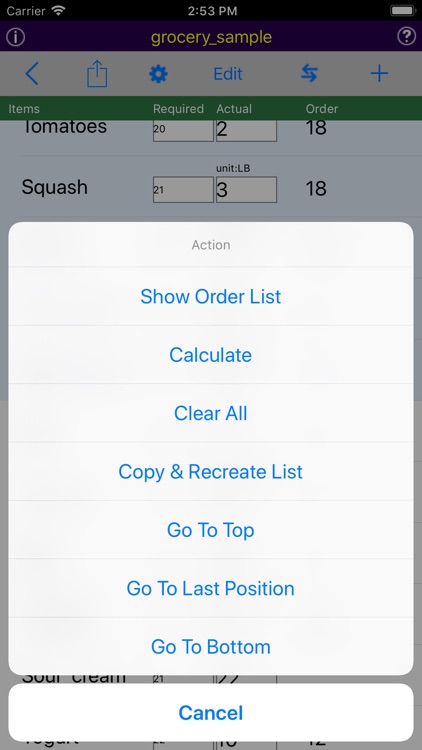
eInventory is a handy tool for grocery store or restaurant to count inventory and generate order list of purchasing

eInventory
by ZHENG WANG
What is it about?
eInventory is a handy tool for grocery store or restaurant to count inventory and generate order list of purchasing.
App Screenshots
App Store Description
eInventory is a handy tool for grocery store or restaurant to count inventory and generate order list of purchasing.
Description
There are several reasons you may want to get this type of inventory app.
First of all, there is the practicality of the thing. As mentioned before, you are most likely currently using an iPad or iPhone, and if you get an iOS inventory app then you do not have to switch devices.
You can just keep using exactly what you have been using hardware-wise, and you will not necessarily have to spend money on new equipment. Also, using an app on your smartphone or tablet puts a great deal of data about your warehouse(s), inventory items, quantities, and more in the palm of your hand.
You do not have to hunt far and wide for inventory tracking information or be stuck in an office on a desktop computer. You can quickly find exactly what you need, and you can do it from any location where you have an Internet connection. That’s the beauty of mobile technology.
This kind of flexibility, speed, and accuracy is something that business leaders have dreamed about for decades, and it is only in the past few years that it has finally become a reality.
In fact, there is a certain iOS inventory app that is readily available to any business (big or small), and it offers a lot of features that you will find helpful in your company.
eInventory allows you to perform the following functions with your inventory items:
Create items to be able to differentiate between them in the system and track their quantities in stock. This is the most basic function of any inventory management solution, so it makes sense that this is where we would start when it comes to using eInventory.
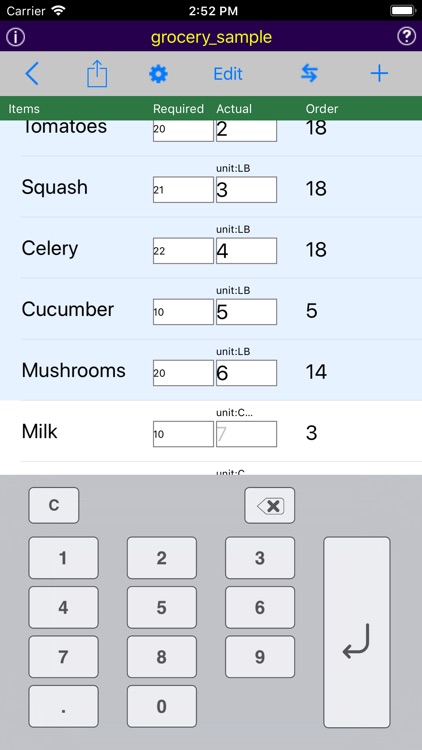
Add to inventory quantities in the system to replenish stocks and keep your numbers accurate. Your inventory numbers will most likely not remain stagnant for long, but will always be on the move. As you receive new items into your warehouse, you will need to adjust your inventory quantities with this feature.
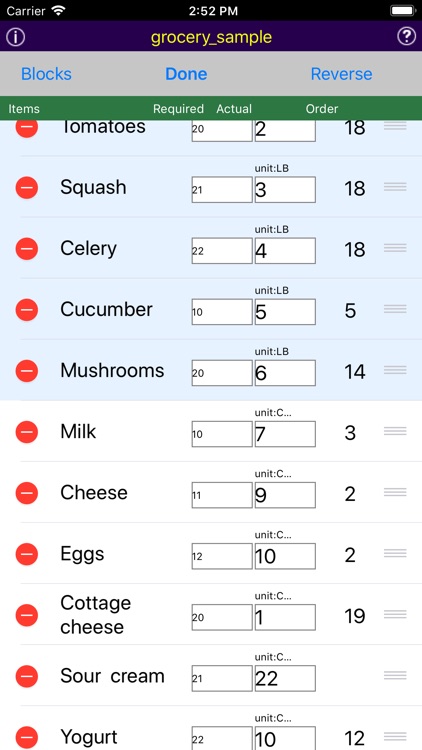
Remove items to make their quantities fall when you make a sale or for any other reason, such as damage or theft. Sales are a good reason to remove items from your inventory records because you get to add corresponding revenue while theft is not terribly fun because it requires you to take a loss for your trouble.
Move items from one location to another inside the warehouse or between multiple warehouses. Most warehouses have a variety of areas within them that have inventory move in and out of them regularly. If you have more than one warehouse where you store inventory, you will also find this feature helpful.
Disclaimer:
AppAdvice does not own this application and only provides images and links contained in the iTunes Search API, to help our users find the best apps to download. If you are the developer of this app and would like your information removed, please send a request to takedown@appadvice.com and your information will be removed.
AppAdvice does not own this application and only provides images and links contained in the iTunes Search API, to help our users find the best apps to download. If you are the developer of this app and would like your information removed, please send a request to takedown@appadvice.com and your information will be removed.
