You are using an outdated browser. Please
upgrade your browser to improve your experience.

App for EM2GO "Home" EV charging station

EM2GO Connect
by D-Parts GmbH

What is it about?
App for EM2GO "Home" EV charging station
App Screenshots


App Store Description
App for EM2GO "Home" EV charging station
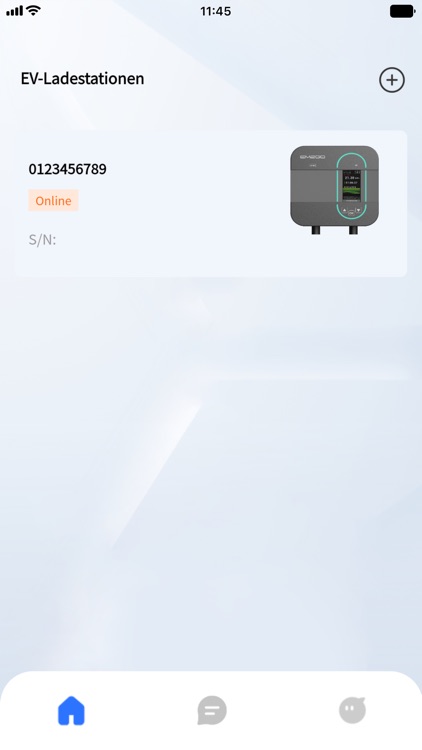
With the EM2GO Connect app you can control and monitor your EM2GO EV charging station of the Home series comfortably from your smartphone.
Start and stop charging processes with one touch and limit the current with ease.
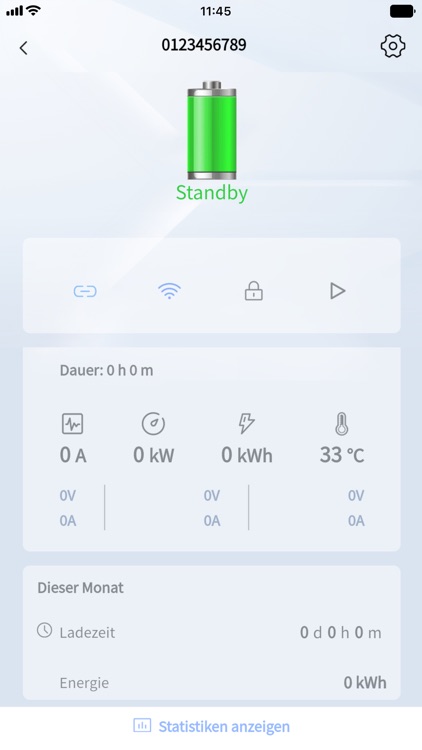
The app displays the connection status (Bluetooth, WiFi) and details of the charging process. You can immediately see how much power is currently being charged and how much energy has already been charged into your electric vehicle. The app shows the following data in real time:
• Charging duration
• Voltage for all three phases
• Current in Ampere
• Power in Kilowatts
• Energy in Kilowatt-hours
• Temperature of the EV charger
Furthermore, you can also see the statistics for this month at a glance.
You can start and pause a transaction by pressing the Play/Pause button.
If the PIN code is enabled, you can unlock the menu of the EV charger by pressing the lock icon in the app.
Share your charging station with others. Via the app, you can allows other users to share your charging station. As the owner of the charging station, you decide who can use your charging station and see how they use it, and you can also take the charging station away from other users.
In the statistics, you can see directly when and how much you have charged and thus keep an overview of the charging behaviour. The app displays the data by month and day.
Within the settings you can change the device name, select the charging current, control the number of phases between one and three phases, turn on Plug and charge, so charging starts right after you connect the vehicle.
Frequently asked questions about the app and the EV chargers can be found in the FAQ section.
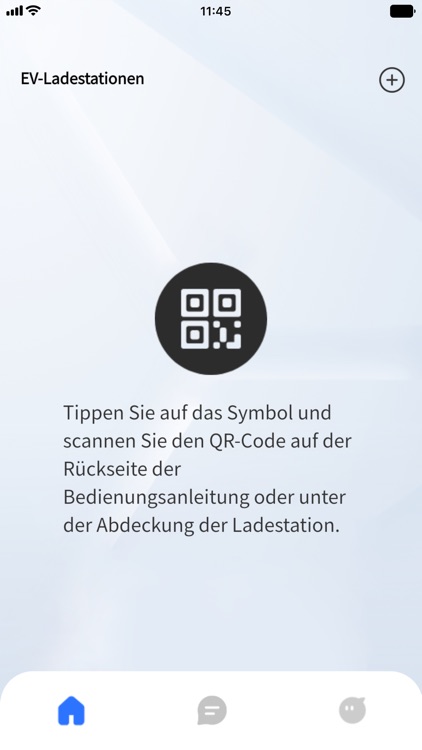
Note: The Home charging station must be connected via Bluetooth first. Afterwards, you can connect is via WiFi.
Disclaimer:
AppAdvice does not own this application and only provides images and links contained in the iTunes Search API, to help our users find the best apps to download. If you are the developer of this app and would like your information removed, please send a request to takedown@appadvice.com and your information will be removed.
AppAdvice does not own this application and only provides images and links contained in the iTunes Search API, to help our users find the best apps to download. If you are the developer of this app and would like your information removed, please send a request to takedown@appadvice.com and your information will be removed.
