You are using an outdated browser. Please
upgrade your browser to improve your experience.

How to decorate a conversation with stickers

Emoji Face Puung
by Ajay Patel
What is it about?
How to decorate a conversation with stickers
App Screenshots
App Store Description
How to decorate a conversation with stickers
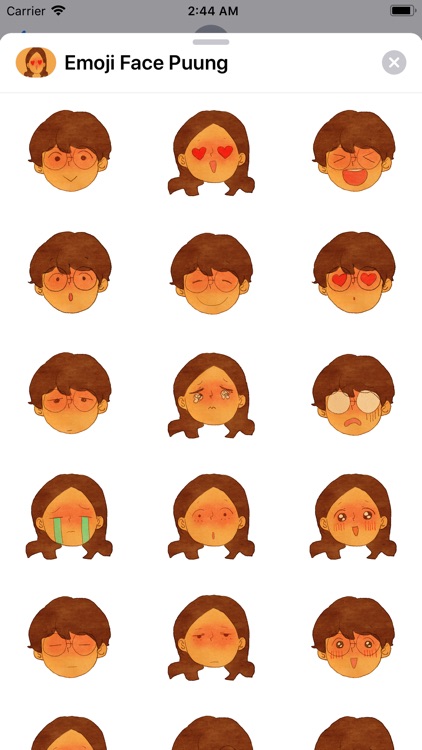
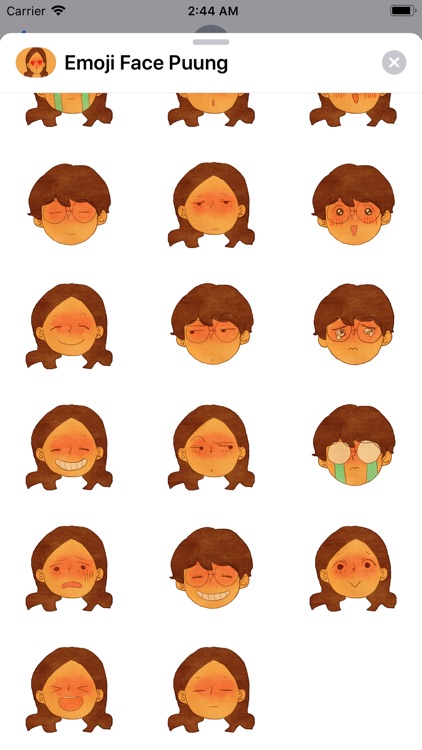
* Tap a stickers app to open it.
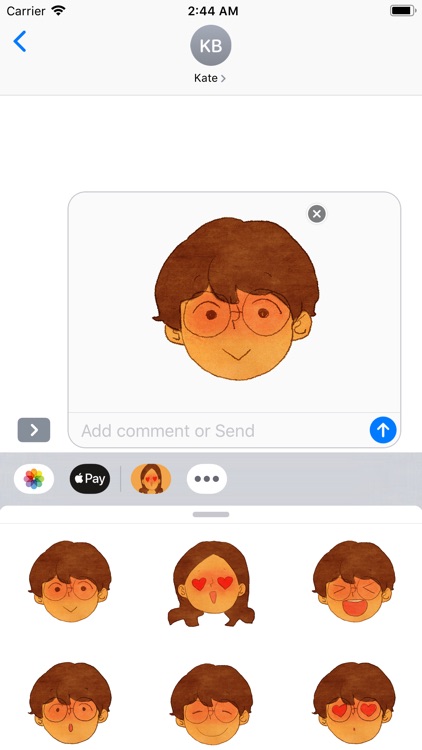
* Tap a sticker to add it to the message bubble.
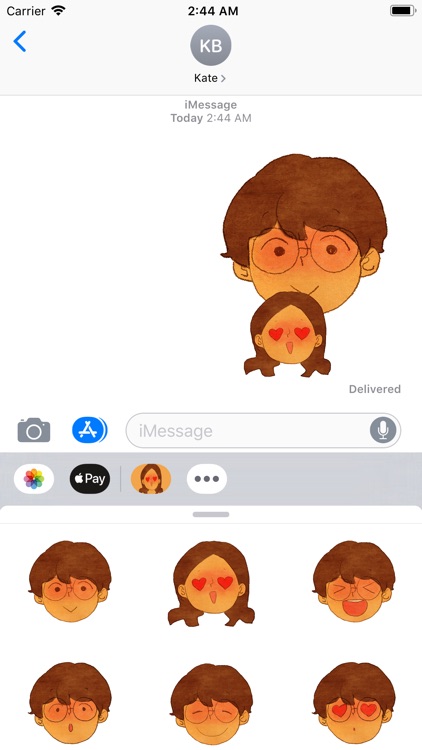
* Touch and hold a sticker, then drag it on top of a message bubble, put it on another sticker, or even dress up a photo in the conversation.
* Before you release, you can rotate & scale stickers by using a second finger around the finger dragging the sticker.
I am creating shot animations & illustrations about what love is.
I work to find hidden meanings in daily lives and translate them into animations and illustrations.
Disclaimer:
AppAdvice does not own this application and only provides images and links contained in the iTunes Search API, to help our users find the best apps to download. If you are the developer of this app and would like your information removed, please send a request to takedown@appadvice.com and your information will be removed.
AppAdvice does not own this application and only provides images and links contained in the iTunes Search API, to help our users find the best apps to download. If you are the developer of this app and would like your information removed, please send a request to takedown@appadvice.com and your information will be removed.
