You are using an outdated browser. Please
upgrade your browser to improve your experience.

Endless Night Runner is a Free 2D Platform Game

Endless Night Runner
by Cindy Oakes
What is it about?
Endless Night Runner is a Free 2D Platform Game.
App Store Description
Endless Night Runner is a Free 2D Platform Game.
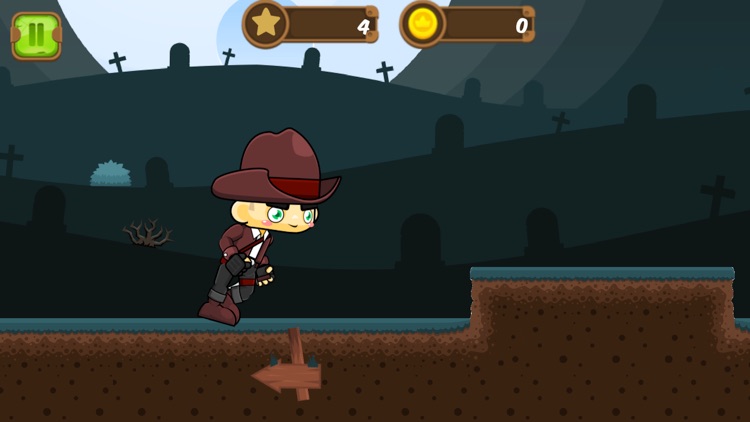
The goal is to run and jump up by swiping up to miss the spinning signs that are randomly placed on the platform.
Use The Menu Buttons on the Sides To Go To Special Screens.
Start - Starts The Game
Achievements - Shows Game Center Achievements Popup
Leaderboard - Shows Game Center Leader Board Popup
Main Menu - Shows All The buttons on both sides
Pause - Pauses the Game
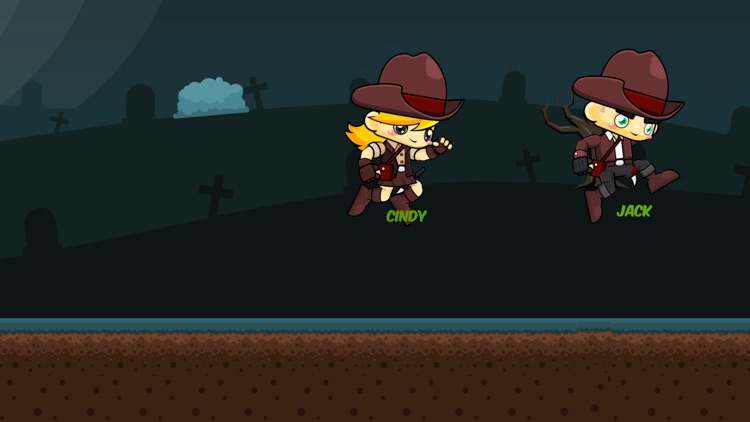
Select Player - Lets You Pick The Player You Want To Run.
Purchase - Let you purchase Molly, Max Or Jake.
Music - Toggle On/Off
Restart - Start Running Again After You Have Been Hit
Information - Give Game Information
There is a Parental Gate where you have to answer a math question correctly before seeing the items to purchase. The Questions are randomly generated with numbers from 0 to 10 and operators +,-,* for each math question, so children will not be able to memorize the answer.
All Purchases are Non-Consumable and can be restored with a button on the Purchase View.
There are only 3 items to purchase and you can either use 250,000 coins or 99 cents to get them. Once you have the item it will no longer be available to purchase.
Coins are accumulate by running ONLY! The only in-app purchases are the characters (Jake, Max and Molly), and once they are all purchased the purchase screen will be empty.
After you get to the purchase screen, your saved data on the device is checked. If you have enough to purchase a item for coins that button will be displayed along with the purchase for 99 cents button, otherwise you will only be offered the 99 cents button.
If you have already purchased an item, and remove the game or change devices you can use the restore button to get your purchases back because they are managed by iTunes. (This applies to the items that are purchased with coins or cash).
Game Play:
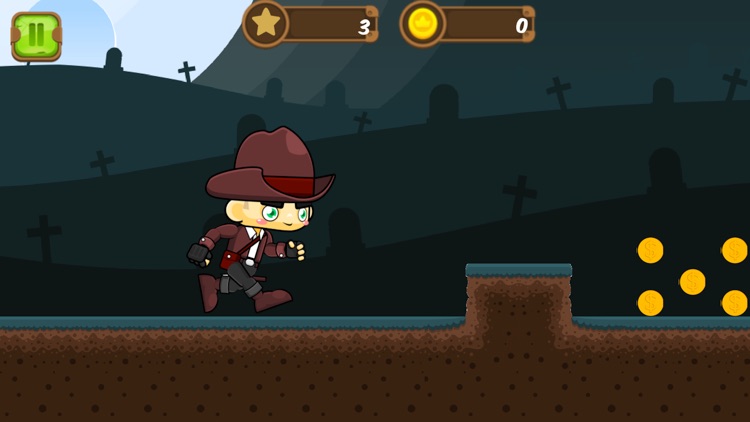
Press the Start Button To Start Running and swipe up to jump to miss the Spinning Sign.
You can jump to avoid the spinning signs by swiping upward on the screen. The game allows you to jump while on the ground and then one more jump while in the air.
Your distances is accumulated and so are your coins that you have picked up.
Disclaimer:
AppAdvice does not own this application and only provides images and links contained in the iTunes Search API, to help our users find the best apps to download. If you are the developer of this app and would like your information removed, please send a request to takedown@appadvice.com and your information will be removed.
AppAdvice does not own this application and only provides images and links contained in the iTunes Search API, to help our users find the best apps to download. If you are the developer of this app and would like your information removed, please send a request to takedown@appadvice.com and your information will be removed.
