You are using an outdated browser. Please
upgrade your browser to improve your experience.
HOW TO USE THE ERRANDA PARTNER APP

Erranda Partner
by Ecotel Technologies Limited

What is it about?
HOW TO USE THE ERRANDA PARTNER APP
App Screenshots

App Store Description
HOW TO USE THE ERRANDA PARTNER APP
Become an Erranda-partner and manage orders, payment and locate your bike/vehicle in real time.
Here’s how it works;
1. Register to be a partner at our office and provide the required valid bike/vehicle documents.
2. Download and install the Erranda-Partner App from the Appstore
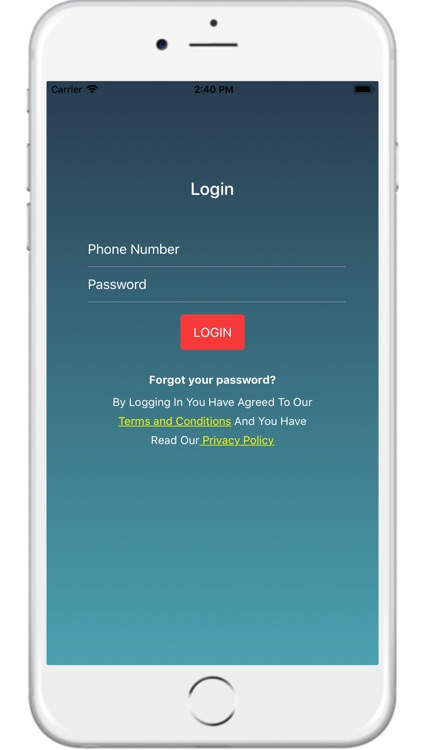
3. Enter a “valid phone number” with a “default password” to Sign in
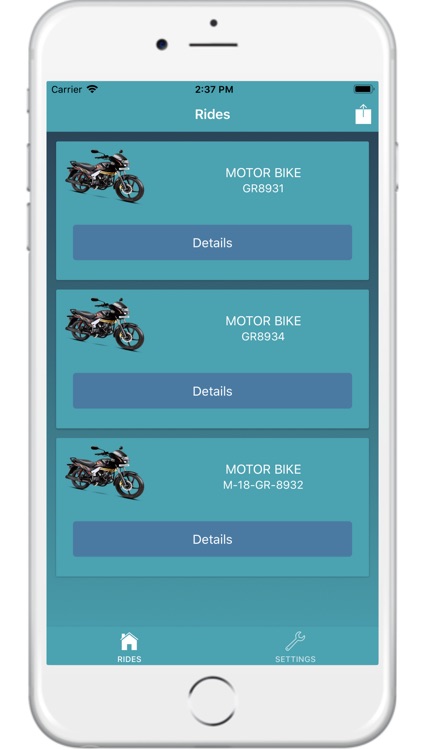
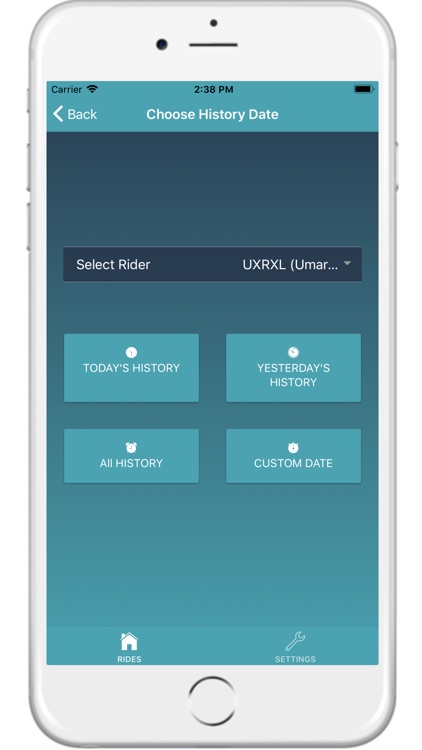
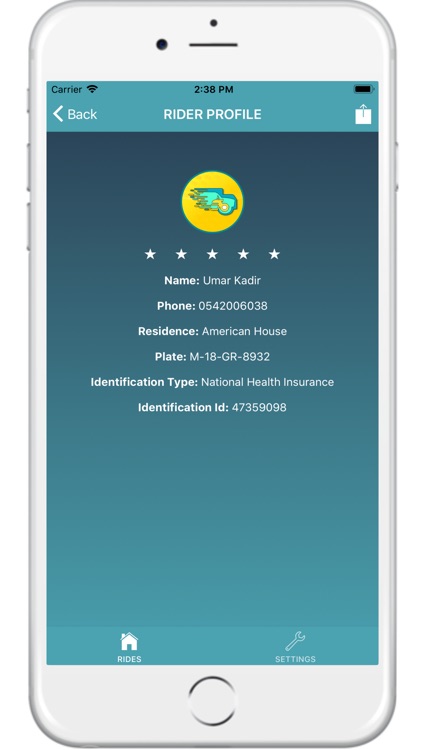
4. On the homepage, there’s a ‘RIDERS’ button which provides information about all your registered vehicles. All your vehicles are listed with a ‘DETAILS’ button beneath each.
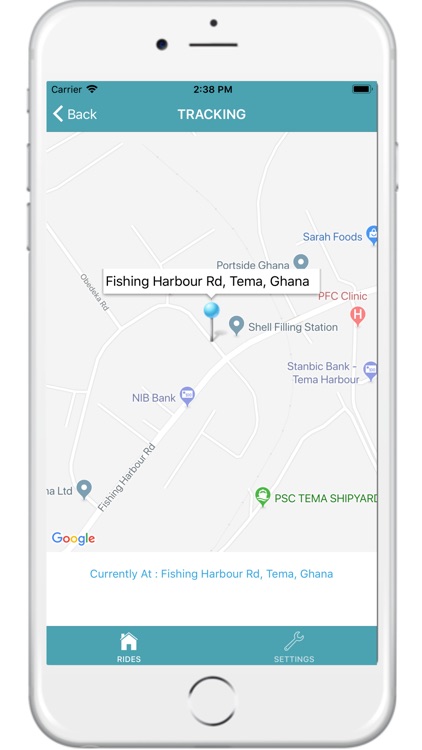
Click “DETAILS” to;
1. View trip history of your rider.
2. Track the current location of your rider at any point in time.
3. See transaction history of rider’s trips.
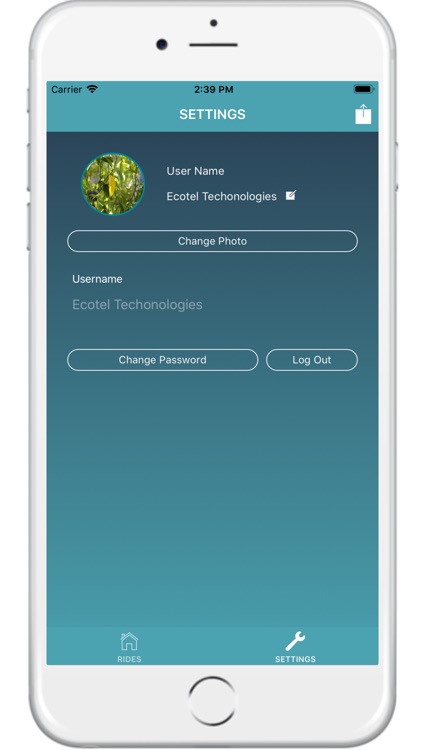
The other button on the homepage is the ‘SETTINGS’ button which gives your access to edit your display picture, username and password
Disclaimer:
AppAdvice does not own this application and only provides images and links contained in the iTunes Search API, to help our users find the best apps to download. If you are the developer of this app and would like your information removed, please send a request to takedown@appadvice.com and your information will be removed.
AppAdvice does not own this application and only provides images and links contained in the iTunes Search API, to help our users find the best apps to download. If you are the developer of this app and would like your information removed, please send a request to takedown@appadvice.com and your information will be removed.
