You are using an outdated browser. Please
upgrade your browser to improve your experience.

Watch any video, anytime, anywhere – from your device, cloud storage, or computer

Evervideo: Player All Format
by EVERAPPZ SL
What is it about?
Watch any video, anytime, anywhere – from your device, cloud storage, or computer.
App Screenshots

App Store Description
Watch any video, anytime, anywhere – from your device, cloud storage, or computer.
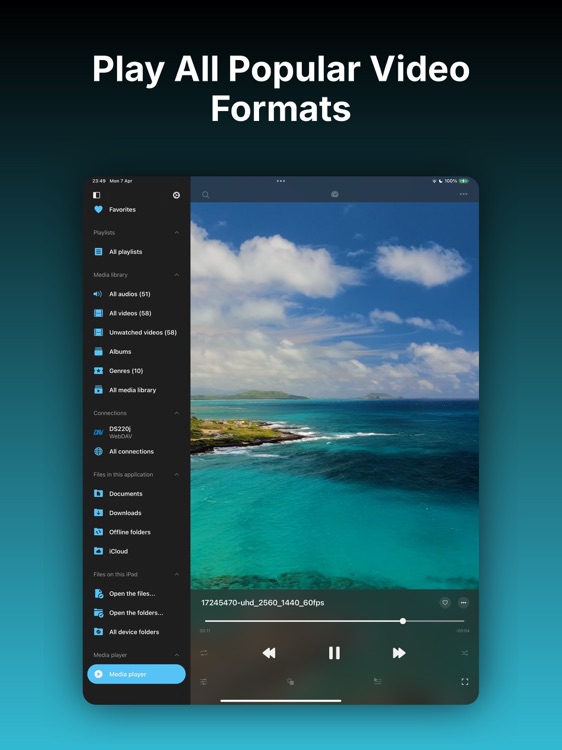
Evervideo is the ultimate media player for iPhone and iPad, supporting all major formats, offline playback, equalizer, Picture-in-Picture, and 360° or VR mode.
● PLAY ALL VIDEO AND AUDIO FORMATS
Watch your media without converting files. Evervideo supports all major formats, including MKV, AVI, MP4, MOV, AVI, FLAC, MP3, AAC, OGG, WAV, WMV, and more.
● OFFLINE VIDEO PLAYER
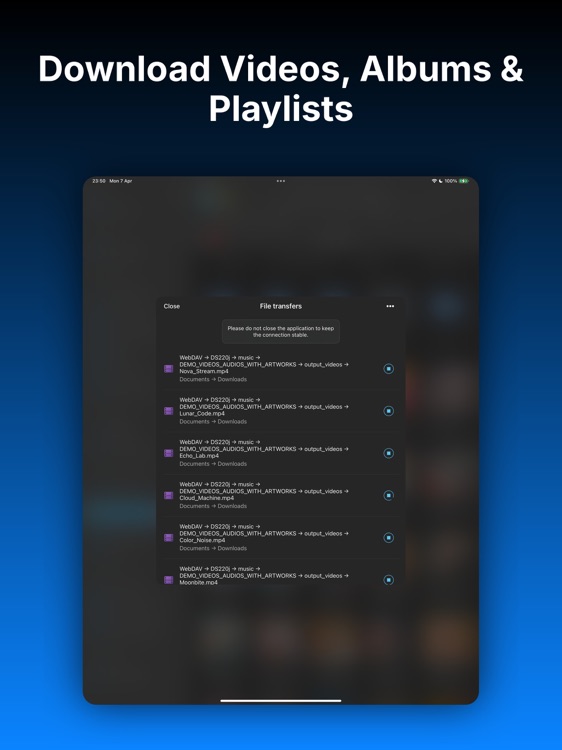
Download videos, albums, and playlists to watch without an internet connection. Take your entire video collection anywhere.
● 360° VIDEO & VR MODE
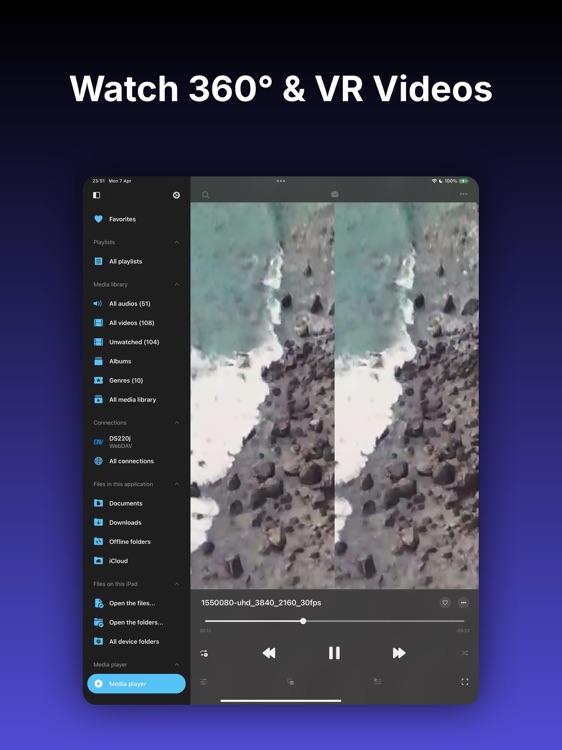
Watch 360° and VR videos in a fun and easy way. Move your phone around to look in any direction, or put it into a VR headset to feel like you’re inside the video.
● PICTURE-IN-PICTURE
Keep watching videos in a small floating window while using other apps. Control playback and see subtitles at the same time – perfect for multitasking.
● VIDEO & AUDIO EQUALIZER
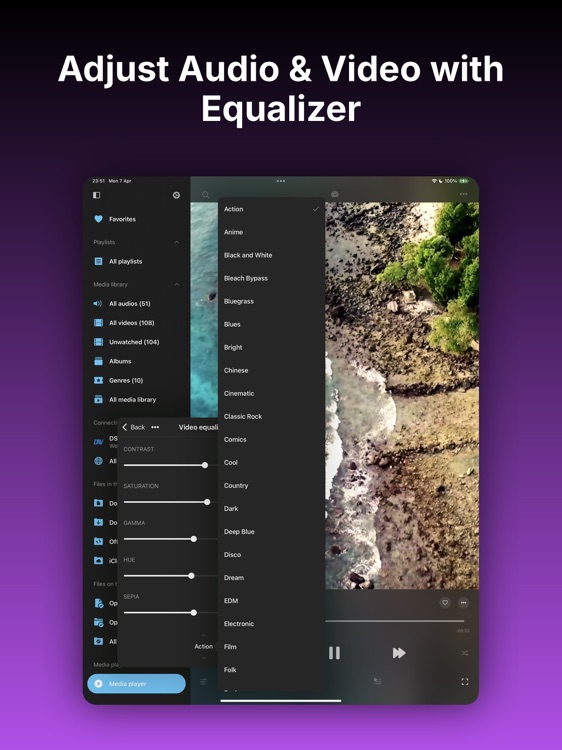
Customize the way your videos look and sound. Adjust bass, pitch, brightness, gamma, saturation, contrast, and more. Choose from 50+ video presets and 20+ audio presets, or create your own.
● PLAY DIRECTLY FROM CLOUD
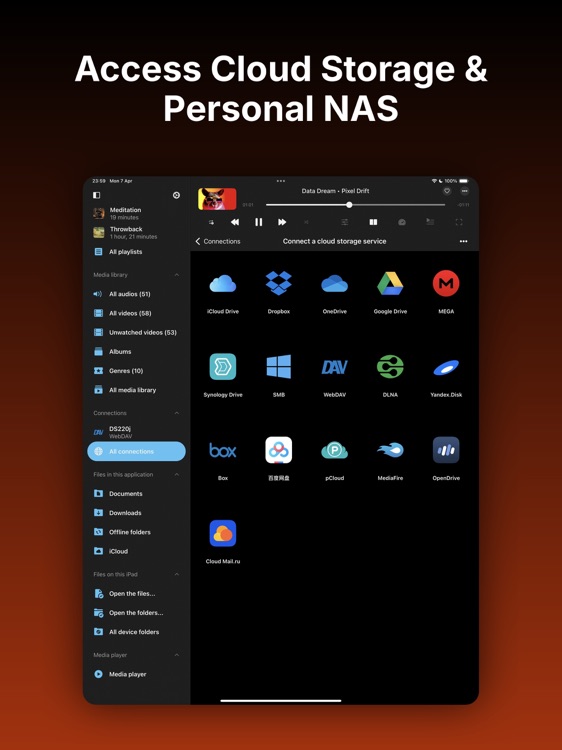
Watch videos directly from your cloud storage without using device space. Supports iCloud Drive, Google Drive, Dropbox, OneDrive, MEGA, Synology Drive, pCloud, and more.
● CONNECT COMPUTER / NAS
Easily connect your NAS, Mac, or PC over your home network using SMB, WebDAV, or DLNA. Remote access is supported for Synology Drive and WD MyCloud Home. Transfer media files to your device via Wi-Fi or iTunes File Sharing.
● ADVANCED MEDIA LIBRARY
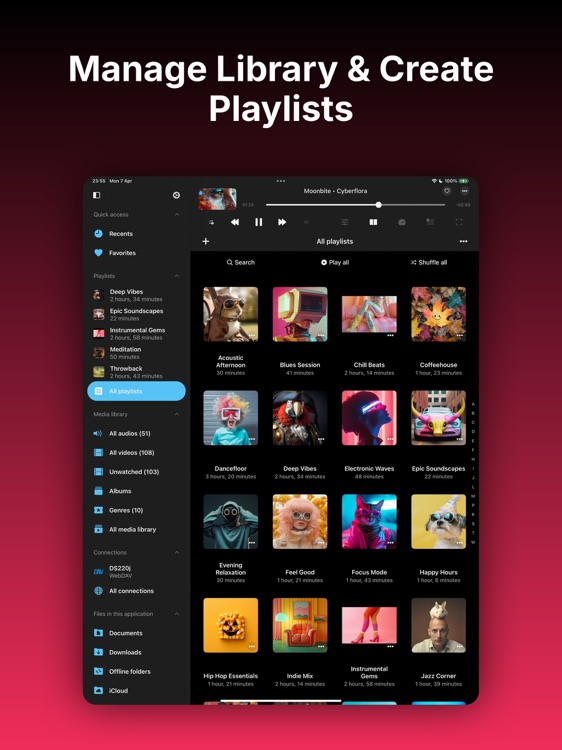
Organize by album, genre, or duration. Automatically syncs with cloud changes. Create, edit, and export M3U playlists with custom sorting.
● BOOKMARKS & PLAYBACK POSITION SAVING
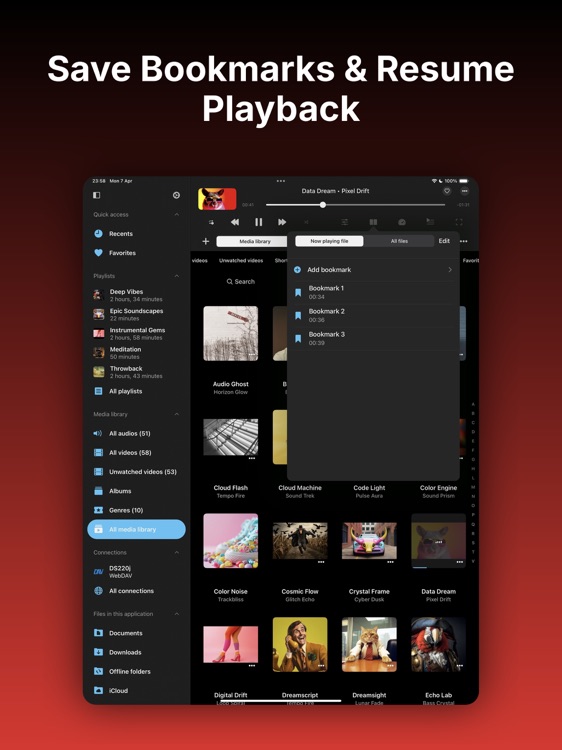
Save your place in any video with bookmarks and resume playback from where you left off. Adjust playback speed, mark favorites and sort videos by most played for easy access.
● AIRPLAY & CHROMECAST
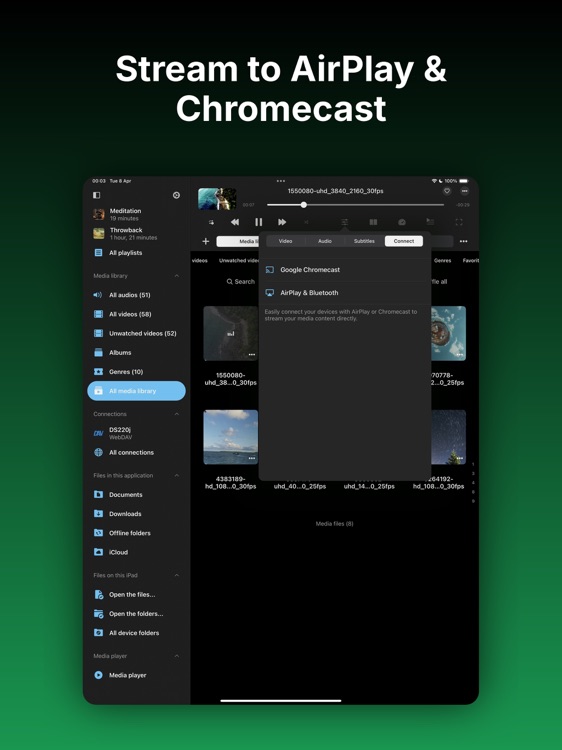
Play videos on a bigger screen by streaming to Apple TV, Chromecast, or any compatible external display.
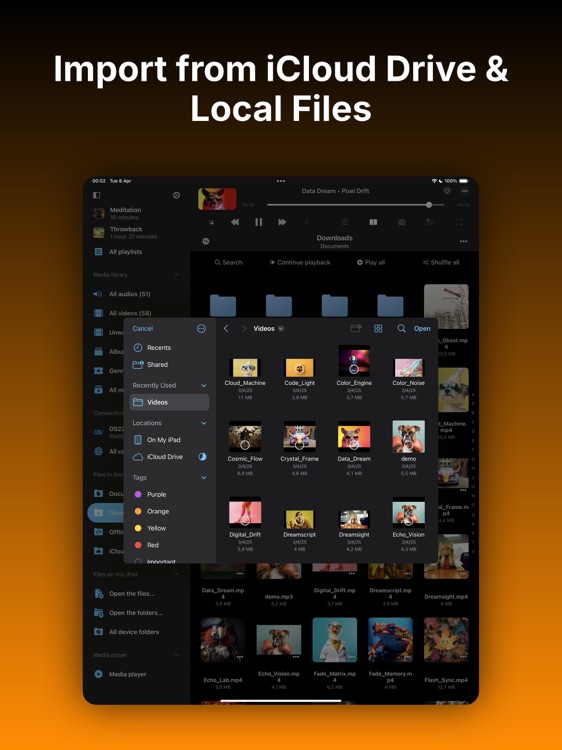
● IMPORT FROM FILES & LIBRARIES
Import videos directly from the Files app, Photos, or your iTunes Library. Access all your local and cloud content in one organized media library.
● FILE MANAGER
Move, rename, delete, and organize files directly inside the app.
● PERSONALIZATION
Customize the app to fit your preferences. Choose themes, show or hide features, and adjust the interface to your needs.
● SMART SEARCH
Quickly find videos, albums, or playlists in your media library using keywords or filters.
---
Whether you're watching lectures, organizing your video library, or just need a reliable offline video player — Evervideo is your all-in-one solution.
---
Privacy Policy: https://www.everappz.com/privacy-policy
Terms of Use: https://www.everappz.com/terms-and-conditions
Disclaimer:
AppAdvice does not own this application and only provides images and links contained in the iTunes Search API, to help our users find the best apps to download. If you are the developer of this app and would like your information removed, please send a request to takedown@appadvice.com and your information will be removed.
AppAdvice does not own this application and only provides images and links contained in the iTunes Search API, to help our users find the best apps to download. If you are the developer of this app and would like your information removed, please send a request to takedown@appadvice.com and your information will be removed.
