You are using an outdated browser. Please
upgrade your browser to improve your experience.

An interactive exploration of the features and benefits of the Linx microprocessor controlled lower limb system

Explore Endolite Linx
by Blatchford Products Ltd
What is it about?
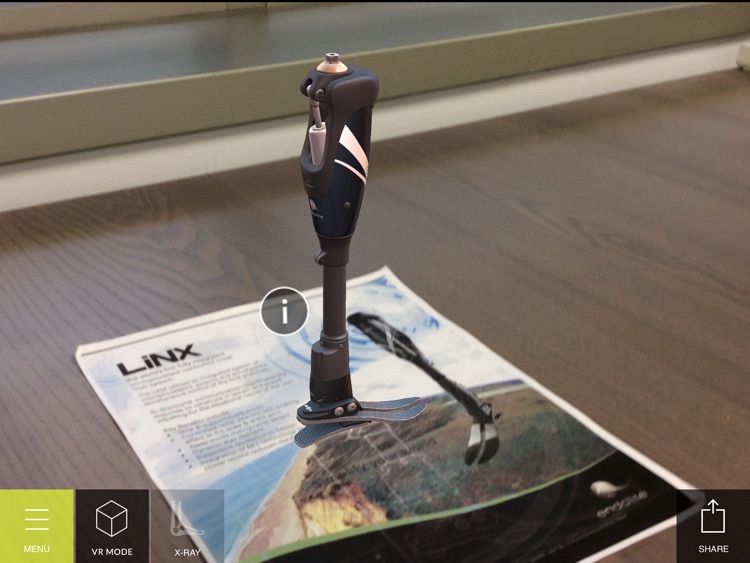
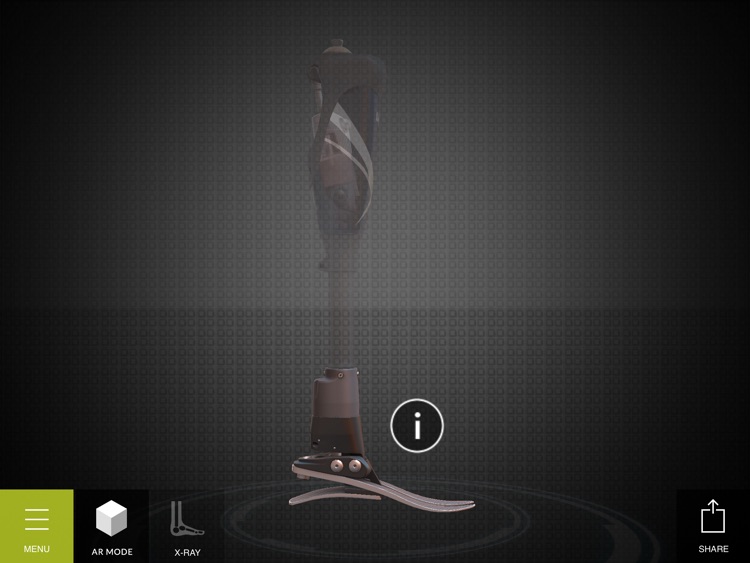
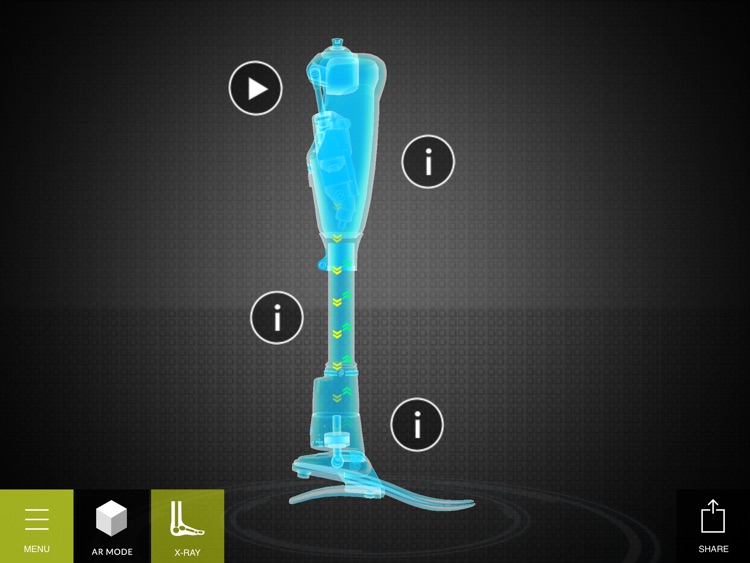
An interactive exploration of the features and benefits of the Linx microprocessor controlled lower limb system.
App Screenshots
App Store Description
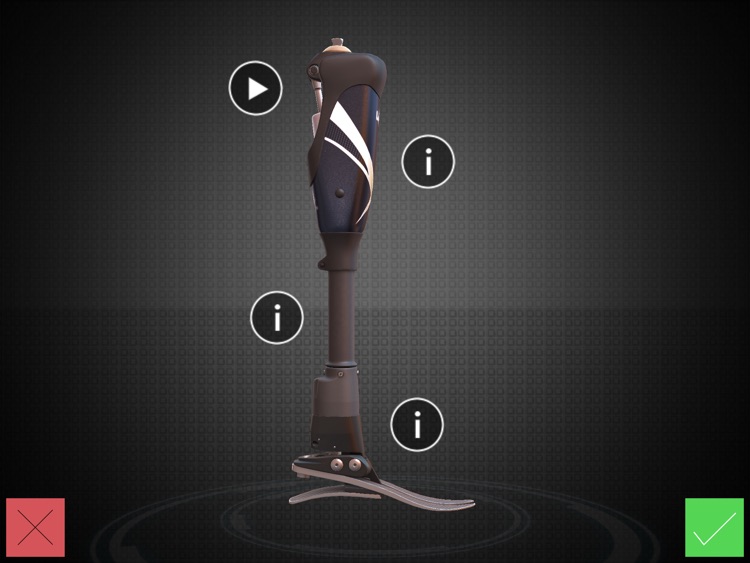
An interactive exploration of the features and benefits of the Linx microprocessor controlled lower limb system.
Are you ready to start your one of a kind experience? Follow the simple instructions below to get started!
Step 1: Download and print the visualization marker.
Step 2: Download the Explore Endolite Linx App from the App Store.
Step 3: Follow the on-screen instructions to enter AR mode.
Step 4: Scan the “Marker” and view the 3D Linx!
Note: If you do not have access to the “Marker” image you can download it here: http://www.endolite.com/explore-linx-app. You can also visit this link to access the video content that is triggered by the augmented reality experience.
Disclaimer:
AppAdvice does not own this application and only provides images and links contained in the iTunes Search API, to help our users find the best apps to download. If you are the developer of this app and would like your information removed, please send a request to takedown@appadvice.com and your information will be removed.
AppAdvice does not own this application and only provides images and links contained in the iTunes Search API, to help our users find the best apps to download. If you are the developer of this app and would like your information removed, please send a request to takedown@appadvice.com and your information will be removed.
