You are using an outdated browser. Please
upgrade your browser to improve your experience.
You don't like your screen to be dull and boring

Fancy Screen - Create wallpapers for your screen
by Hamid Jan
What is it about?
You don't like your screen to be dull and boring. You want your screen to reflect your feelings and make you feel happy and better. Here is the app which just does the same for you.
Fancy Screen is FREE but there are more add-ons
-
$0.99
Unlock All Wallpapers
-
$0.99
Remove Ads
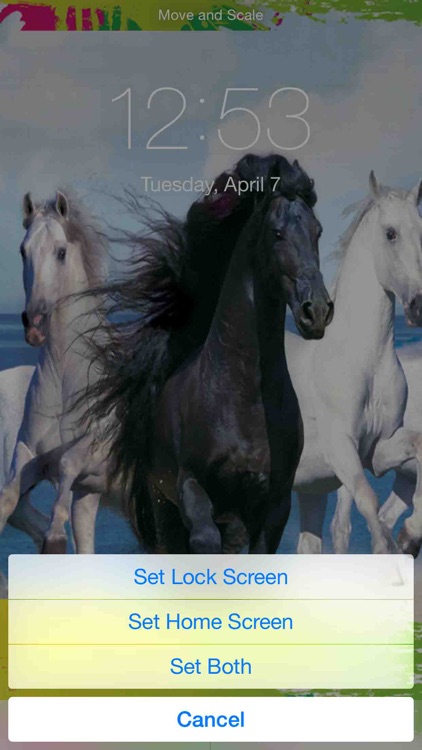
App Screenshots
App Store Description
You don't like your screen to be dull and boring. You want your screen to reflect your feelings and make you feel happy and better. Here is the app which just does the same for you.
>> This app offers huge number of wallpapers organised in many different categories.
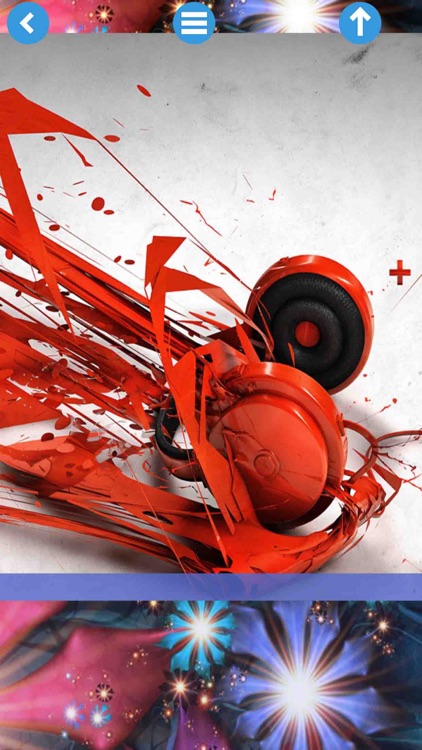
>> Create customised wallpapers for your device Home Screen/Lock Screen by combining Foreground and Background themes.
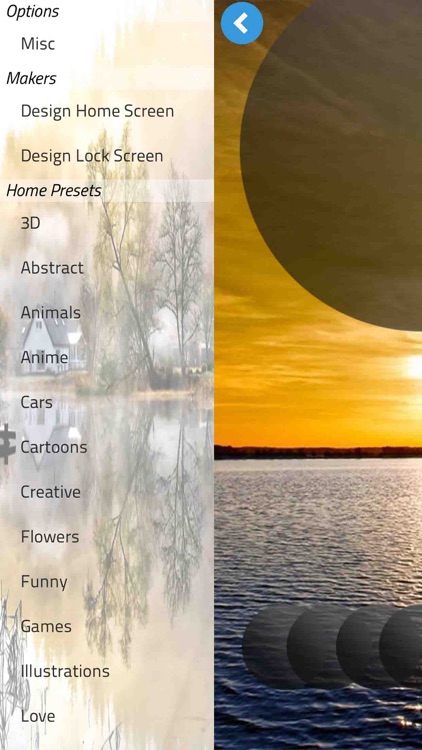
>> Fancy Screen offers you exclusive collection of wallpapers designed for your device's home screen and lock screen. All of the wallpapers are categorised e.g. Animals, Cars, 3D, Flowers, Love, Funny and many others.
Create your own designs/wallpapers with Home & Lock Screen Maker:
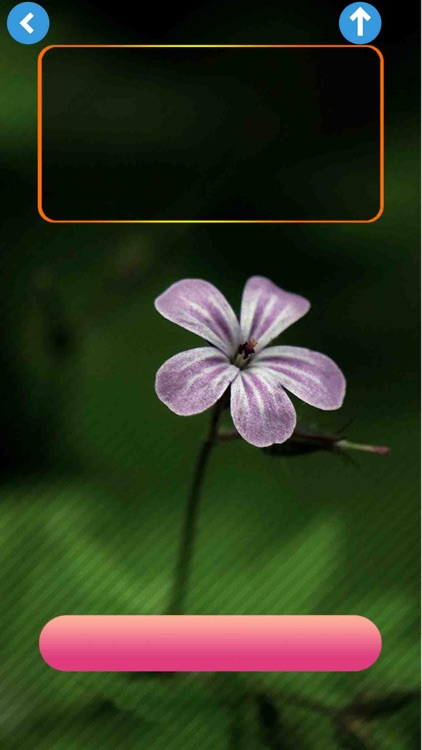
>> Create your own wallpapers using Fancy Screen by selecting from a huge number of wallpapers backgrounds and foregrounds. You can create wallpapers for both Home Screen and Lock Screen.
>> Use your own photos as backgrounds.
>> Pick photos from different sources such as Camera, Photos Library and Internet (Google, Flickr).
>> Save to photos library or share on social media.
How to use:
1) Design/Select your wallpaper using Fancy Screen app.
2) Save to Camera Roll/Photos Library of your iDevice.
3) Open the Camera Roll/Photos Library and select your newly created wallpaper.
4) Set as wallpaper for "Home Screen" or Lock Screen. Please make sure you make the "Perspective zoom: Off" before setting for Home Screen/Lock Screen
***Note: This app DOES NOT modify/customise your device's Lock Screen/Home Screen. It only enables you to create/design wallpapers for your device's Lock Screen andHome Screen.***
Disclaimer:
AppAdvice does not own this application and only provides images and links contained in the iTunes Search API, to help our users find the best apps to download. If you are the developer of this app and would like your information removed, please send a request to takedown@appadvice.com and your information will be removed.
AppAdvice does not own this application and only provides images and links contained in the iTunes Search API, to help our users find the best apps to download. If you are the developer of this app and would like your information removed, please send a request to takedown@appadvice.com and your information will be removed.
