You are using an outdated browser. Please
upgrade your browser to improve your experience.
Fat Fingers Keyboard knows when you mistype and doesn't let the bad character in

Fat Fingers Keyboard
by Milan Toth
What is it about?
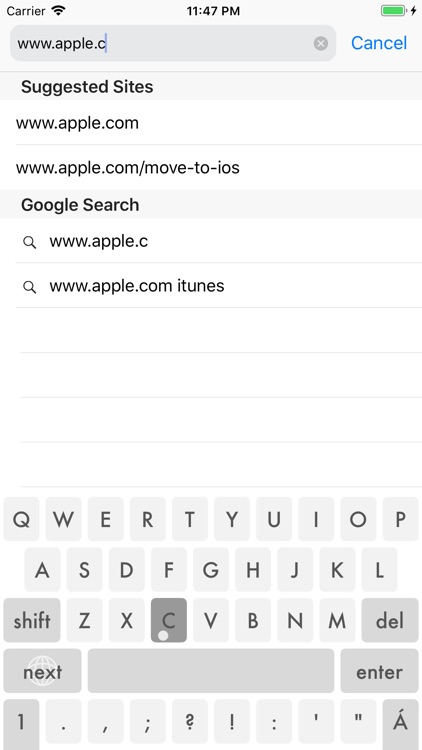
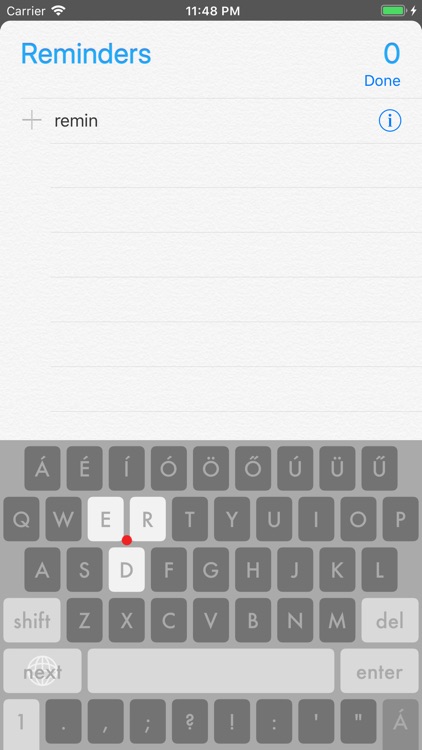
Fat Fingers Keyboard knows when you mistype and doesn't let the bad character in. It also shows you the bad touch point so you can improve your grip. After a few minutes you will start to type faster than ever.
App Screenshots
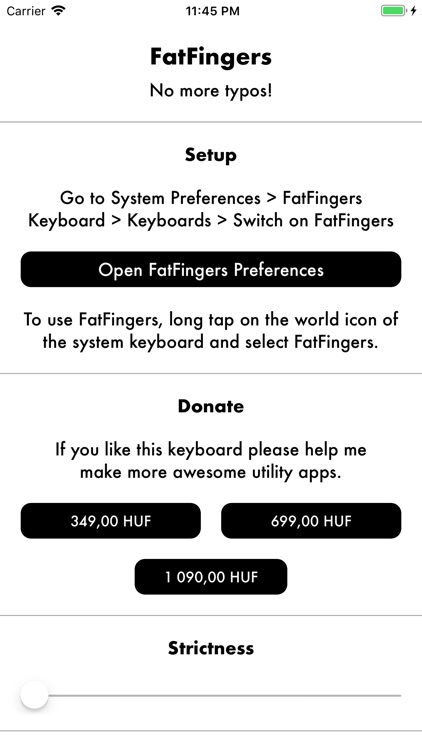
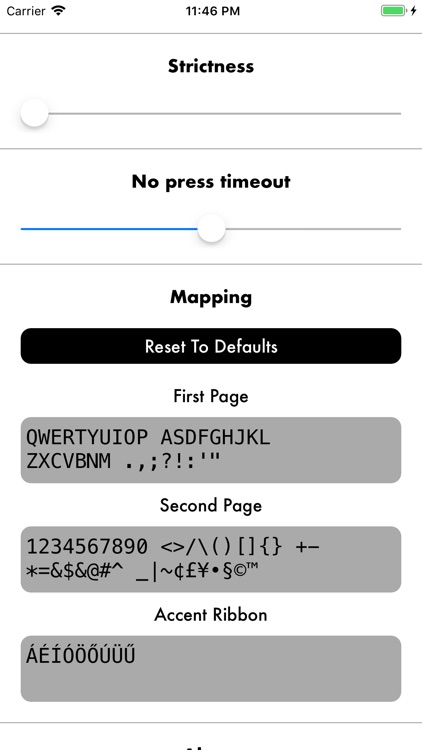
App Store Description
Fat Fingers Keyboard knows when you mistype and doesn't let the bad character in. It also shows you the bad touch point so you can improve your grip. After a few minutes you will start to type faster than ever.
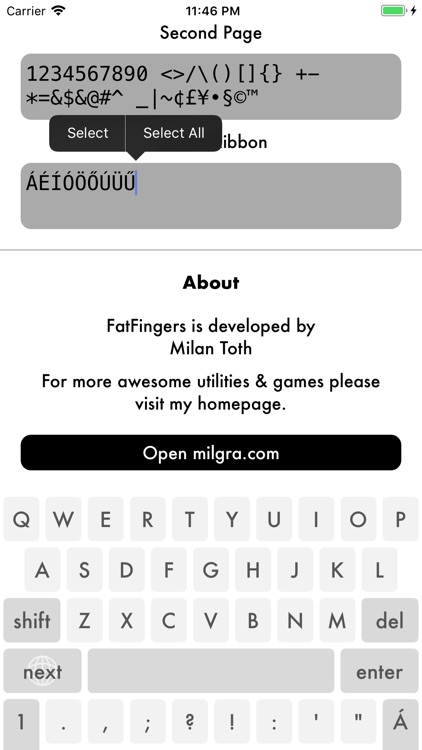
With the additional symbol row at the bottom and an optional accent ribbon on the top the need for page switching becomes minimal so typing speed much faster.
To move easily through words and lines just simply swipe left-right-top-bottom.
All keys are freely remappable, accent ribbon can be two pages wide so feel free to add your language's accented characters or create a ribbon with your commonly used symbols or emojis.
Fat fingers comes totally free, so if you like it please help me make more awesome utilities and donate in the app.
Disclaimer:
AppAdvice does not own this application and only provides images and links contained in the iTunes Search API, to help our users find the best apps to download. If you are the developer of this app and would like your information removed, please send a request to takedown@appadvice.com and your information will be removed.
AppAdvice does not own this application and only provides images and links contained in the iTunes Search API, to help our users find the best apps to download. If you are the developer of this app and would like your information removed, please send a request to takedown@appadvice.com and your information will be removed.
