You are using an outdated browser. Please
upgrade your browser to improve your experience.

Fax is considered the fastest way to send any document from one place to another without losing any quality

FAX from iPhone・Send Document
by GEODELIC, L.L.C.
What is it about?
Fax is considered the fastest way to send any document from one place to another without losing any quality. But the issue is most people do not have the fax machine to send the fax and it's time to go to the shop to send the fax.
App Screenshots

App Store Description
Fax is considered the fastest way to send any document from one place to another without losing any quality. But the issue is most people do not have the fax machine to send the fax and it's time to go to the shop to send the fax.
Here the fax sending app is going to solve a big problem for the user now. You can send the fax easily just by using your SpeedyFax: Send & Receive Fax without losing any quality.
SpeedyFax, smartly send faxes from your iphone or ipad with high-quality file scanning function and file uploading function. Its scanning function can automatically identify the edges of the document and cut them or adjust them manually. Moreover, you can add signatures and tags to the document through a fax app. SpeedyFax app's design is simple and intuitive. A few steps can help you complete the operation of transferring files by our fax app. Multi-function is more convenient to use by faxing.
You are just a few steps away from an amazing faxing app that is going to save you a lot of time if you want to send faxes all over the world.
The main thing that makes the fax send app unique from others is the quality of documents will not lose it will remain at the same quality as you send. The basic features of this fax app are totally free but if you want to send a lot of files then you can send them at a ground price (very reasonable and cheap).
Guide to use the app:
This app is specially designed to make the user’s life easier and to use this iPad fax app is also so easy. The UI of this iphone fax app is professional and user-friendly.
Anyone from any age group can use the app easily to send a fax anywhere all over the world easily. These are some simple steps to use the app and to send faxes from the iphone.
Step 1: Download the app for the app store and open it you will be on the home page
Step 2: Enter the fax machine number where you want to send the fax and attach your documents. The app gives you a lot of facilities to attach the documents like you can attach PDF, DOC, JPG, PNG & TIFF, HTML files and send it easily on any fax machine.
Step 3: After attaching all these send click on send and the fax will be send within some seconds
Features:
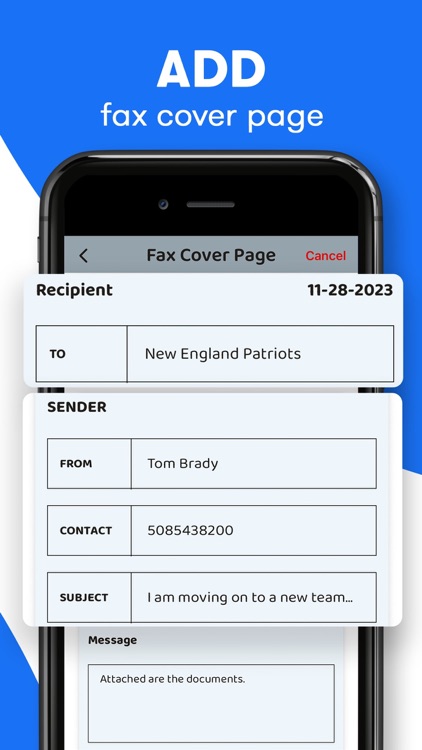
- Professional Cover Page
- Fax from iPhone in 30+ international countries
- Advanced document scanner & image processing
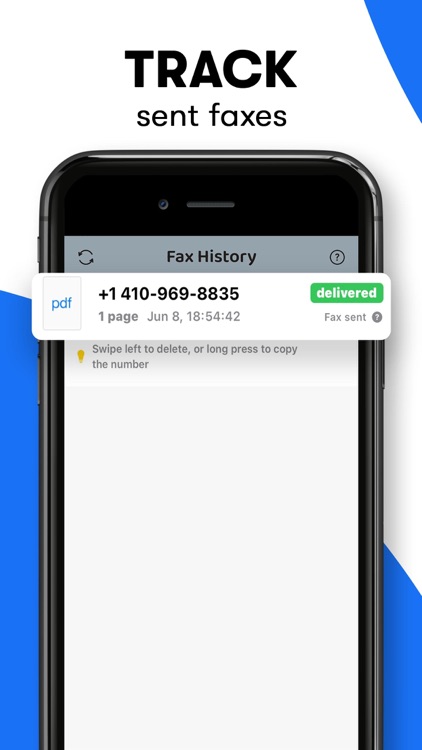
- Powerful tracking
- The best possible quality is achieved no matter what types of documents you use
- Combine multiple documents into a single fax
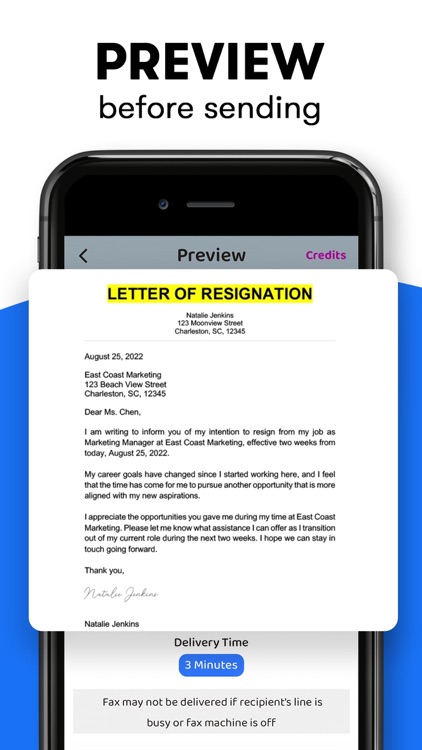
- Preview any document before sending
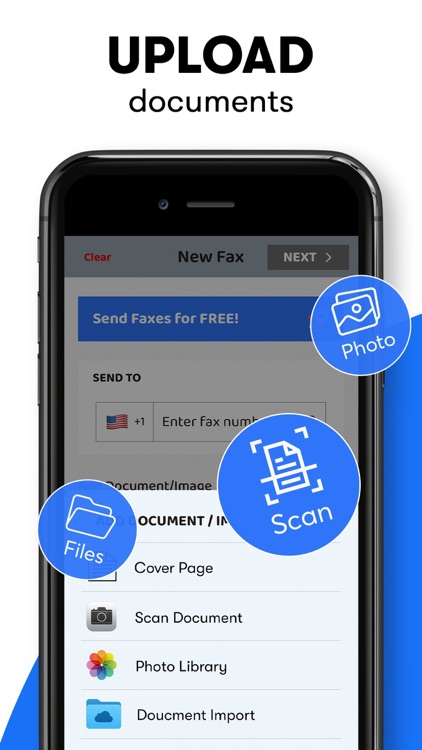
- Upload any types of documents
- Send just about any file type as a fax (PDF, DOC,JPG, PNG & TIFF, HTML)
- Create new documents with images as you go (Photo Gallery, Camera)
- Import any types of documents (Dropbox, iCloud, Google Drive, Box, or any other source)
- Track sent documents status via fax app
- Pay as you go (to send faxes, you should buy credits using in-app purchase)
Let’s download the SpeedyFax: Send & Receive Fax now!
Contact info:
Our support team is available 24/7, if you have any queries about our store or want to give any suggestions feel free to approach us. Our Team will be happy to answer your questions and we use your suggestions to improve our app and store user experience.
Our Email: speedyfaxapp@gmail.com
Disclaimer:
AppAdvice does not own this application and only provides images and links contained in the iTunes Search API, to help our users find the best apps to download. If you are the developer of this app and would like your information removed, please send a request to takedown@appadvice.com and your information will be removed.
AppAdvice does not own this application and only provides images and links contained in the iTunes Search API, to help our users find the best apps to download. If you are the developer of this app and would like your information removed, please send a request to takedown@appadvice.com and your information will be removed.
