You are using an outdated browser. Please
upgrade your browser to improve your experience.

A few years ago, as a math teacher, I developed a unique course on Final Cut Pro

FCPX course, training
by Igor Samko
What is it about?
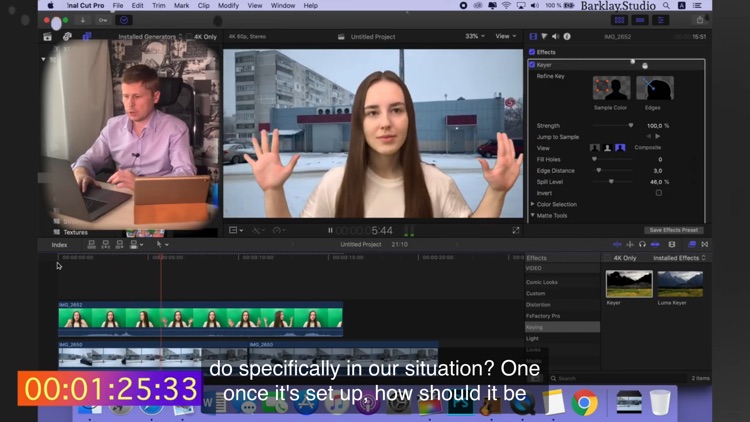
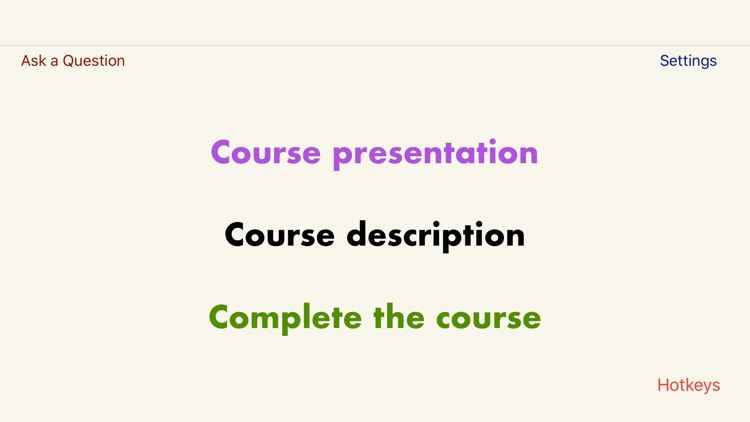
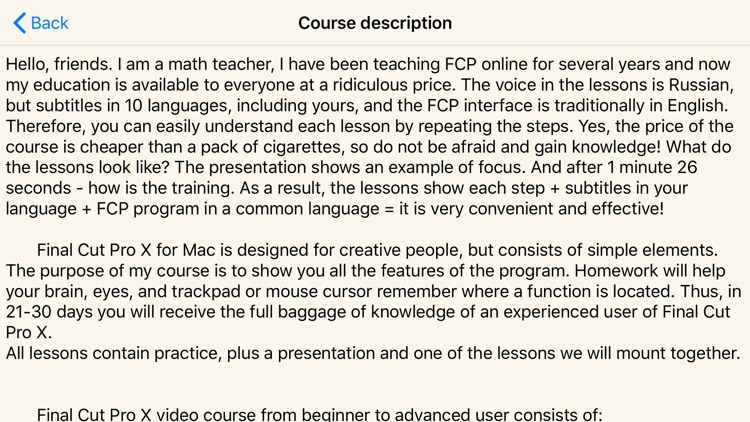
A few years ago, as a math teacher, I developed a unique course on Final Cut Pro. This course is now available in the Apple Store. Due to the larger number of students, I managed to reduce the cost tenfold. You, as in a regular school, have the opportunity to ask any question about the course directly from the application. My course guarantees 100% results, the main thing is to complete it completely. Fantastic? No, just reality. There is also a presentation in the application. With it, you can find out what my course will teach you.
App Screenshots
App Store Description
A few years ago, as a math teacher, I developed a unique course on Final Cut Pro. This course is now available in the Apple Store. Due to the larger number of students, I managed to reduce the cost tenfold. You, as in a regular school, have the opportunity to ask any question about the course directly from the application. My course guarantees 100% results, the main thing is to complete it completely. Fantastic? No, just reality. There is also a presentation in the application. With it, you can find out what my course will teach you.
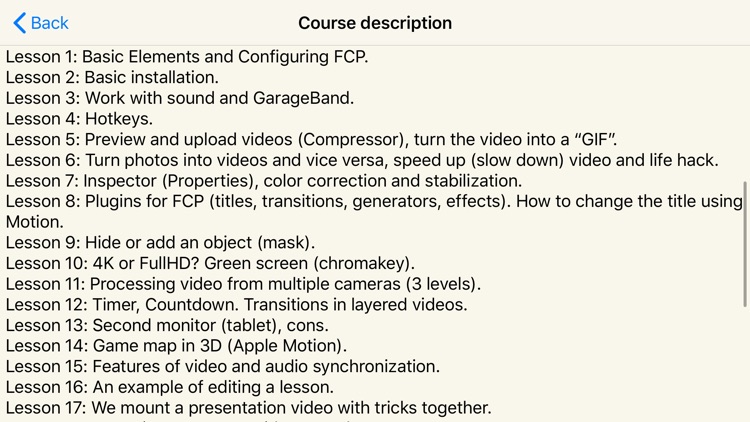
The Final Cut Pro X video course from beginner to advanced user consists of:
Lesson 1: Basic elements and configuration of FCP.
Lesson 2: Basic installation.
Lesson 3: Working with sound and GarageBand.
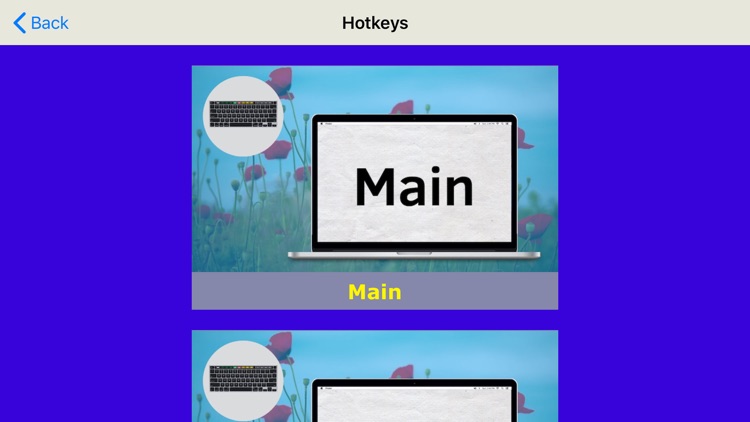
Lesson 4: Keyboard shortcuts.
Lesson 5: Preview and upload video (Compressor), turn the video into a "gif".
Lesson 6: Turning photos into videos and vice versa, speed up (slow down) video and life hack.
Lesson 7: Inspector (Properties), color correction and stabilization.
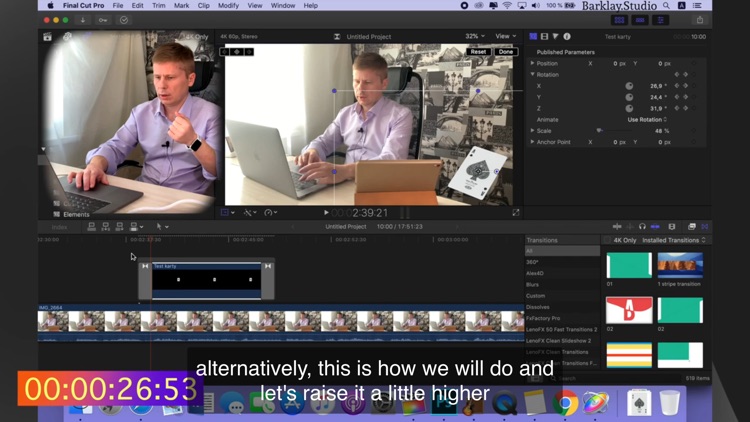
Lesson 8: Plugins for FCP (titles, transitions, generators, effects). How to change the title using Motion.
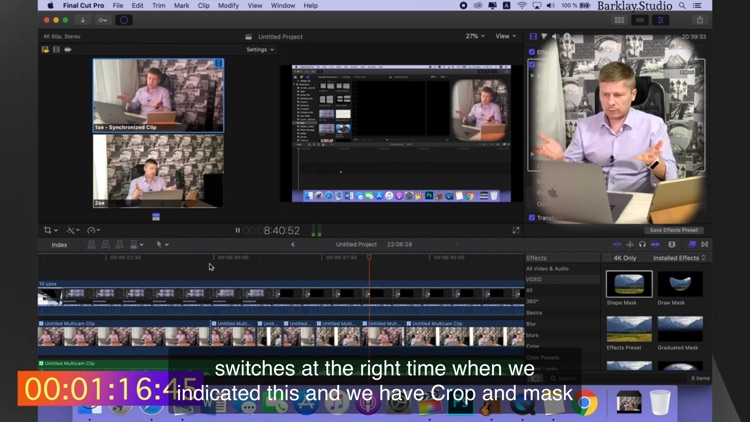
Lesson 9: Hiding or adding an object (mask).
Lesson 10: 4K or FullHD? Green screen (chromakey).
Lesson 11: Processing video from multiple cameras (3 levels).
Lesson 12: Timer, countdown. Transitions in multi-level videos.
Lesson 13: The second monitor (tablet), cons.
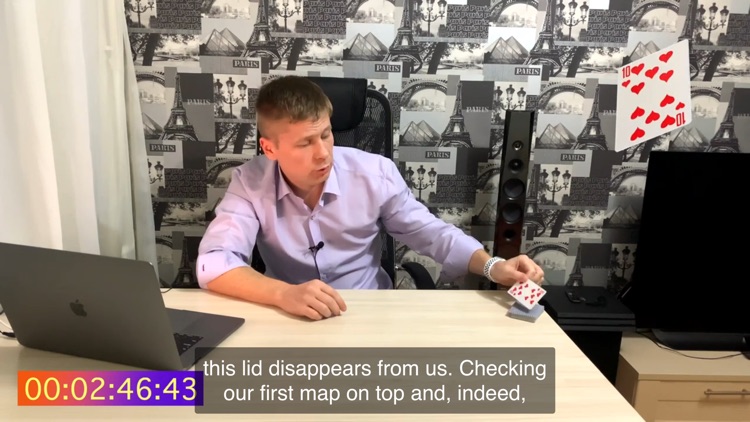
Lesson 14: 3D Game map (Apple Motion).
Lesson 15: Features of video and audio synchronization.
Lesson 16: Example of lesson installation.
Lesson 17: We mount together a presentation video with tricks.
Lesson 18: We are assembling videos together for Instagram.
Lesson 19: What is the difference between an experienced FCP user and a pro?
Lesson 20: Completion.
21 lessons: How to improve or facilitate work in FCP
Lesson 22: Travel Generator
Lesson 23: How to remove wind noise?
Lesson 24: macOS Computer Course
Lesson 25: Final Cut Pro X 10.4.9. What's new in FCP?
Lesson 26 Multicam Clip (iPhone 12 and GoPro 9 videos)
See you at the 1st lesson.
Disclaimer:
AppAdvice does not own this application and only provides images and links contained in the iTunes Search API, to help our users find the best apps to download. If you are the developer of this app and would like your information removed, please send a request to takedown@appadvice.com and your information will be removed.
AppAdvice does not own this application and only provides images and links contained in the iTunes Search API, to help our users find the best apps to download. If you are the developer of this app and would like your information removed, please send a request to takedown@appadvice.com and your information will be removed.
