You are using an outdated browser. Please
upgrade your browser to improve your experience.

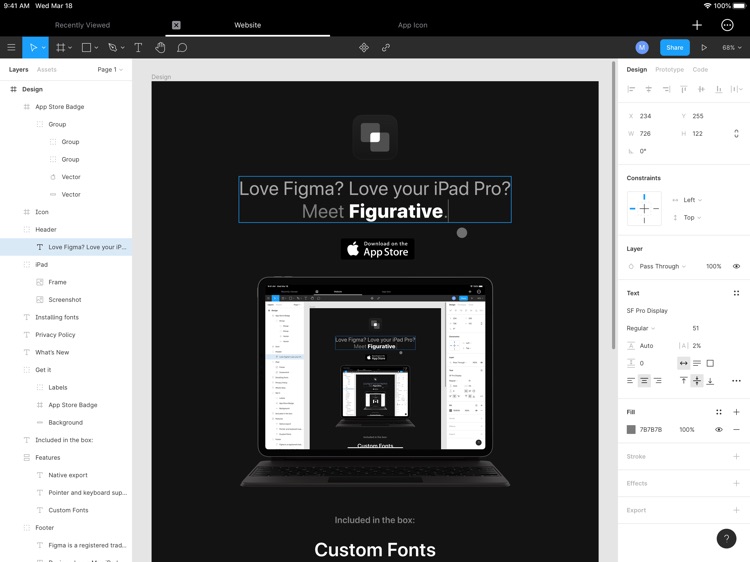
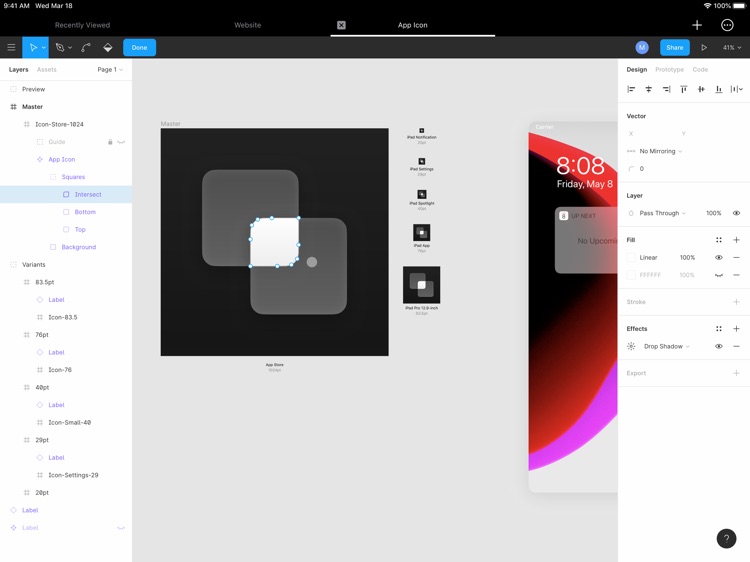
Designed from the ground up, Figurative brings the desktop-class editor experience from Figma to iPadOS—ready to work with a Magic Keyboard, a trackpad, or a mouse

Figurative
by Matias Martinez
What is it about?
Designed from the ground up, Figurative brings the desktop-class editor experience from Figma to iPadOS—ready to work with a Magic Keyboard, a trackpad, or a mouse.
App Store Description
Designed from the ground up, Figurative brings the desktop-class editor experience from Figma to iPadOS—ready to work with a Magic Keyboard, a trackpad, or a mouse.
• Custom fonts: All fonts available to iOS, including ones installed by you, are available to use with the Figma editor.
• Improved pointer and keyboard support: There's plenty of multi-touch gestures for zooming and panning the canvas. Fondle of your mouse? Scroll wheels welcome too. Unnecessary elements like the autocompletion bar are automatically hidden so they don't get in your way.
• Apple Pencil: Use your Apple Pencil to make selections, drag objects, and use tools.
• Touch gestures: Use your fingers to scroll and zoom on the editor. Made a mistake? Just tap with two fingers to Undo, or three to Redo.
• Touch Shortcuts: Delete, Duplicate, Frame, Group, and much more without a keyboard.
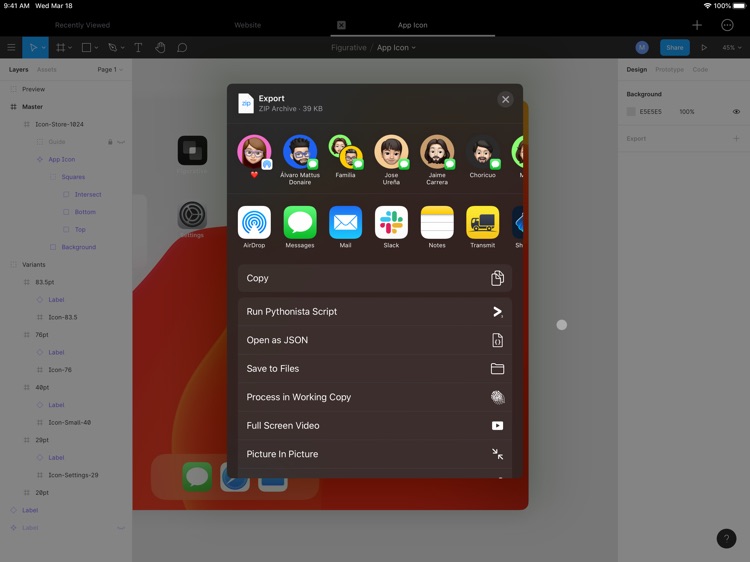
• Export: Large projects? Share and copy exported assets in a breeze from the share sheet.
A free Figma account is required to use Figurative. Figma is a registered trademark of Figma, Inc.
Disclaimer:
AppAdvice does not own this application and only provides images and links contained in the iTunes Search API, to help our users find the best apps to download. If you are the developer of this app and would like your information removed, please send a request to takedown@appadvice.com and your information will be removed.
AppAdvice does not own this application and only provides images and links contained in the iTunes Search API, to help our users find the best apps to download. If you are the developer of this app and would like your information removed, please send a request to takedown@appadvice.com and your information will be removed.
