You are using an outdated browser. Please
upgrade your browser to improve your experience.
User Guidance:

FlashCharger
by Plustech Ltd
What is it about?
User Guidance:
App Screenshots
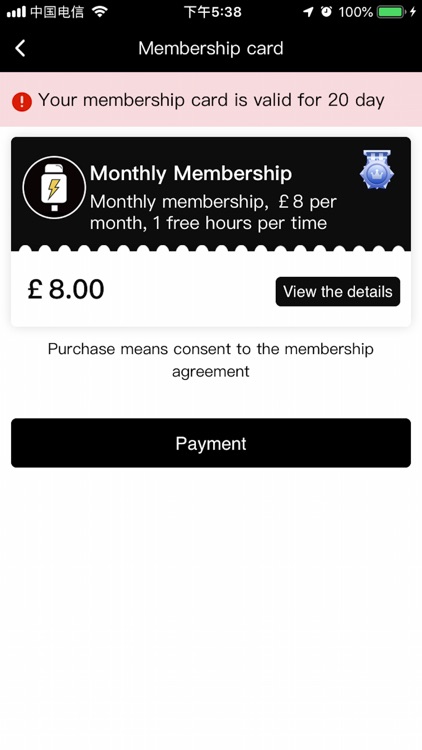
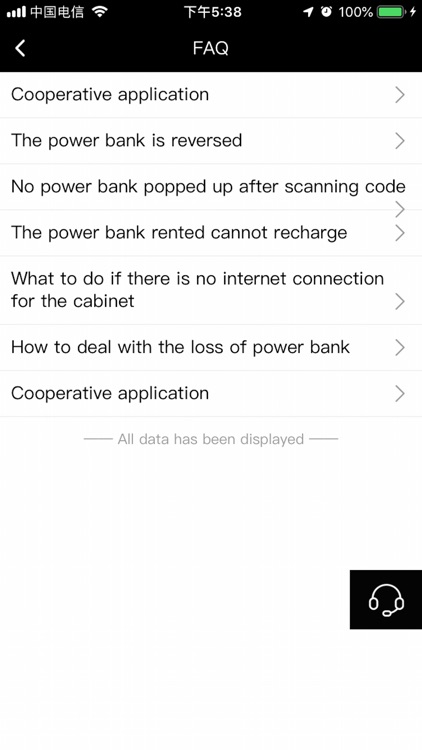

App Store Description
User Guidance:
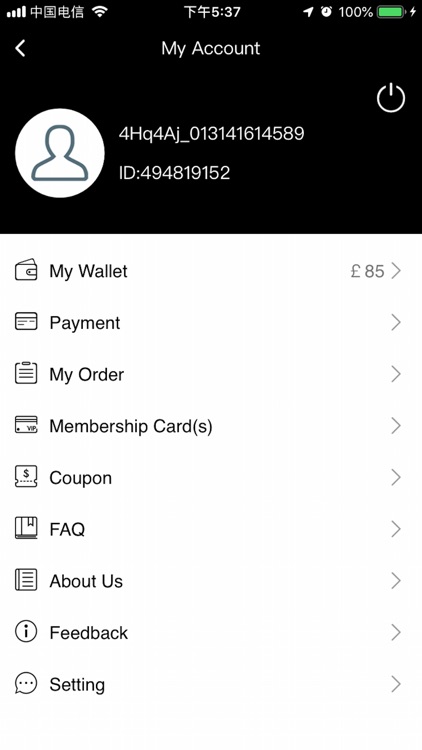
Step1 Create your account: Open the account by clicking top left icon.
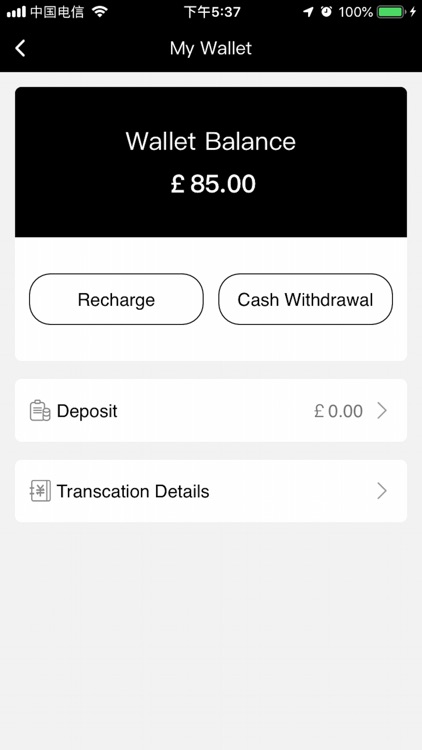
Step2 Enter payment detail: Once you have created your account, next please go to your account, select payment method
Step3 Scan and Rent: You can now rent a power bank. Simply scan the QR code on the power station.
Step 4 Return the power bank: After using, return your power banks to any power station. Make sure you return it with logo side up.
Disclaimer:
AppAdvice does not own this application and only provides images and links contained in the iTunes Search API, to help our users find the best apps to download. If you are the developer of this app and would like your information removed, please send a request to takedown@appadvice.com and your information will be removed.
AppAdvice does not own this application and only provides images and links contained in the iTunes Search API, to help our users find the best apps to download. If you are the developer of this app and would like your information removed, please send a request to takedown@appadvice.com and your information will be removed.
