You are using an outdated browser. Please
upgrade your browser to improve your experience.
Updating your Devices Firmware can be scary, right

Fliegl DFU
by Fliegl Agrartechnik GmbH

What is it about?
Updating your Devices Firmware can be scary, right? Well, not with Fliegl Bluetooth LE equipped Products.
App Screenshots
App Store Description
Updating your Devices Firmware can be scary, right? Well, not with Fliegl Bluetooth LE equipped Products.
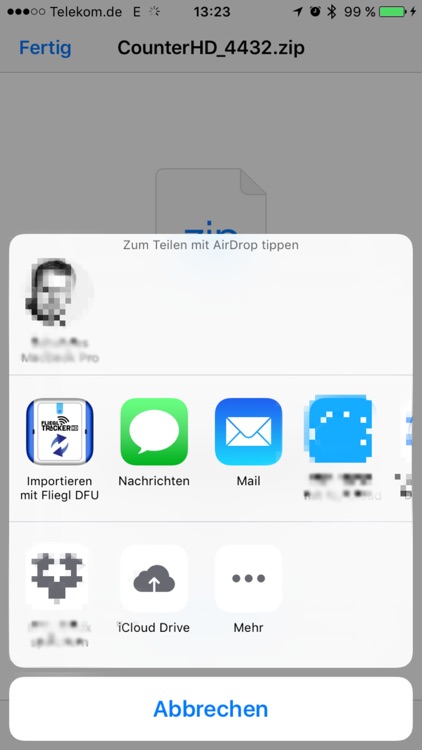
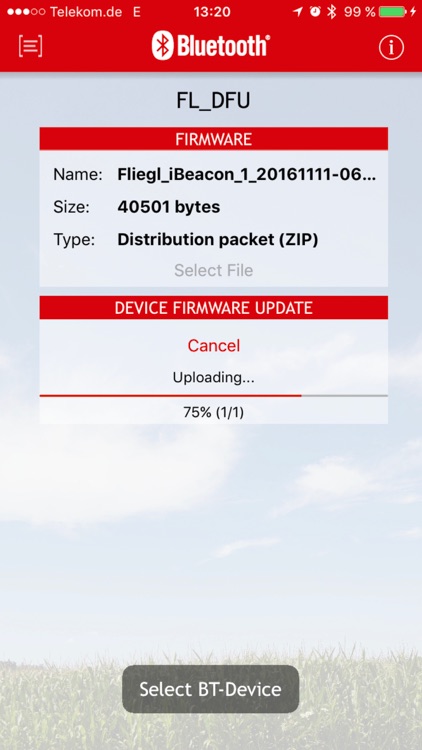
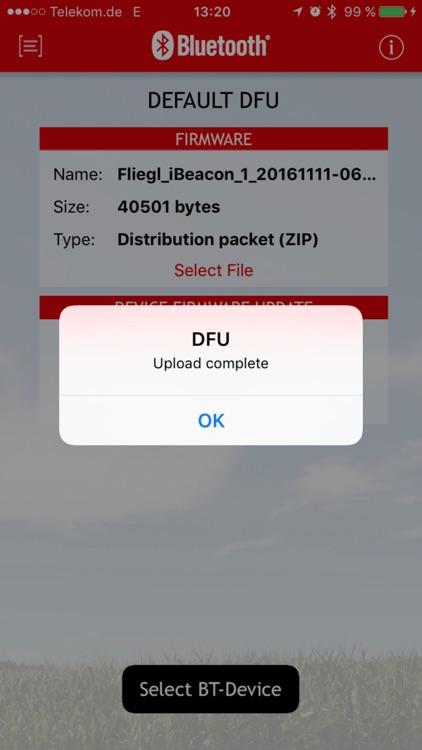
Set your Fliegl Product to "OTA DFU" Mode (Over The Air Device Firmware Update) and use Fliegl DFU to connect to your device, select an Firmware Image and hit the "Upload" button.
Done.
Fliegl DFU supports all our Bluetooth LE equipped Products. The most recent Firmware Bundle is already being shipped with Fliegl DFU. But of course you can use Fliegl DFU also for custom designed Firmware Bundles.
Features:
- Fliegl compatible OTA DFU
- Add your own Firmware Bundles using iTunes documents folder
- Import Firmware Bundles from any other 3rd-Party App that supports sharing a .zip or .hex file
Disclaimer:
AppAdvice does not own this application and only provides images and links contained in the iTunes Search API, to help our users find the best apps to download. If you are the developer of this app and would like your information removed, please send a request to takedown@appadvice.com and your information will be removed.
AppAdvice does not own this application and only provides images and links contained in the iTunes Search API, to help our users find the best apps to download. If you are the developer of this app and would like your information removed, please send a request to takedown@appadvice.com and your information will be removed.
