You are using an outdated browser. Please
upgrade your browser to improve your experience.

Share these iMessage stickers to:

Flirty Valentines Day Stickers
by Longwalks
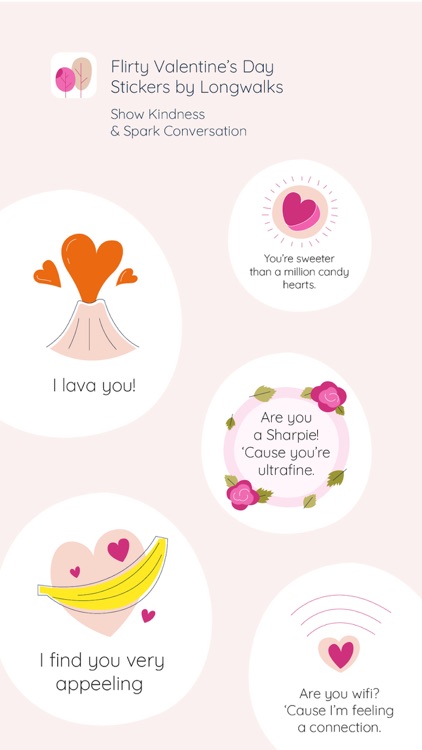
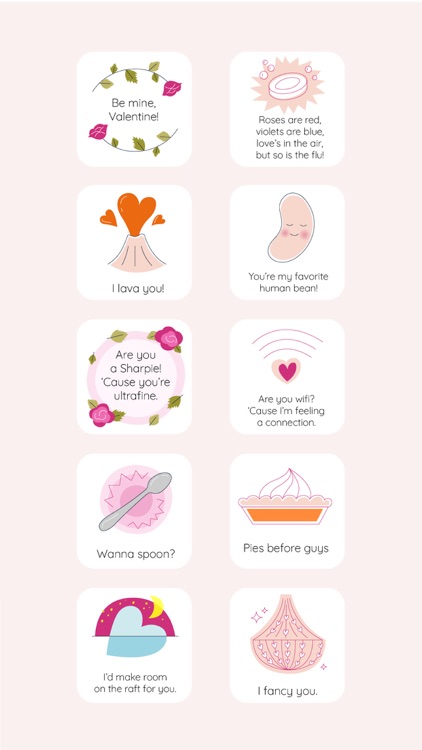
What is it about?
Share these iMessage stickers to:
App Details
Version
2.3.2
Rating
NA
Size
27Mb
Genre
Stickers
Last updated
February 12, 2020
Release date
May 3, 2019
More info
App Store Description
Share these iMessage stickers to:
Talk about new, interesting topics that you wouldn’t normally discuss on a first date
Learn about people you’ve matched with on dating apps over text message
Get to know each other better in a non-awkward way through questions and icebreakers
Discuss relationships with new people and learn each other’s dating habits
Where to find the stickers after installing:
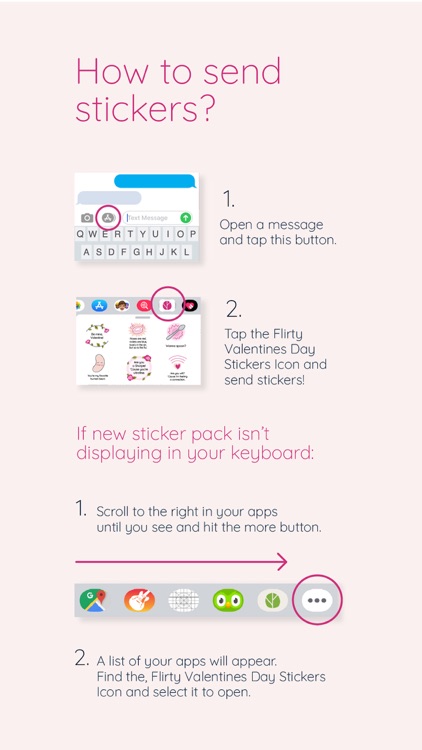
Step 1: Open a message with your family or friends, and tap the “>” button to the left of the text box.
Step 2: Tap the app button that appears (it looks like an “A”) and then tap the button that looks like four circles in the lower left of your screen to open the iMessage app drawer.
Step 3: Tap the Dating Conversation Starters icon and start having great conversations!
More conversation starters are available in other Longwalks sticker packs and on the Longwalks app.
Disclaimer:
AppAdvice does not own this application and only provides images and links contained in the iTunes Search API, to help our users find the best apps to download. If you are the developer of this app and would like your information removed, please send a request to takedown@appadvice.com and your information will be removed.
AppAdvice does not own this application and only provides images and links contained in the iTunes Search API, to help our users find the best apps to download. If you are the developer of this app and would like your information removed, please send a request to takedown@appadvice.com and your information will be removed.
