You are using an outdated browser. Please
upgrade your browser to improve your experience.

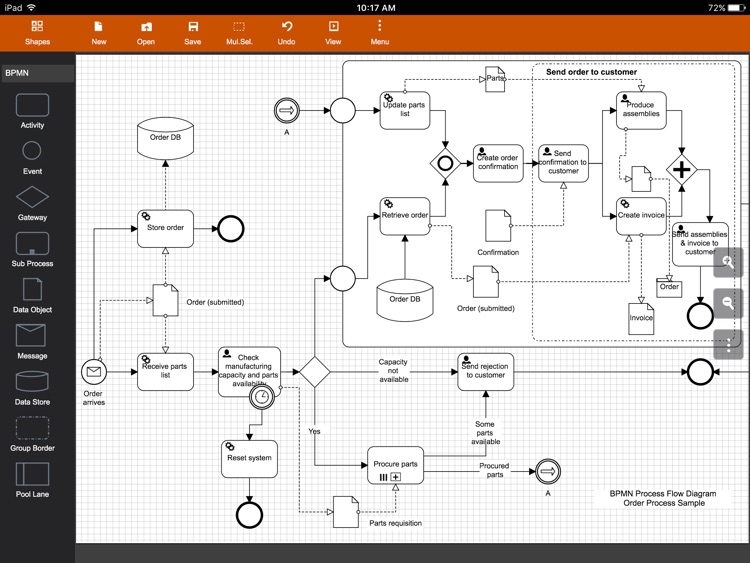
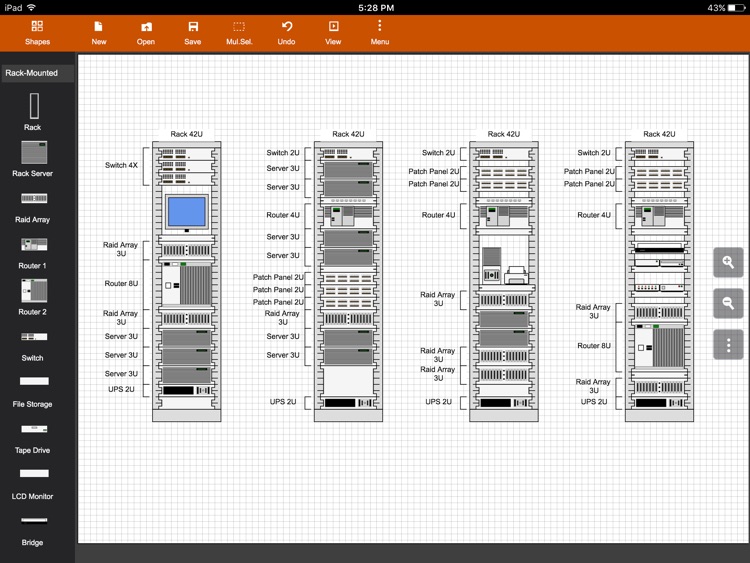
Flowdia is an easy to use flow diagram tool that can be used to quickly create professional quality flowcharts, mind maps, BPMN, network and server layouts, Cisco network, Rack diagram, UML activity, business process and process flow diagrams

Flowdia Lite - Flowchart, BPMN & Network Diagram
by Behzad Gorimar
What is it about?
Flowdia is an easy to use flow diagram tool that can be used to quickly create professional quality flowcharts, mind maps, BPMN, network and server layouts, Cisco network, Rack diagram, UML activity, business process and process flow diagrams.
App Screenshots
App Store Description
Flowdia is an easy to use flow diagram tool that can be used to quickly create professional quality flowcharts, mind maps, BPMN, network and server layouts, Cisco network, Rack diagram, UML activity, business process and process flow diagrams.
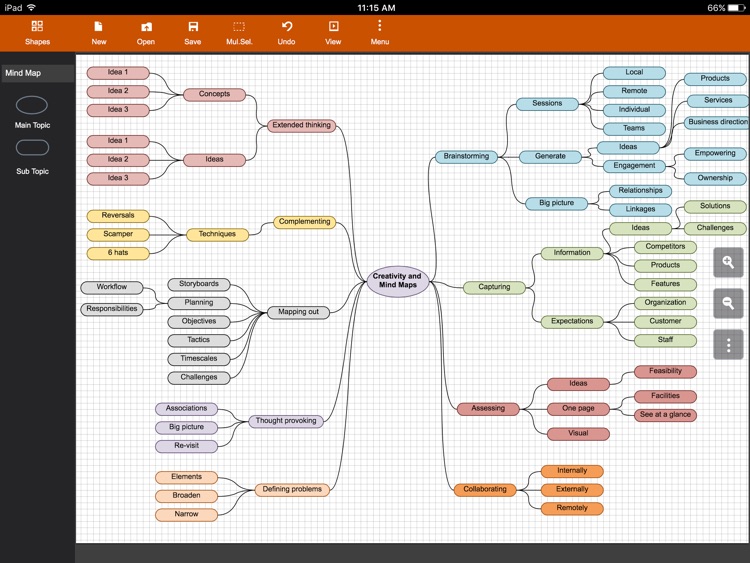
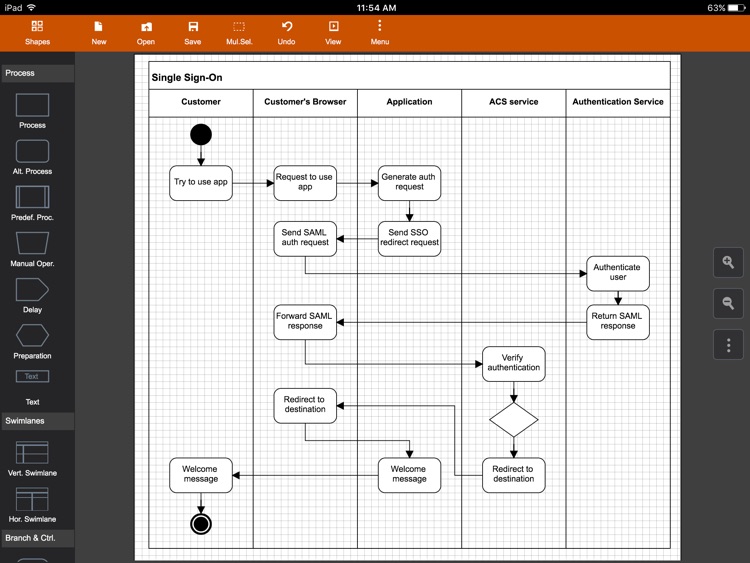
The app is designed with ease of use in mind. You can quickly connect flowchart shapes by simply selecting the start and end connection points and quickly add new lanes to a swimlane diagram or new sub-topics to a mind map diagram by using "+" button from the selected swimlane or mind map shape menu. The mind map sub-topics are automatically positioned on the page but can be easily moved as required.
Flowdia supports export of the diagram / flowchart to PNG, JPG, PDF and SVG formats.You can view exported SVG files in Microsoft Visio.
You can import custom PNG and JPG images.
The following diagrams can be created using Flowdia:
- Flowchart
- Swimlanes
- Mind Maps
- BPMN
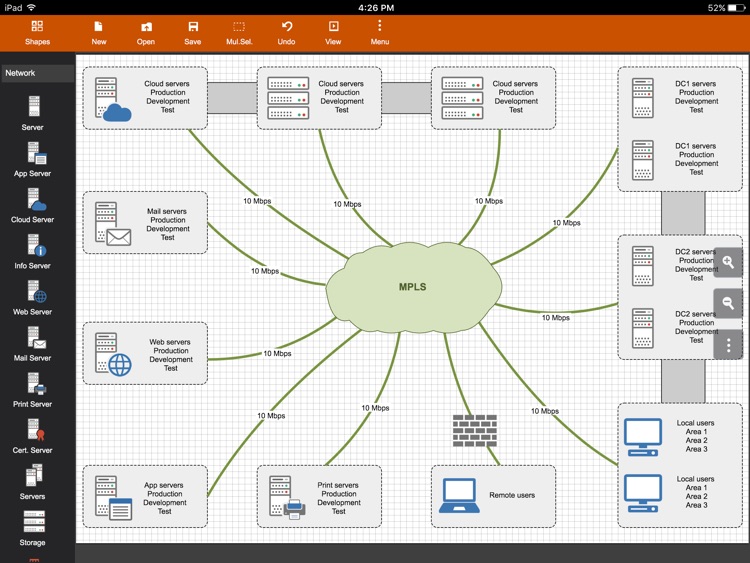
- Network Diagram
- Cisco Network Diagram
- Server Layout Diagram
- Rack Diagram
- UML Activity Diagram
- Business Process Diagram
- Process Flow
- Chevron Diagram
You can quickly select and change BPMN activity, event and gateway types by using the special shape selector available to all BPMN shapes.
The flowchart shapes in this tool are not images can be re-sized without loosing quality. You can customize the look of the shapes by applying background color and also change the font color and size of the text.
**NOTE: Lite version of Flowdia is restricted to:
- 4 files.
- 1 page per diagram.
- Cannot remove or duplicate pages.
- Image and PDF exports with watermark
Disclaimer:
AppAdvice does not own this application and only provides images and links contained in the iTunes Search API, to help our users find the best apps to download. If you are the developer of this app and would like your information removed, please send a request to takedown@appadvice.com and your information will be removed.
AppAdvice does not own this application and only provides images and links contained in the iTunes Search API, to help our users find the best apps to download. If you are the developer of this app and would like your information removed, please send a request to takedown@appadvice.com and your information will be removed.
