You are using an outdated browser. Please
upgrade your browser to improve your experience.

Ever wanted to Forward your meeting invites from your iPhone

Forward Calendar Meetings
by Rony Ronen

What is it about?
Ever wanted to Forward your meeting invites from your iPhone? Now you can.
App Screenshots
App Store Description
Ever wanted to Forward your meeting invites from your iPhone? Now you can.
–––WHAT’S FORWARD CALENDAR MEETINGS?–––
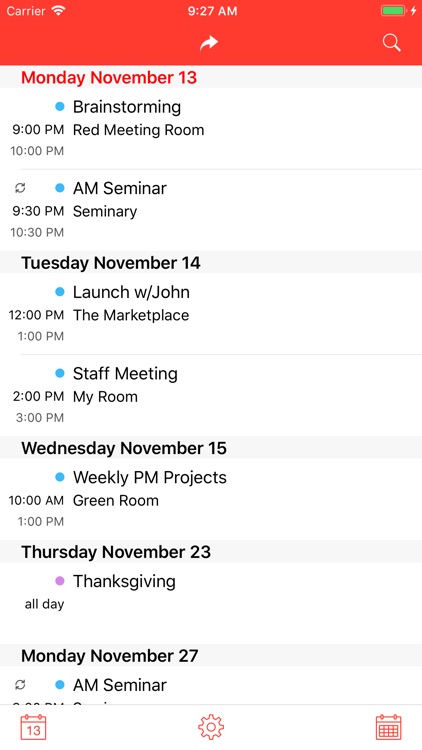
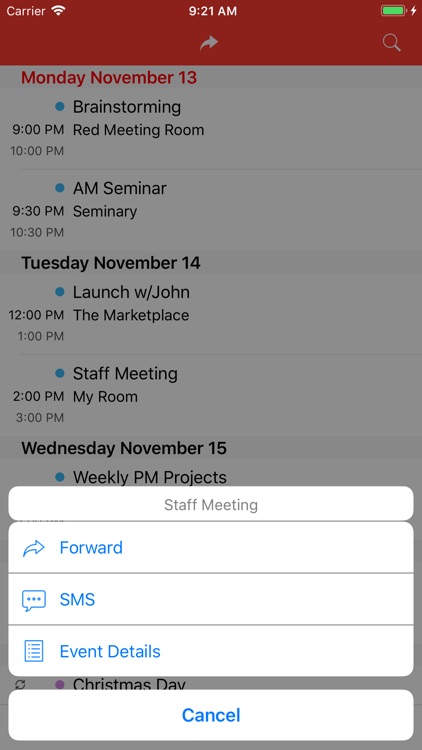
Forward Meetings will let you overcome one of the missing feature from the native calendar and is to forward a meeting to someone else. The app will allow you to invites or share your meetings by eMail or SMS (as a message) using iCalendar attachment which can be used by most of the Calendars available such iCal, Outlook Exchange, Google Calendar and more.
Notes: We recommend testing app features using our Calendar for Business freemium app before purchasing: https://itunes.apple.com/app/id749454893.
–––WHAT PEOPLE LOVE ABOUT FORWARD CALENDAR MEETINGS?–––
Forward Calendar Meetings main features:
+ Forward Meeting w/ICS file attached
(The ICS file store calendar information which can be synchronized with other users' calendars such Microsoft Outlook or iCal.)
+ Share Event by SMS
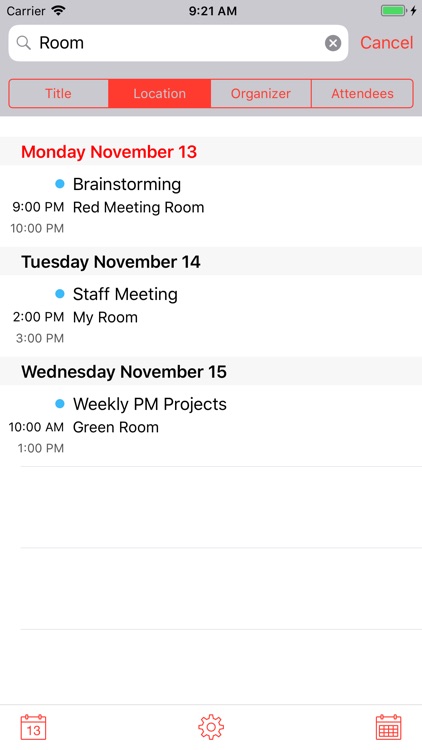
+ Search mechanism based on Event Title, Location, Organizer or Attendees
+ Customizable Theme, Colors and Layout
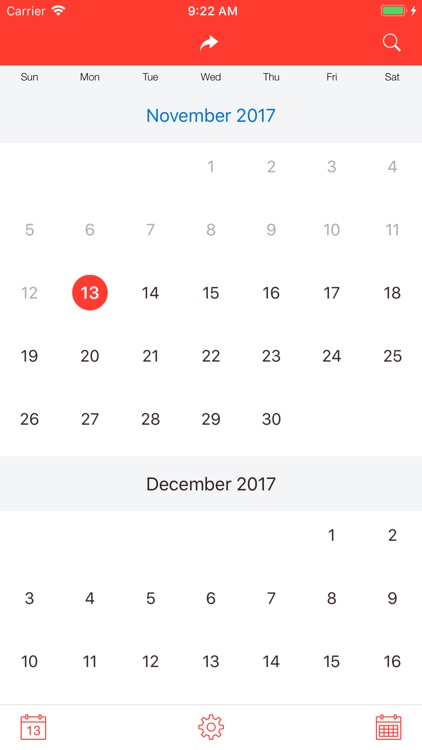
+ Monthly Calendar w/Scroll to date
Learn more at app website.
–––FEEDBACK, REVIEW or COMPLAINTS–––
We value any and all feedback (compliments or criticisms) and you’d be surprised how often and how quickly we act on comments. Please contact us with your testimonials, suggestions, criticisms, or any other correspondence, directly from the app by tapping on Settings > Feedback & Support or by emailing us. We’ll do everything we can to leave you happy.
Disclaimer:
AppAdvice does not own this application and only provides images and links contained in the iTunes Search API, to help our users find the best apps to download. If you are the developer of this app and would like your information removed, please send a request to takedown@appadvice.com and your information will be removed.
AppAdvice does not own this application and only provides images and links contained in the iTunes Search API, to help our users find the best apps to download. If you are the developer of this app and would like your information removed, please send a request to takedown@appadvice.com and your information will be removed.
