You are using an outdated browser. Please
upgrade your browser to improve your experience.
Why GET

Get Browser
by Nik Verezin
What is it about?
Why GET? Manage files on your iPhone like on your computer.
App Store Description
Why GET? Manage files on your iPhone like on your computer.
• ONE-CLICK VPN, right from the app.
Web browser
• Private by default
• Bookmarks with history
• Favorites home screen
• Tabs
• Desktop mode
• Multiple search engines
• Search autocompletion
• Safari-like browsing experience
• HTTP basic authentication
• User-Agent spoofing
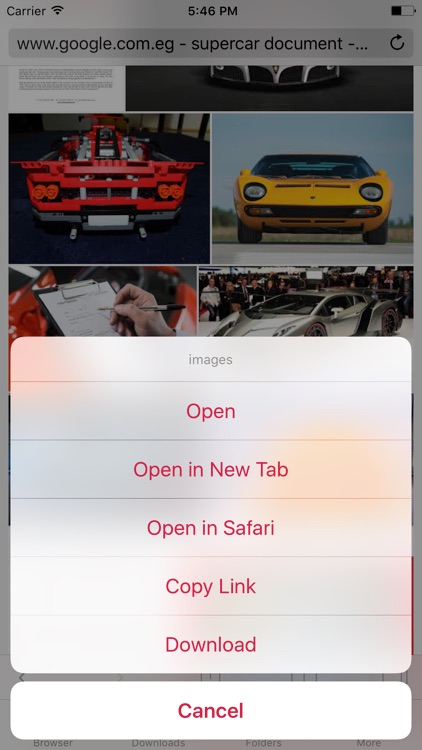
• Tap and hold to download page
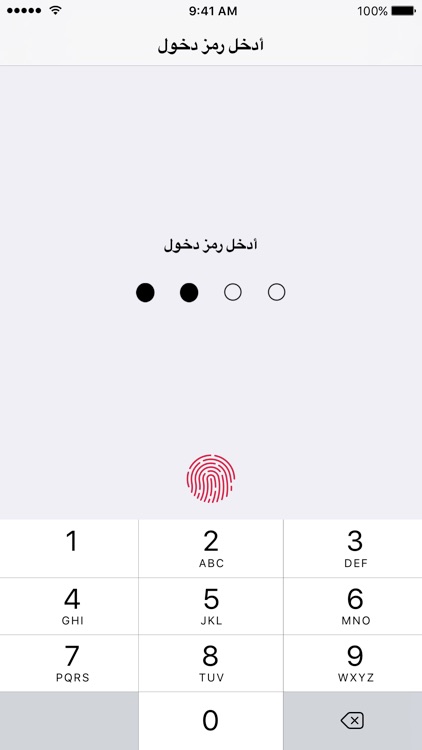
Passcode lock with Touch ID
• Protect your files with 4-digit, 6-digit or alphanumeric password
Download / offline manager
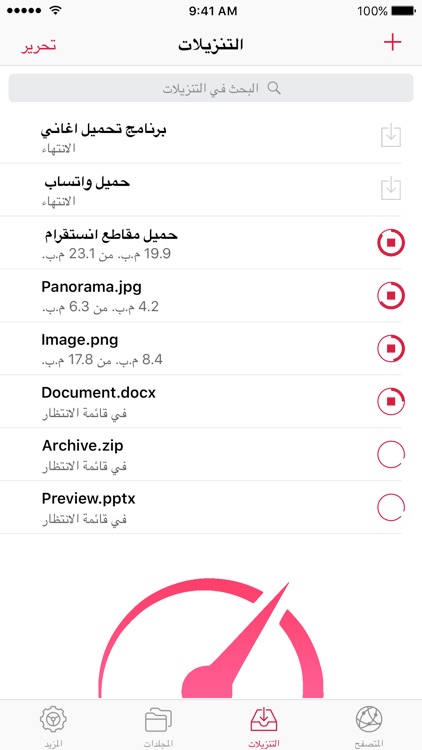
• Background downloading
• Download large media files over 3G
• Simultaneous downloads
• Live download progress
• Pause/resume/cancel/restart/finish downloads
• Fast downloading speed
• Autorename
File manager
• Organize files in folder
• Search files by name
• Sort by name, date, type
• Move, rename and delete files
• Dynamic file thumbnails
• Document viewer that supports various formats
• Extract/create zip archives
• Complete zip archive support
• Import/Export for Camera Roll
• Preview and edit metadata
• Open In in other apps, email and more
• Send files to your Mac with AirDrop
• Complete iTunes File sharing support
Optimized for iOS 10+, lower battery consumption while downloading
** WARNING: This app does not include any audio or video download feature or any related functionality. The downloadable content must be NON-audiovisual (documents, images).
Disclaimer:
AppAdvice does not own this application and only provides images and links contained in the iTunes Search API, to help our users find the best apps to download. If you are the developer of this app and would like your information removed, please send a request to takedown@appadvice.com and your information will be removed.
AppAdvice does not own this application and only provides images and links contained in the iTunes Search API, to help our users find the best apps to download. If you are the developer of this app and would like your information removed, please send a request to takedown@appadvice.com and your information will be removed.
