You are using an outdated browser. Please
upgrade your browser to improve your experience.
1 / Select short video clips and start remixing it

Glitch Clip Maker: Video VJ
by Dzianis Azarenka
What is it about?
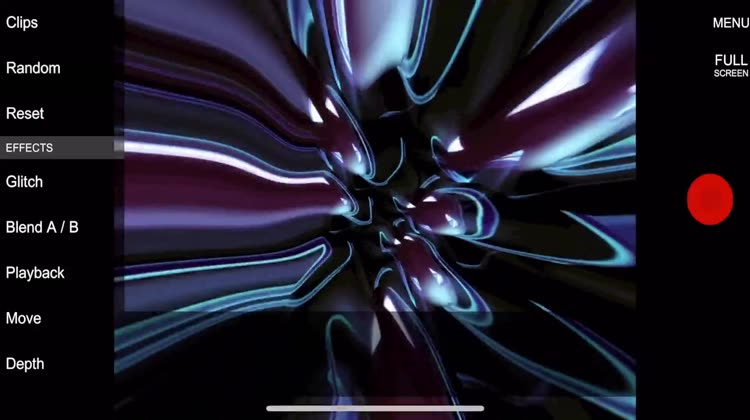
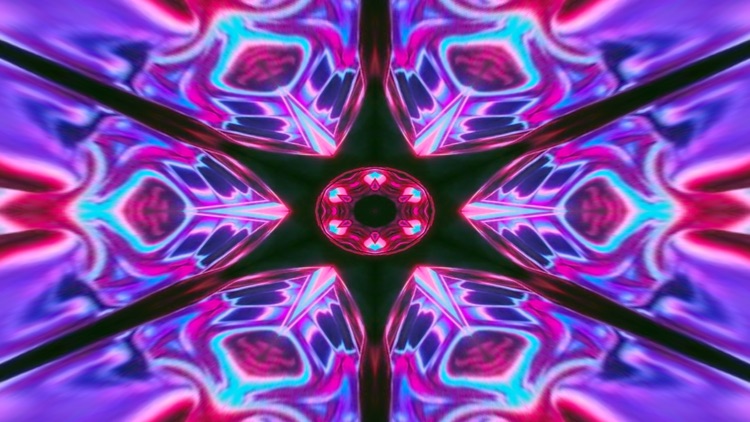
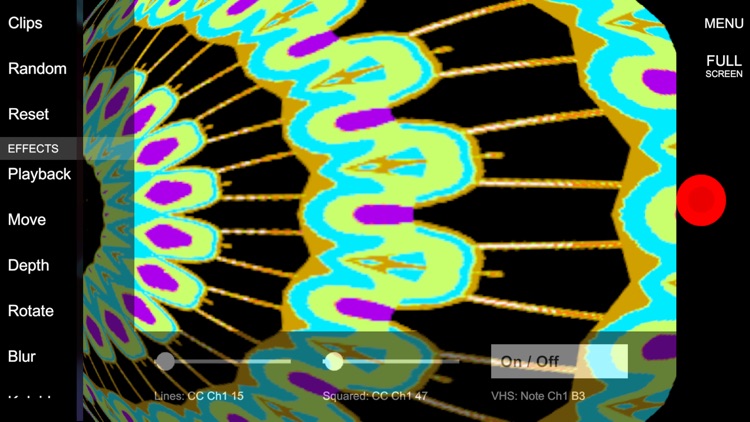
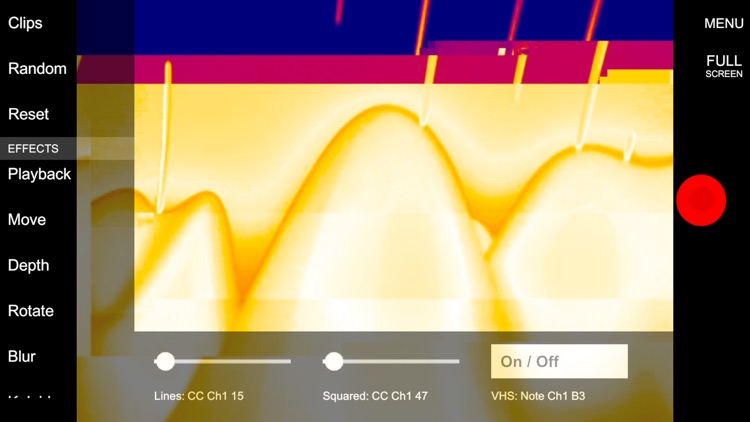
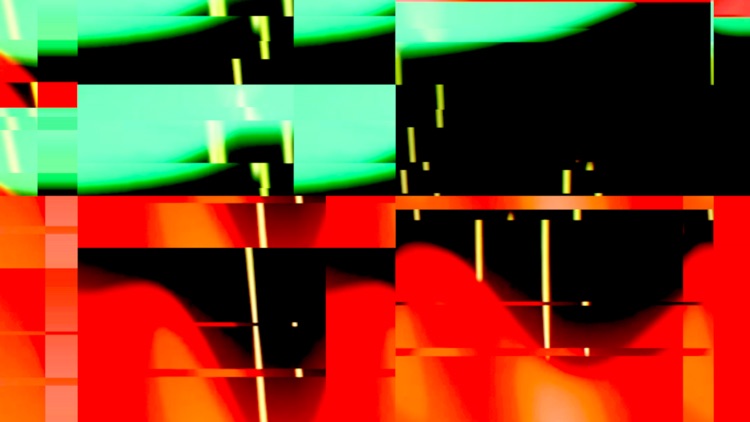
1 / Select short video clips and start remixing it. Add effects (kaleidoscope, mosaic, twist and more) and glitch things!
App Screenshots
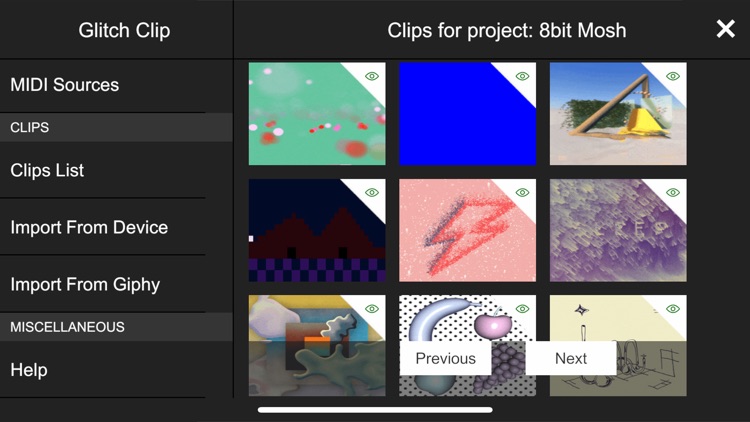
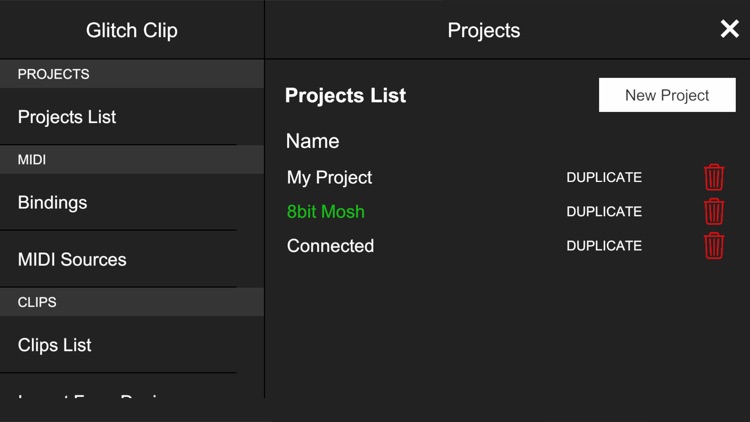
App Store Description
1 / Select short video clips and start remixing it. Add effects (kaleidoscope, mosaic, twist and more) and glitch things!
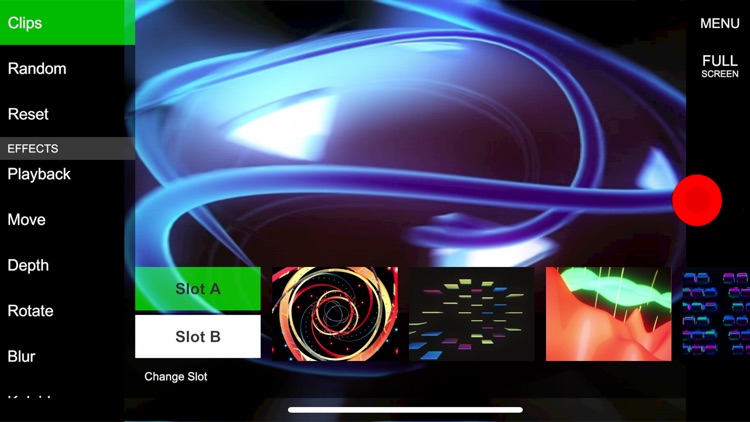
2 / Switch from one clip to another really fast, it's made for live performances. You can also import your own clips.
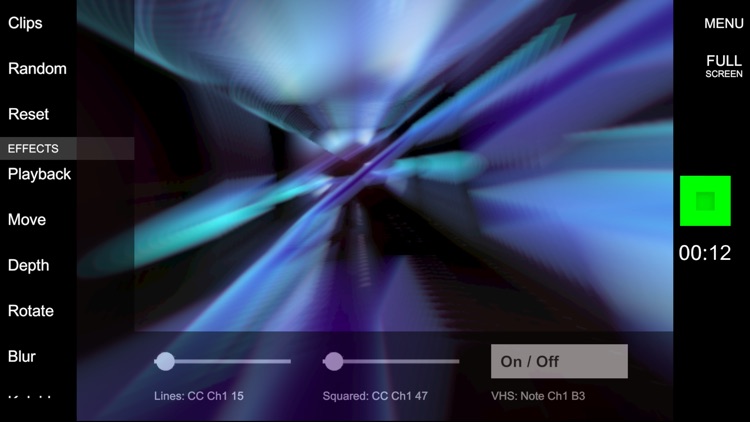
3 / Explore generative art, fine tune your effect stack to make artsy videos you can then share with your friends!
4 / Connect a keyboard or a MIDI controller to the app. From here everything is possible: play live from your controller or synchronize your DAW.
Glitch Clip is made for video DJing (VJing) but feel free to have fun and use it your own way!
Disclaimer:
AppAdvice does not own this application and only provides images and links contained in the iTunes Search API, to help our users find the best apps to download. If you are the developer of this app and would like your information removed, please send a request to takedown@appadvice.com and your information will be removed.
AppAdvice does not own this application and only provides images and links contained in the iTunes Search API, to help our users find the best apps to download. If you are the developer of this app and would like your information removed, please send a request to takedown@appadvice.com and your information will be removed.
