You are using an outdated browser. Please
upgrade your browser to improve your experience.
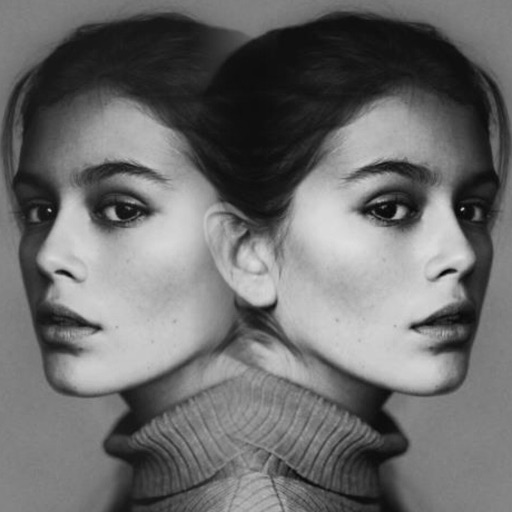
There are many ways to synthesis photos, however,using the gradient effect allows you to keep the most originality of photos

GradientFoto
by CHENG LUNG chang
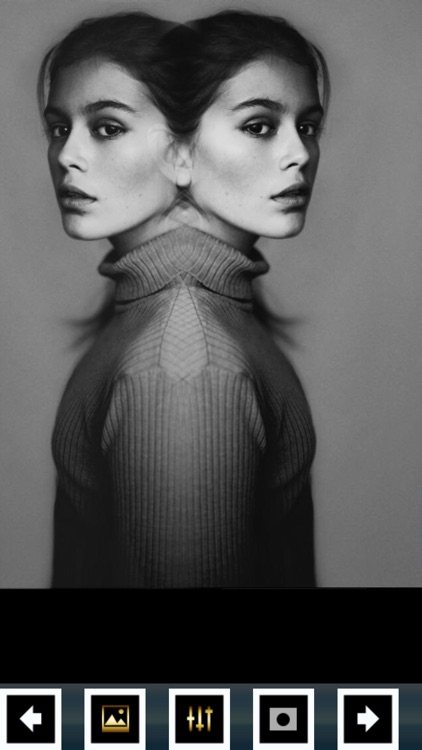

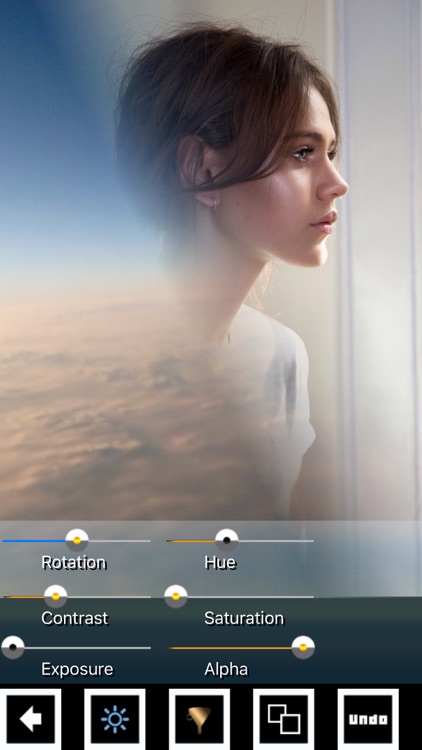
What is it about?
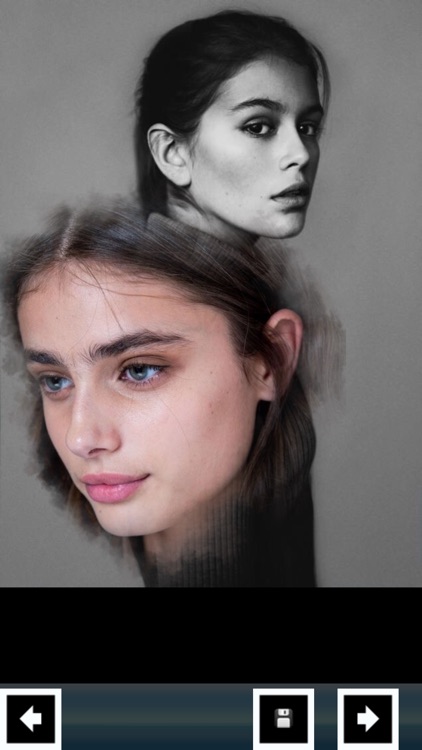
There are many ways to synthesis photos, however,using the gradient effect allows you to keep the most originality of photos.Every photo has the unique parts that you want to keep it,some on the left side or right side and some might be on the top or the bottom.[ GradientFoto ] can do the gradient effect from different sides of photo - upper, lower, right or left sides.
GradientFoto is FREE but there are more add-ons
-
$0.99
Synthesis Kit
-
$0.99
Bloom Gloom Kit
-
$0.99
Color Kit
-
$0.99
Gradient Colors
-
$0.99
Drawing effect kit
-
$0.99
Limited color kit
-
$0.99
Halftone Kit
-
$0.99
Stylish Frames
-
$0.99
Shapes Kit
App Screenshots
App Store Description
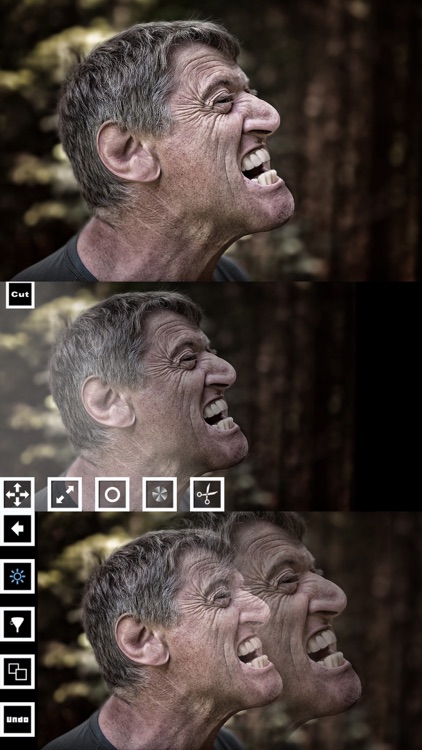
There are many ways to synthesis photos, however,using the gradient effect allows you to keep the most originality of photos.Every photo has the unique parts that you want to keep it,some on the left side or right side and some might be on the top or the bottom.[ GradientFoto ] can do the gradient effect from different sides of photo - upper, lower, right or left sides.
Features:
*7 gradient effect forms
* Every effect can choose to keep the upper, lower, right or left side of photo
* Blur,saturation,emboss,edge,contrast,brightness,yellowish,sharpen effect can be used in the back layer photo
*Transparency Adjustment Function: You can freely adjust the level of transparency of the top photo
* Support low, medium and high DPI print out
Disclaimer:
AppAdvice does not own this application and only provides images and links contained in the iTunes Search API, to help our users find the best apps to download. If you are the developer of this app and would like your information removed, please send a request to takedown@appadvice.com and your information will be removed.
AppAdvice does not own this application and only provides images and links contained in the iTunes Search API, to help our users find the best apps to download. If you are the developer of this app and would like your information removed, please send a request to takedown@appadvice.com and your information will be removed.
