You are using an outdated browser. Please
upgrade your browser to improve your experience.

Ten thousand downloads exceeded

Graffiti Camera - Graffiti on touch with a photo-
by Youhei Kijima
What is it about?
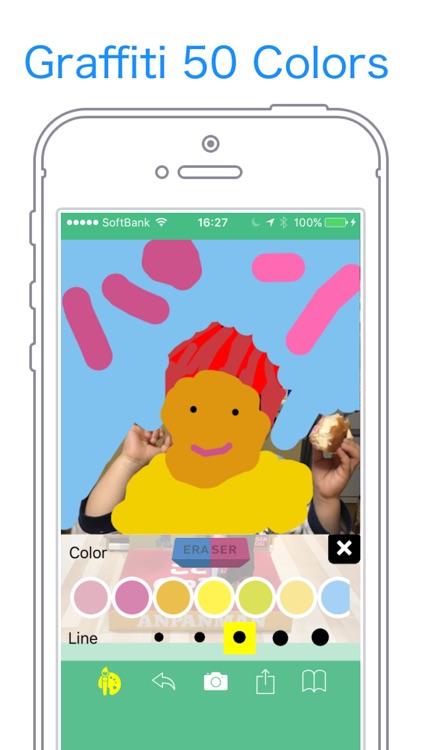
Ten thousand downloads exceeded! It is! It is! Graffiti photo camera is a free graffiti application that you can enjoy graffiti processing on photos. You can choose the color of 50 colors and the thickness of the pen's line in 5 stages and enjoy scribbling like a pre-crafting machine.
App Screenshots
App Store Description
Ten thousand downloads exceeded! It is! It is! Graffiti photo camera is a free graffiti application that you can enjoy graffiti processing on photos. You can choose the color of 50 colors and the thickness of the pen's line in 5 stages and enjoy scribbling like a pre-crafting machine.
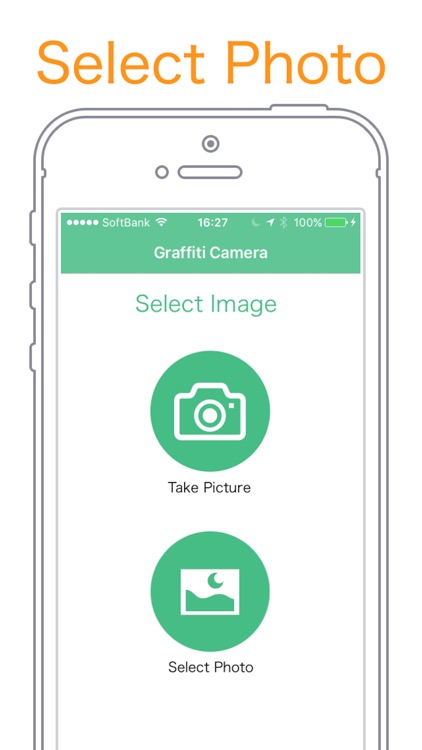
If you select the picture you want to do graffiti, graffiti will start soon.
Since there is also a camera shooting function, it is also possible to scribble on photographed pictures.
You can save images scribbled in a photo in an album, share it with friends via SNS or email attachment.
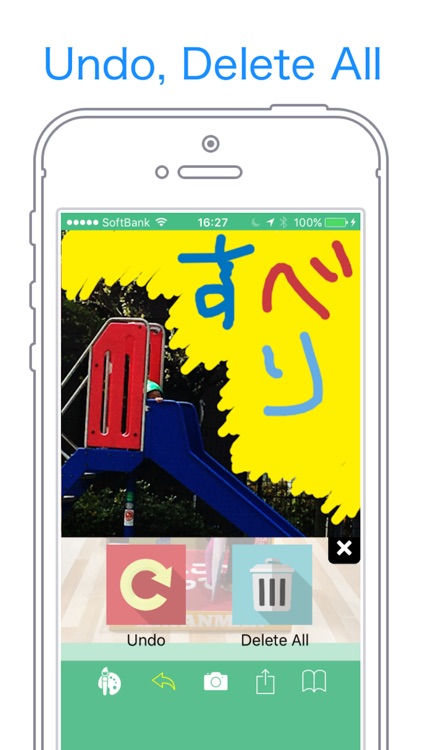
There is also an "eraser" function to erase the drawn scribbles, "Undo" function to erase the line drawn before.
Pinch in and pinch out, you can enlarge / reduce the part you want to do graffiti.
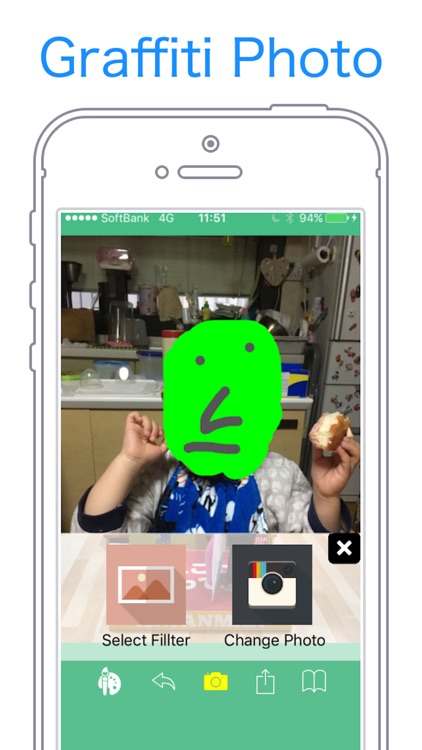
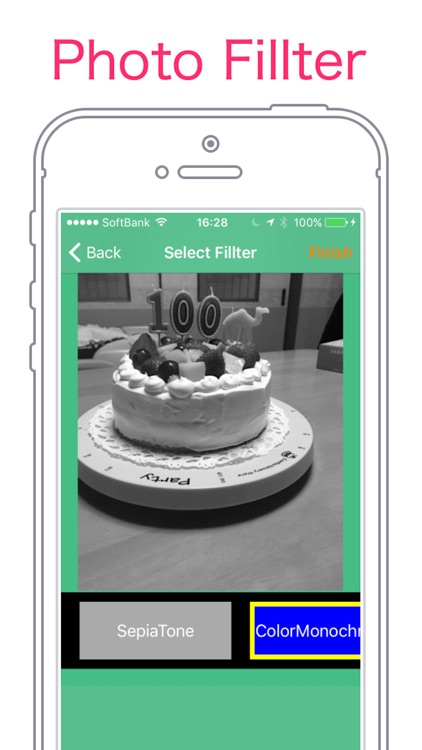
Recently, I added a function that can filter on graffiti photos.
Just by selecting from sepia · grayscale and other filters, image processing can be done easily.
■ Function
- 50 colors
- Five stages of pen thickness
- Image reading from the camera roll of the terminal
- Camera startup - Load shot image
- Save the created graffiti image in the camera roll of the terminal
- Undo function (return the line written before)
- Eraser function to erase graffiti
- Function to zoom in and out of graffiti parts
- Features that you can filter such as sepia on graffiti photos
■ Type of image processing filter
- sepia
- grayscale
- color reversal
- False color
- Color emphasis
- Tone curve
- Hue adjustment
- Mosaic
- Line
- Gaussian blur
Operation method
1. Select the picture you want to do graffiti or shoot with camera
2. Graffiti with color pen
3. Save scribbled pictures on iPhone's album
■ Recommended for people like this!
- I want to scribble on photographs
- Wish to share pictures of children with parents, friends, family
- I want to colorful photos, I want to decorate
- I want to put a word in a photo
- I want to process photos
If there are additional requests for new functions, etc., please describe it in the review, or it will be helpful if you can contact support email!
Disclaimer:
AppAdvice does not own this application and only provides images and links contained in the iTunes Search API, to help our users find the best apps to download. If you are the developer of this app and would like your information removed, please send a request to takedown@appadvice.com and your information will be removed.
AppAdvice does not own this application and only provides images and links contained in the iTunes Search API, to help our users find the best apps to download. If you are the developer of this app and would like your information removed, please send a request to takedown@appadvice.com and your information will be removed.
