You are using an outdated browser. Please
upgrade your browser to improve your experience.
User can track and monitor many Haicom tracked phones and GPS/GPRS trackers at the same time

Haicom Viewer
by Wen Kai Shen


What is it about?
User can track and monitor many Haicom tracked phones and GPS/GPRS trackers at the same time.
App Screenshots
App Store Description
User can track and monitor many Haicom tracked phones and GPS/GPRS trackers at the same time.
Manage and organize your vehicles on the move any time.
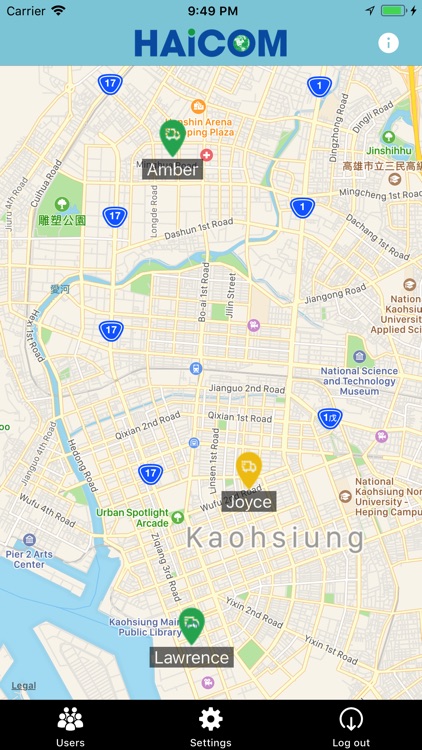
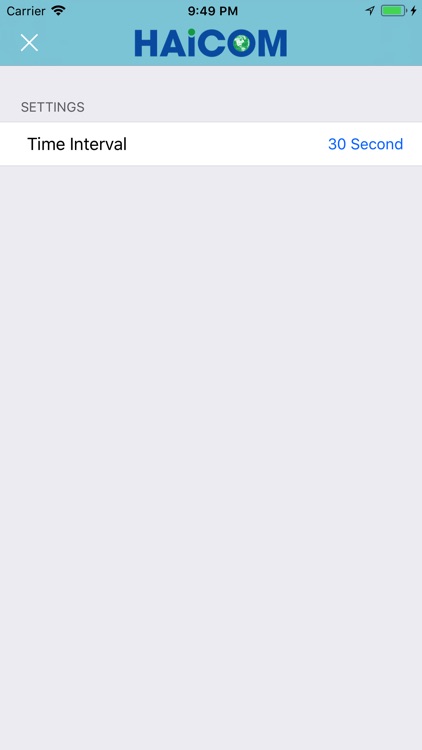
Just install this APP on your smartphone and you know exactly where the phones or trackers real time location on the map on any corner on the world. You can set the real time location continue update interval, from 15 seconds to several hours.
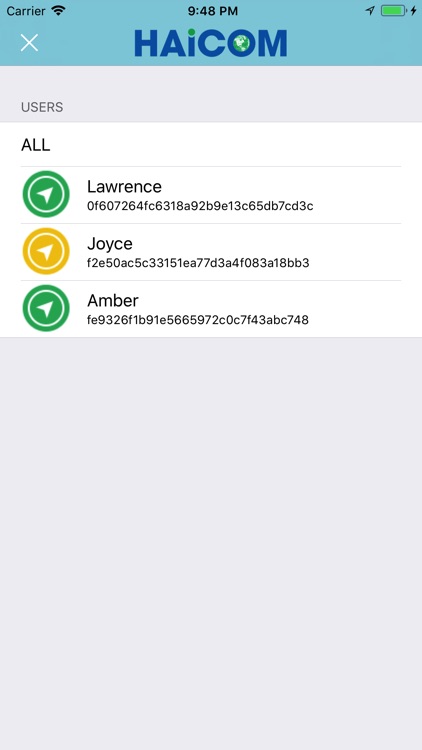
You can activate the APP anytime and you know exactly your friends and family real time location (green arrow) anywhere in the world as long as they carry the phone (the phone The historical locations can also be saved to the server and you can check any time for the user pass days historical location data.
You can go: http://www.tracking.haicom.com.tw:8090/ and login your preset account and password for more additional tracking features from your smartphone or computer with the browser for the same features.
Monitor any prefered number phones and trackers at the sametime and on one platform.
Advantages:
1. Tracker your child's or spouse movements during the days.
2. Monitor your employees travel pathes on the working hours.
3. Find your friends
4. Locate your stolen moving property
Start Up Procedures:
1. You will install first the HaicomViewer APP for the initial registration for your prefered login Account and Password (on the Create Account section).
2. On the Haicomtrack phone APP, you will key in your prefered Account, Password, TimeZone and Country.
3. Complete the registration and start to track and monitor.
User can also use the The Haicomtrack Phone APP to let your smartphone become a tracker
Disclaimer:
AppAdvice does not own this application and only provides images and links contained in the iTunes Search API, to help our users find the best apps to download. If you are the developer of this app and would like your information removed, please send a request to takedown@appadvice.com and your information will be removed.
AppAdvice does not own this application and only provides images and links contained in the iTunes Search API, to help our users find the best apps to download. If you are the developer of this app and would like your information removed, please send a request to takedown@appadvice.com and your information will be removed.
