You are using an outdated browser. Please
upgrade your browser to improve your experience.

HoloPhotos allows you to choose photos from your library and view them as a Hologram

HoloPhotos
by Kerim Uscuplic
What is it about?
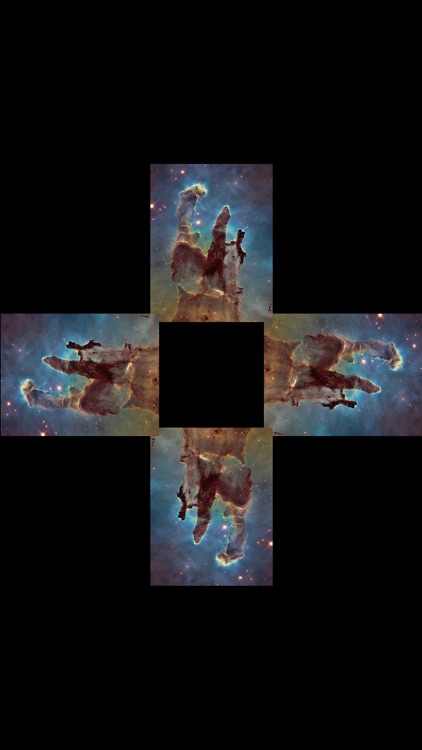
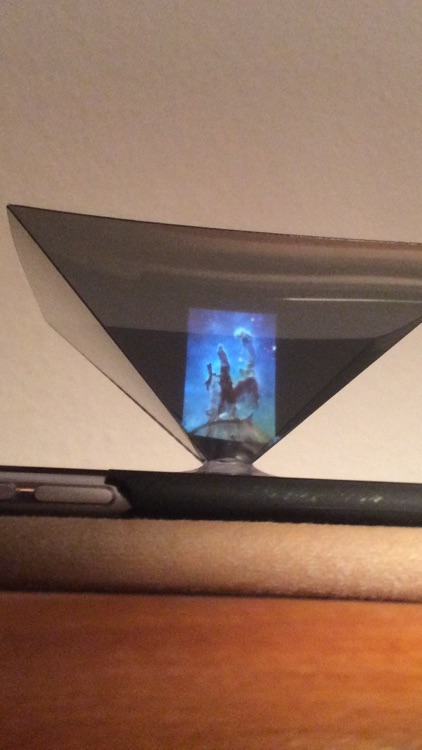
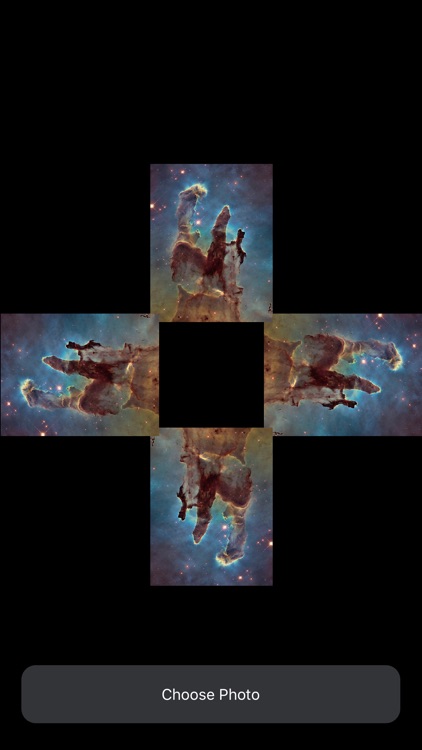
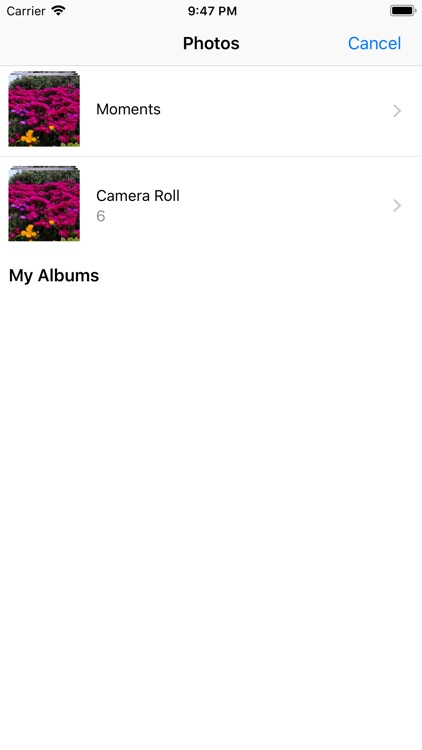
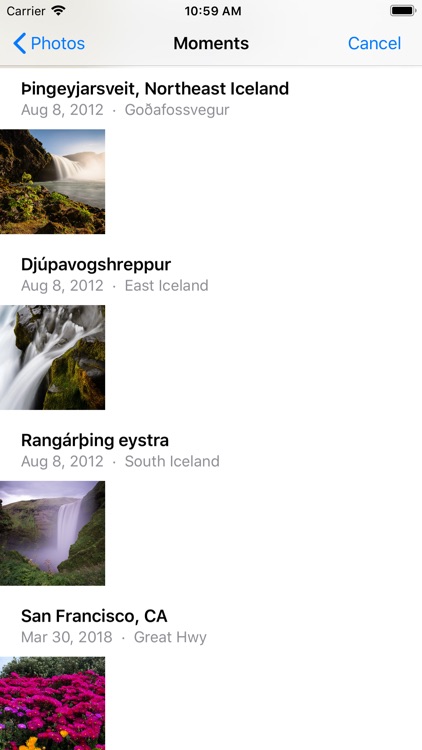
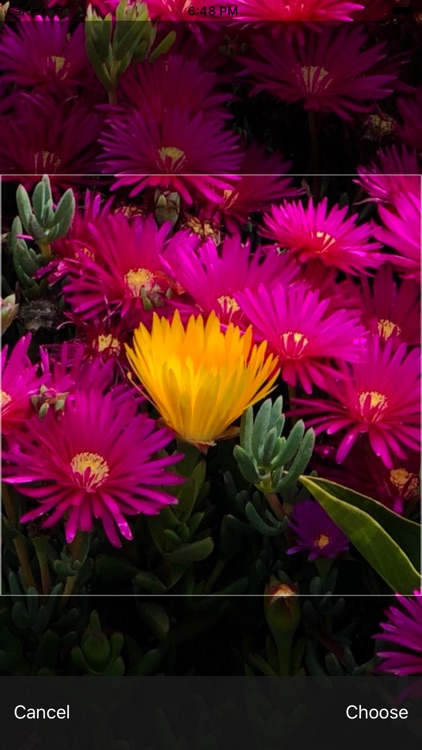
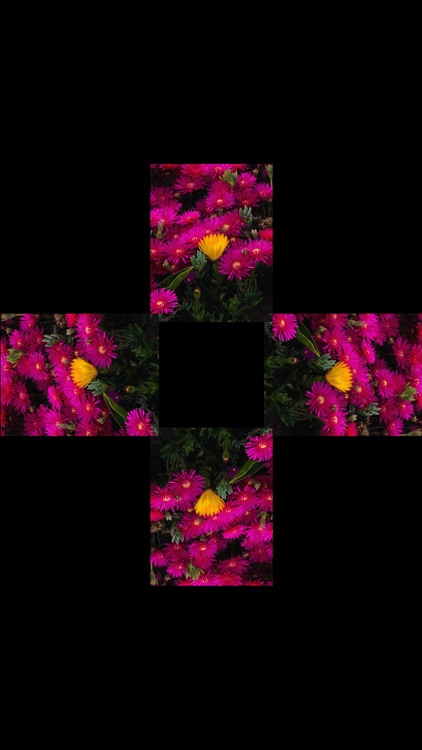
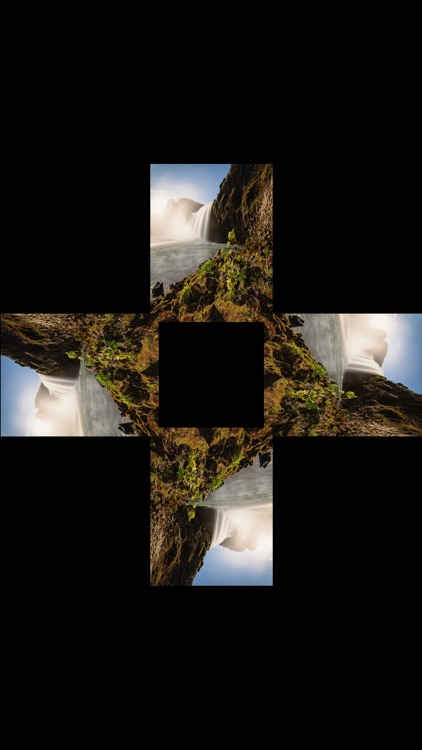
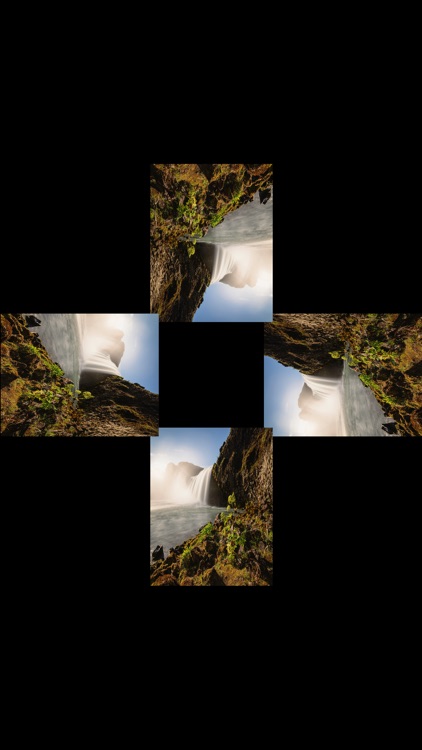
HoloPhotos allows you to choose photos from your library and view them as a Hologram. The only thing you need is a hologram pyramid. You can either choose to view the same photo from all points of view or you can select 4 different images (4 different sides of an object) in order to have 360º hologram. When choosing an image you can even zoom to a specific part of the image, which will then be displayed as a hologram.
App Screenshots
App Store Description
HoloPhotos allows you to choose photos from your library and view them as a Hologram. The only thing you need is a hologram pyramid. You can either choose to view the same photo from all points of view or you can select 4 different images (4 different sides of an object) in order to have 360º hologram. When choosing an image you can even zoom to a specific part of the image, which will then be displayed as a hologram.
If you would like to place your phone on top of the pyramid, you can rotate the image by swiping right or left.
By touching the screen you can control whether the "Choose Photo"-Button are hidden or not.
Buy pyramid:
https://www.amazon.com/Holographic-Projector-Pyramid-Projection-Virtual/dp/B07K53RTS1/ref=sr_1_6?crid=2IDXRBVGUG6GW&keywords=hologram+pyramid&qid=1554918134&s=gateway&sprefix=hologram+p%2Caps%2C205&sr=8-6
Make one yourself:
https://www.youtube.com/watch?v=YfzEwI6nAMM
Disclaimer:
AppAdvice does not own this application and only provides images and links contained in the iTunes Search API, to help our users find the best apps to download. If you are the developer of this app and would like your information removed, please send a request to takedown@appadvice.com and your information will be removed.
AppAdvice does not own this application and only provides images and links contained in the iTunes Search API, to help our users find the best apps to download. If you are the developer of this app and would like your information removed, please send a request to takedown@appadvice.com and your information will be removed.
