You are using an outdated browser. Please
upgrade your browser to improve your experience.

Monitor Informix® servers from your mobile device

IBM Mobile OpenAdmin Tool for Informix
by IBM

What is it about?
Monitor Informix® servers from your mobile device
App Screenshots
App Store Description
Monitor Informix® servers from your mobile device
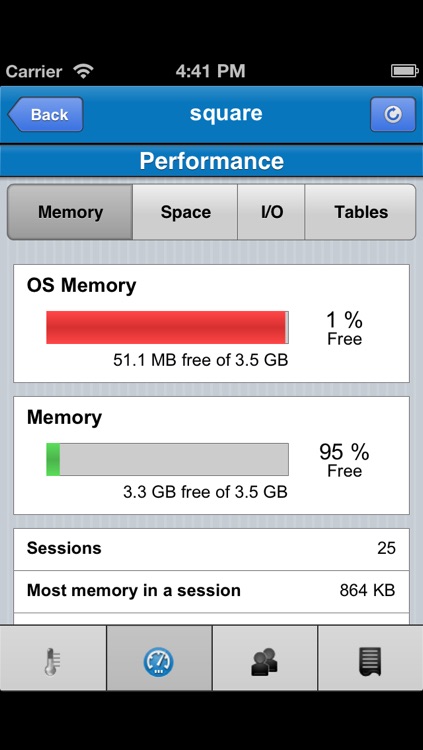
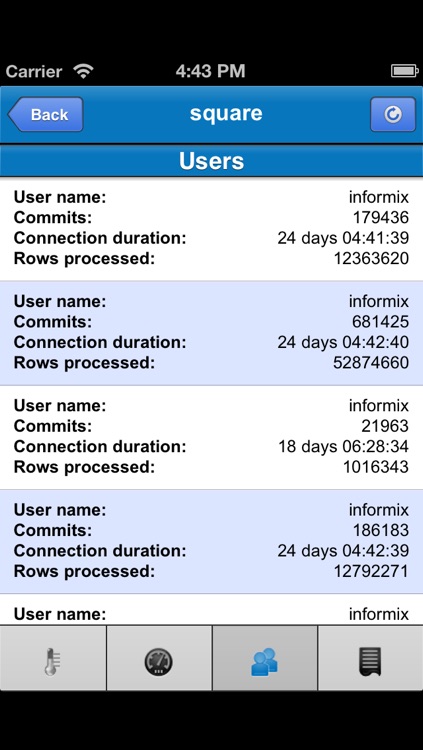
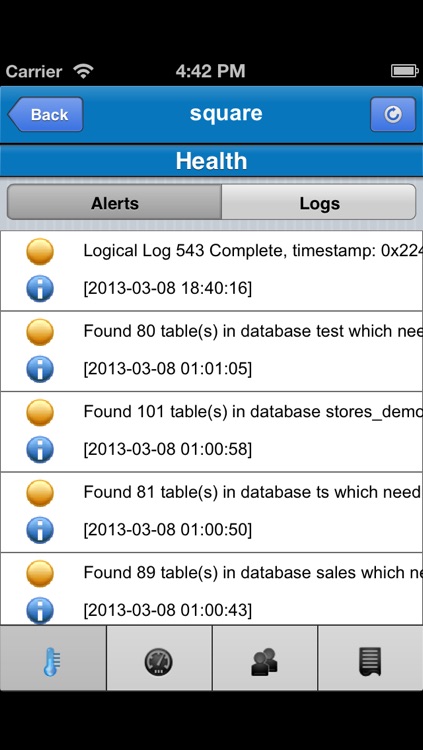
Use the IBM® Mobile OpenAdmin Tool for Informix® to monitor Informix servers (version 11.10 and later) while you're on the move. For example, you can view the online log and information about users such as commits, connection duration, and rows processed. You can find out which tables have the most inserts, updates, deletes, and scans. You can monitor a server's free memory, processor usage, I/O activity, the number of sessions, and more.
Prerequisites:
- IBM OpenAdmin Tool (OAT) for Informix, v3.11 installed on a server
- The URL of the server where OAT is installed
To get started with Mobile OAT:
1. Launch Mobile OAT.
2. Go to "Settings".
3. Select "OAT address".
4. In the "OAT address" box, enter the URL of the server where OAT is installed.
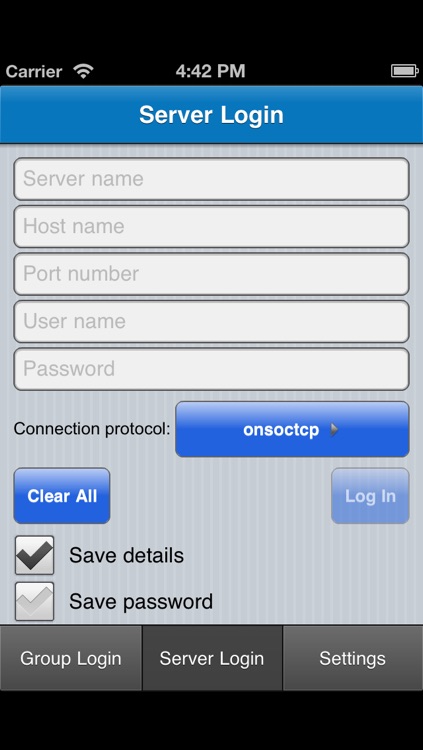
5. Go to "Server Login" and enter the connection details for the Informix server that you want to monitor: server name, host name, port number, user name, password, and connection protocol.
Website: http://www-01.ibm.com/software/data/informix/
Languages:
English, Brazilian Portuguese, Chinese Simplified, Chinese Traditional, Czech, German, Hungarian, Italian, Japanese, Korean, Polish, Russian, Slovak, and Spanish.
Disclaimer:
AppAdvice does not own this application and only provides images and links contained in the iTunes Search API, to help our users find the best apps to download. If you are the developer of this app and would like your information removed, please send a request to takedown@appadvice.com and your information will be removed.
AppAdvice does not own this application and only provides images and links contained in the iTunes Search API, to help our users find the best apps to download. If you are the developer of this app and would like your information removed, please send a request to takedown@appadvice.com and your information will be removed.
